Answered
Replace text "Indesign Magazine Template"
Hi.
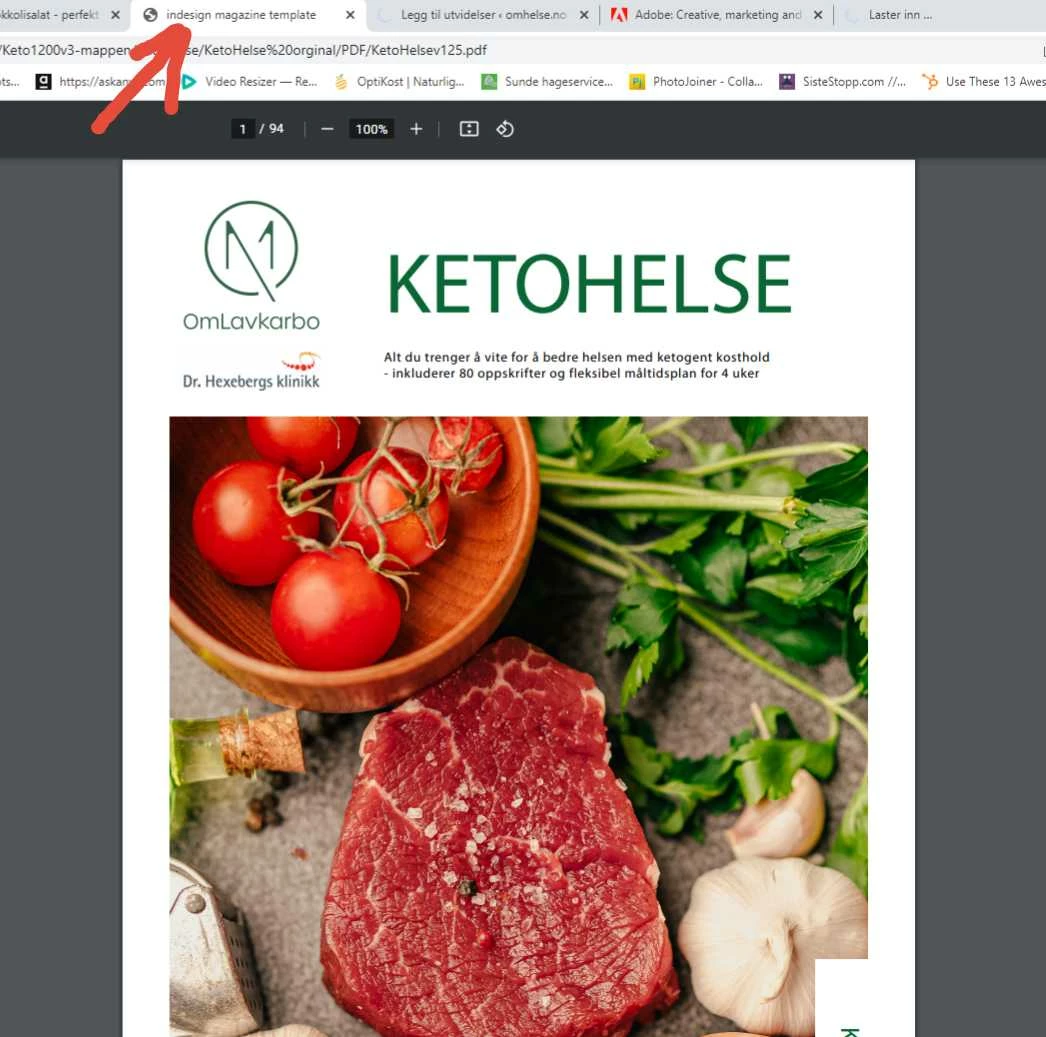
How can I replace the text in the top tab of my pdf that says "Indesign Magazine Template". Please see screenshot. I can not fint out where this texst is set. Anybody knows?
Thank you.

Hi.
How can I replace the text in the top tab of my pdf that says "Indesign Magazine Template". Please see screenshot. I can not fint out where this texst is set. Anybody knows?
Thank you.
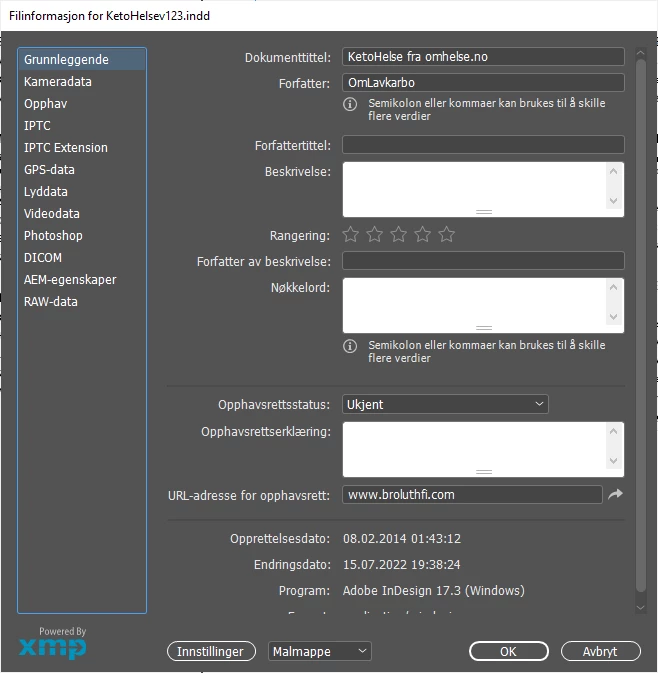
Thank you guys. This issue was with files exported as PDF. Your replies actually pointed me in the right direction. I went to "file" - "file information", at least thats what its named in the norwegian version of INDesign. Here I could change the title. "Dokumenttittel" in the screenshot below. Thanks again.
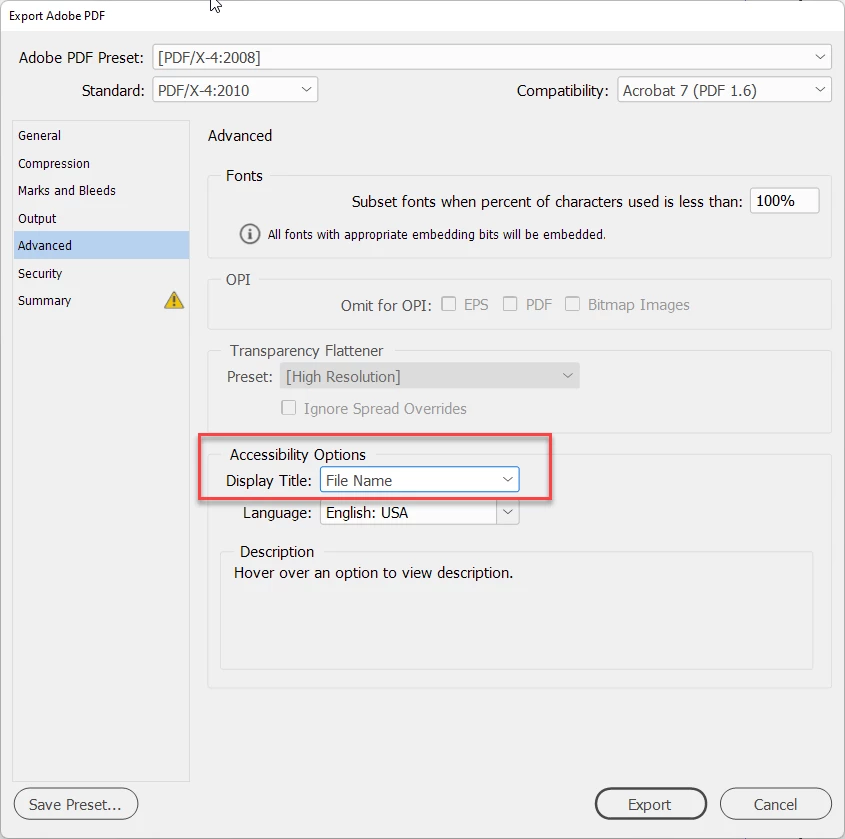
Ah. I thought you only had the PDF. If you look at the export dialog in InDesign and go to the Advanced tab, you'll see this:
Already have an account? Login
Enter your E-mail address. We'll send you an e-mail with instructions to reset your password.
 AdChoices