


- Home
- InDesign
- Discussions
- Reverse order of text in two column layout
- Reverse order of text in two column layout

Copy link to clipboard
Copied
Hi everyone, I have inserted a piece of text by placing a .doc file using the "Place" feature. When I try to change to a two column layout, either using "Text Frame Options", or "Split columns", the order of the text is broken, the beginning if the text goes to the right column instead of left.
If I just copy and paste text then all works fine.
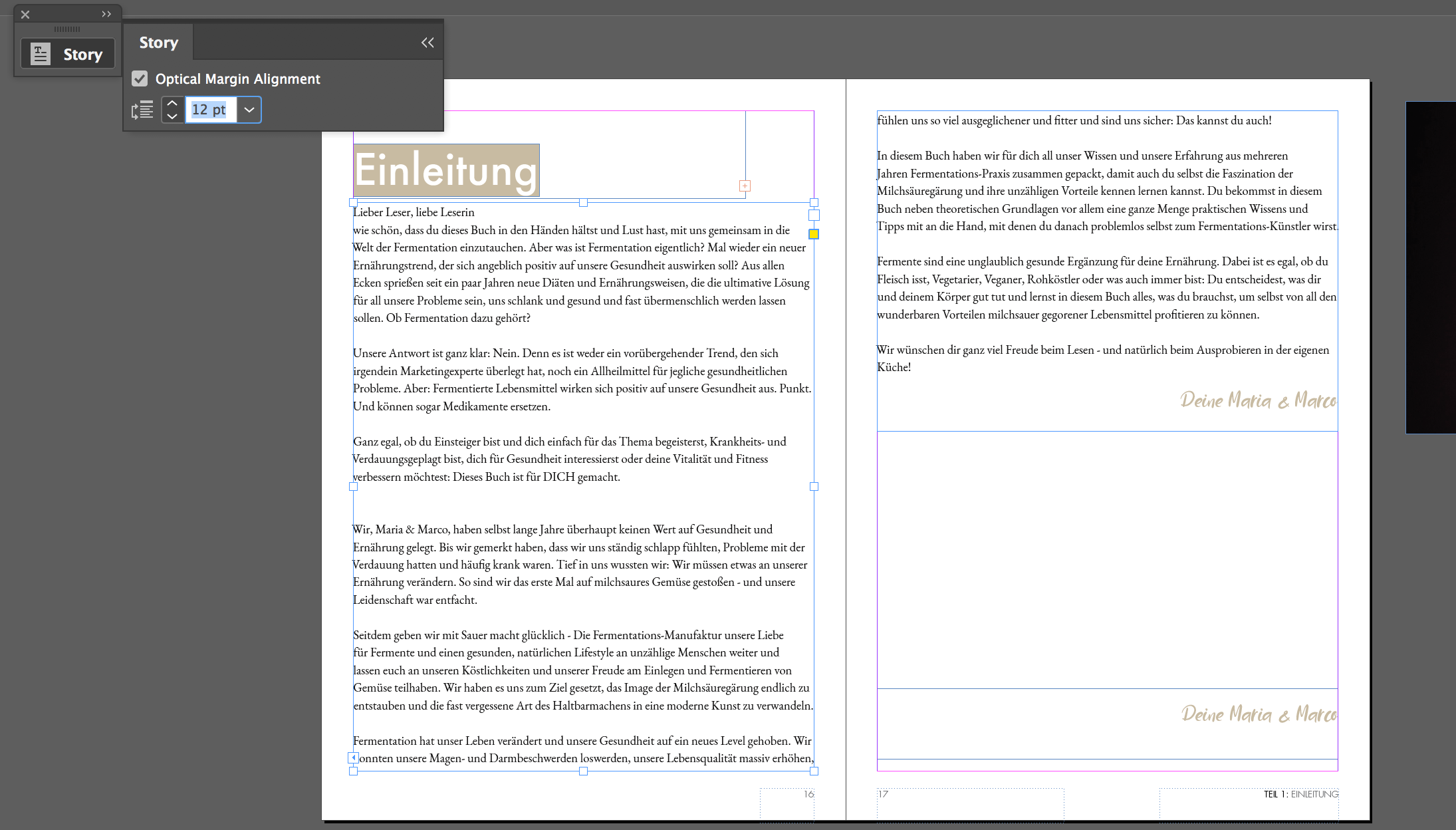
I tried the Type/Story window but I see no option to reverse direction there.
This is the correct order: (I inserted text manually)

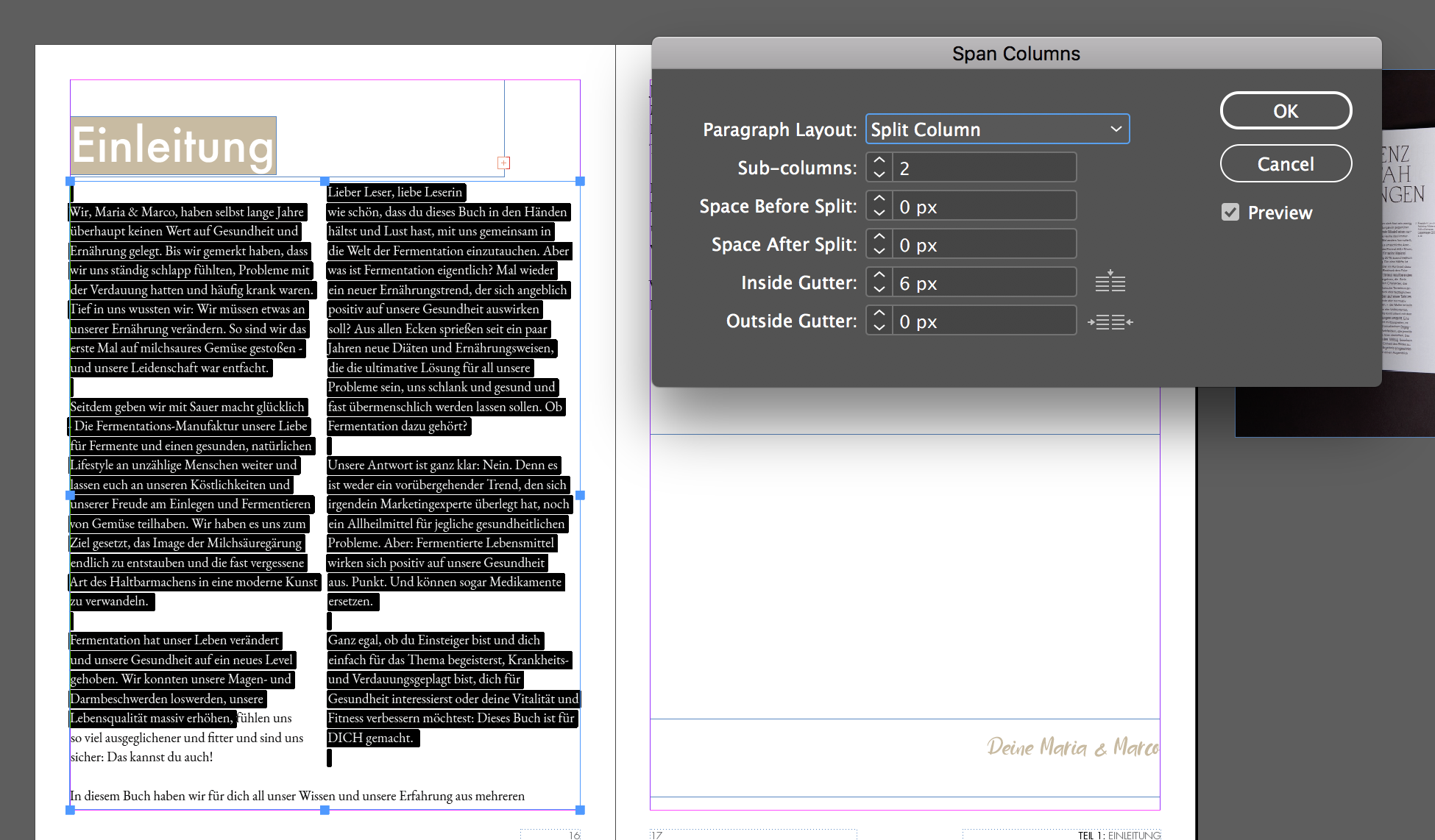
Here is the wrong order that appears when I try to format a piece of my flowing text (inserted via "Place file) via .doc file)
Nothing seems to be in the "Story" window:


 1 Correct answer


Click on the out port (the small square in the lower-right corner of the frame using the Selection tool. Your cursor will load, now just move to the next page and click in the upper-left corner of the page (where the margins intersect) to create a new frame. Those frames should be linked together and if the left to right is maintained, you should see a small square in the lower-right corner of the frame that you just created. If this works, repeat the process but on the next page, hold down the
...
 11
Replies
11
11
Replies
11


Copy link to clipboard
Copied
Your text frame is set up as a right-to-left text frame. (Take a look at where the out-port is in the bottom screenshot: it's at the bottom-left of the frame. In a left-to-right frame, it should be at the bottom right, as it is in the top screenshot.)
To change this via the UI, you will need the Middle Eastern version of InDesign installed. From the looks of the Story panel in the bottom screenshot, it does not appear that you have this.
What is the history of this file?
Ariel
Copy link to clipboard
Copied
Rereading your question more carefully, the issue only appears when you let InDesign create the text frame by placing text from Word?
Maybe there's something in the Word file that ID is identifying as RTL.
You could try this: Draw your own text frame (because then it will be LTR). Place the text cursor inside it. Now place the Word file, and select the option that says, "Replace current selection."
I think that now the order of columns will be correct...
Copy link to clipboard
Copied
Thanks for the advice! I created a text frame and dragged the file onto it. There was no way to select "Replace current selection.". It just pasted text inside of the frame. It did not create any pages like it happens when you place a document with large text from doc. What do you think, what could I have done wrong? The column problem is fixed, though. But I wanted to have text on multiple pages in one single frame, so I don't have to worry about page breaks
I think the program is set for German:

Copy link to clipboard
Copied
If you create a new blank document and create a text frame and start typing, is it left to right? It sounds like you've fixed the frame you were working on so if you flow the text from one frame to the next it should remain left to right. What happens when you link the "fixed" frame to another page?
Copy link to clipboard
Copied
Yes it's left to right.
How do I flow text from one page to another?
It looks like the problem is about wrong order of columns. Text is still left to right: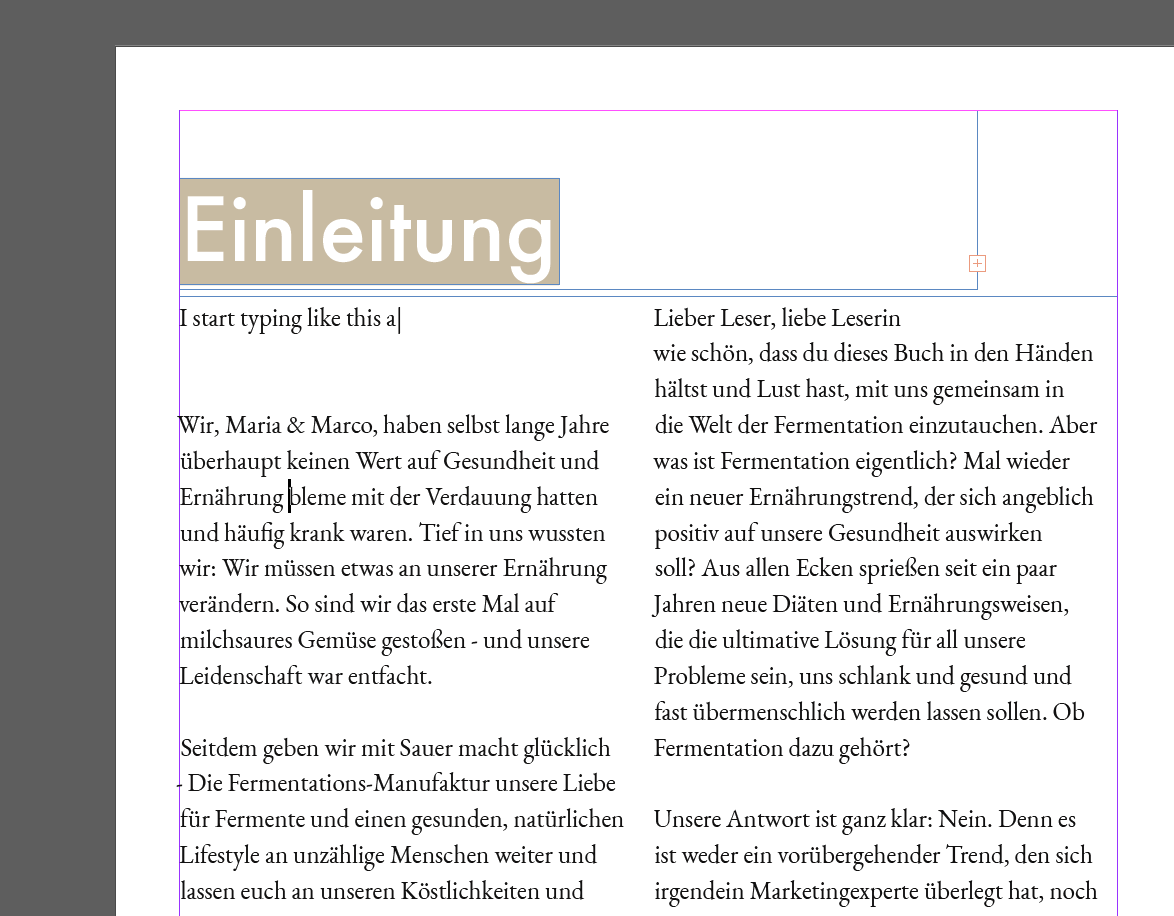
EDIT: thanks soooo much for your help anyway!
Copy link to clipboard
Copied
Click on the out port (the small square in the lower-right corner of the frame using the Selection tool. Your cursor will load, now just move to the next page and click in the upper-left corner of the page (where the margins intersect) to create a new frame. Those frames should be linked together and if the left to right is maintained, you should see a small square in the lower-right corner of the frame that you just created. If this works, repeat the process but on the next page, hold down the shift key with the loaded cursor and it should auto flow for you. This could be achieved using the Primary Text Frame feature as well, I'm just trying not to create new variables at this point.
Copy link to clipboard
Copied
Thank you, I figured out how to make text flow and that will do the job for me. Thanks so much for your help!

Copy link to clipboard
Copied
Did you check the Character Panel to see what language your program is set for?

Copy link to clipboard
Copied
Hi,
interesting "story" this is, I suppose the story's storyPreference storyDirection property is set to StoryDirectionOptions.RIGHT_TO_LEFT_DIRECTION by the Word import.
You already solved the problem.
However this also could be done by scripting the story of the imported text right after importing the Word document.
Select the text frame with the wrong order of columns and run the following ExtendScript ( JavaScript ) code on it:
app.selection[0].parentStory.storyPreferences.storyDirection =
StoryDirectionOptions.LEFT_TO_RIGHT_DIRECTION;
alert("Done!");
How to use script code, do a script file out of it, install the script and run the script:
Indiscripts :: Indiscripts for Dummies
Before running the script code:
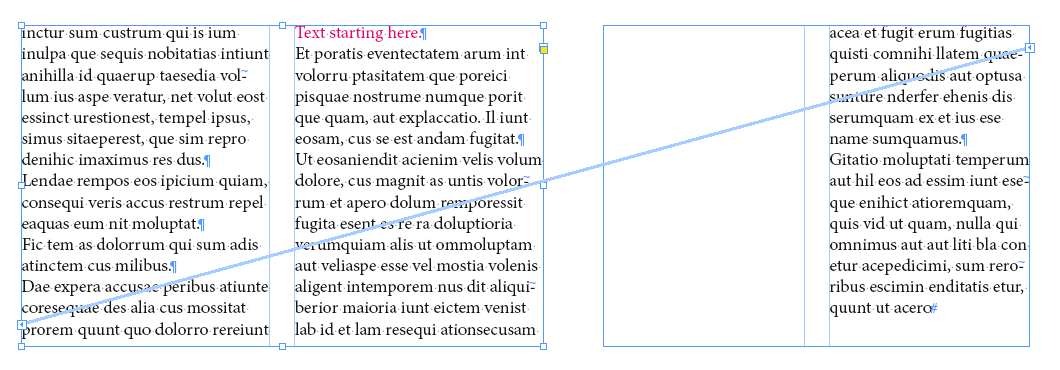
After running the code:
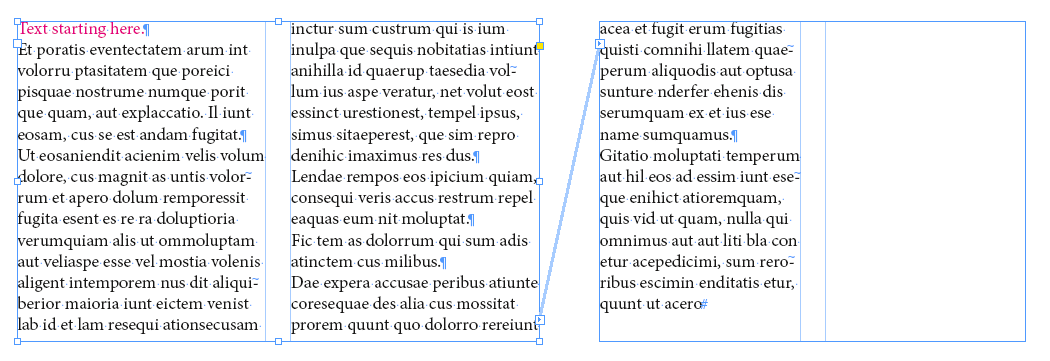
Can you open the Word file with Word and check what might be special there?
Something triggers InDesign's import filter to change the story direction.
At least you should do a bug report on this:
Regards,
Uwe
Copy link to clipboard
Copied
Thanks! Actually I don't have Word on my Mac and that might be causing the issue as well. I am using Pages
Copy link to clipboard
Copied
But you did not open the doc file in Pages and exported this from pages as doc or docx file before placing?
( Just to take Apple's Pages out of the equation here )
Or did you have a Pages document from the start that you wanted to place with inDesign and therefore exported to doc or docx format?
Regards,
Uwe


Get ready! An upgraded Adobe Community experience is coming in January.
Learn more
 AdChoices