Known Participant
April 28, 2020
Answered

Saving files - avoiding the file type being highlighted?

  • April 28, 2020
  • 2 replies
  • 1246 views

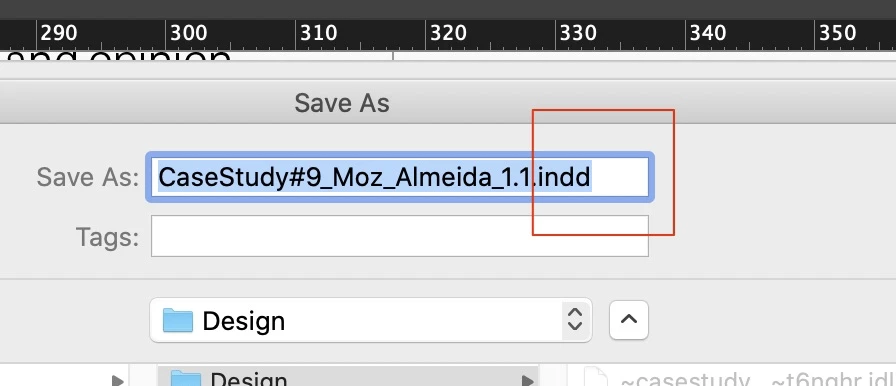
I've found since either latest OS or CC updates (not sure which), when I save a file it (by default) includes the file type highlighted, whereas I'm sure before I just had to type my new file name and it would leave the '.indd' untouched.

Not a biggie obviously but I'm finding it a bit of a faff - is there a fix does anyone know please?
InDesign 15.02

Catalina 10.15.4
This topic has been closed for replies.
Correct answer Barb Binder

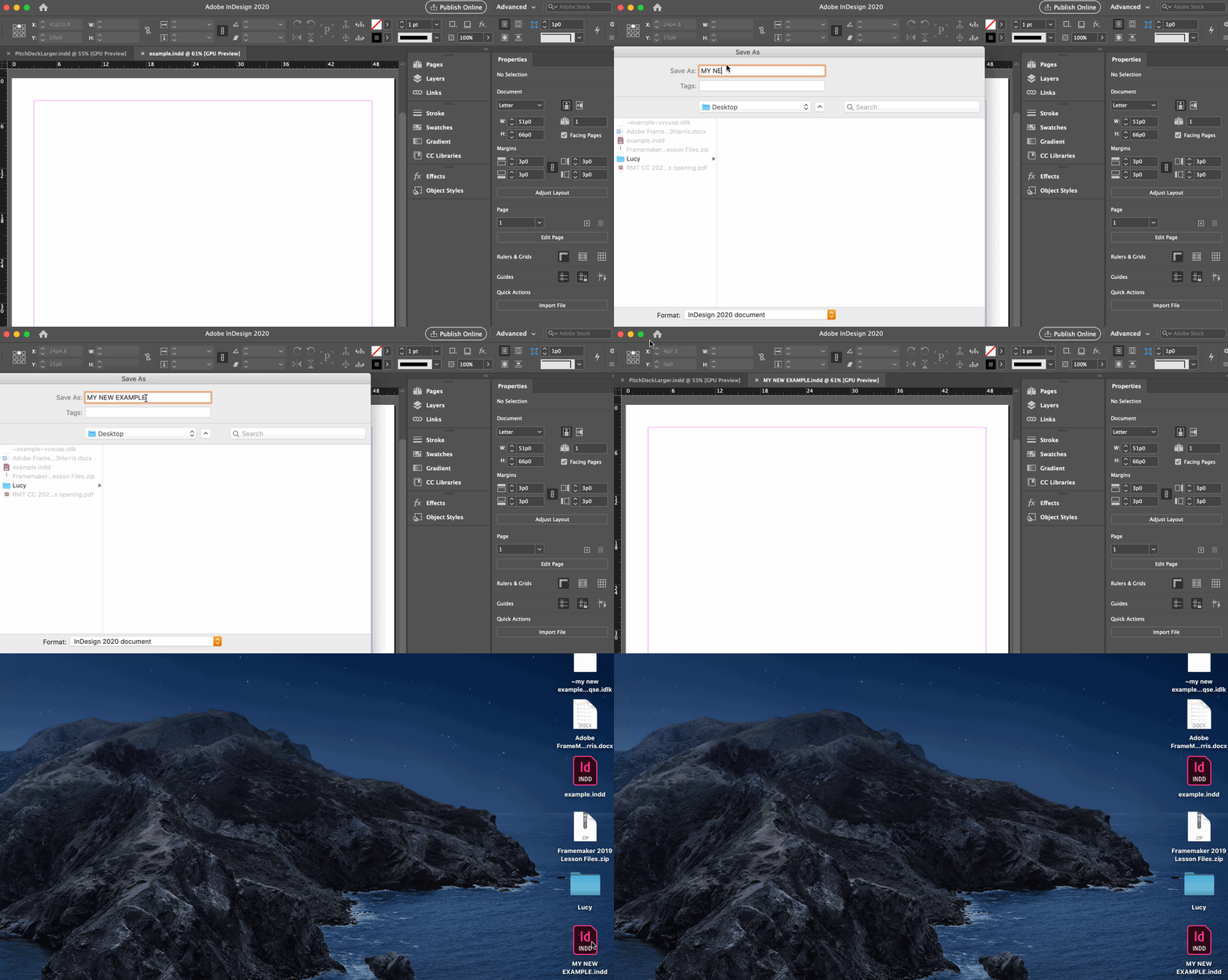
FWIW, yes that happens now in Catalina, but if you leave off the extension, it shows up anyway. You do not need to retype it.


~Barb

2 replies

Barb Binder
Community Expert
Barb BinderCommunity ExpertCorrect answer
Community Expert
April 29, 2020

FWIW, yes that happens now in Catalina, but if you leave off the extension, it shows up anyway. You do not need to retype it.


~Barb

~Barb at Rocky Mountain Training
Known Participant
April 29, 2020

Ah - gotcha. Many thanks. 🙂


David Popham
Participating Frequently
April 28, 2020

Are you on Catalina (10.15) or Mojave (10.14)?


Running InDesign 15.02 and Mojave (10.14.6) and not seeing that behavior on this end.

Known Participant
April 28, 2020

Hi, thanks for reply - my bad, I put in a typo, am on Catalina 10.15.4