
mojoprime
Known Participant
November 7, 2024
Question

Screen Tearing Issue Returns in InDesign 2024/2025

  • November 7, 2024
  • 1 reply
  • 2527 views

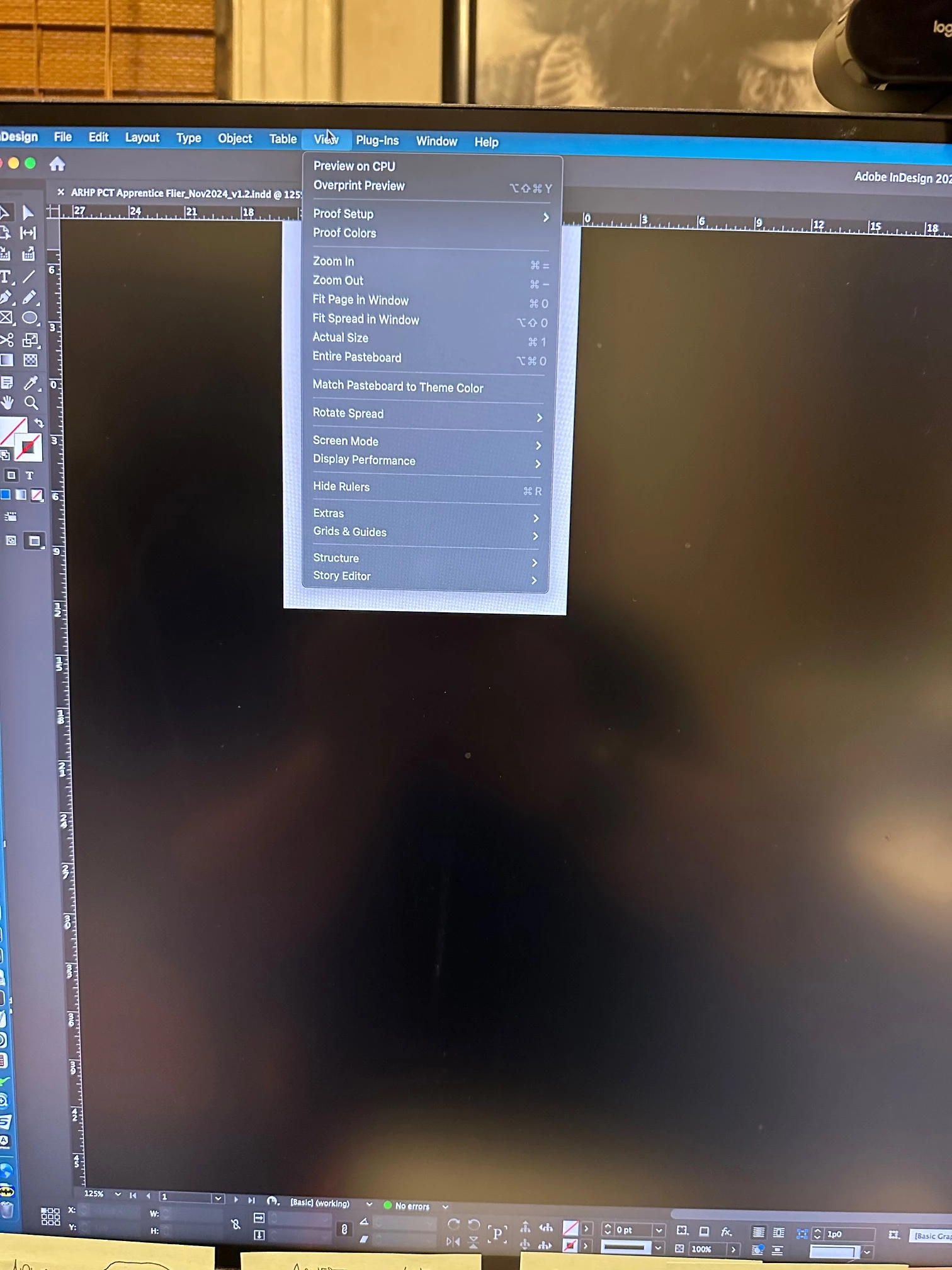
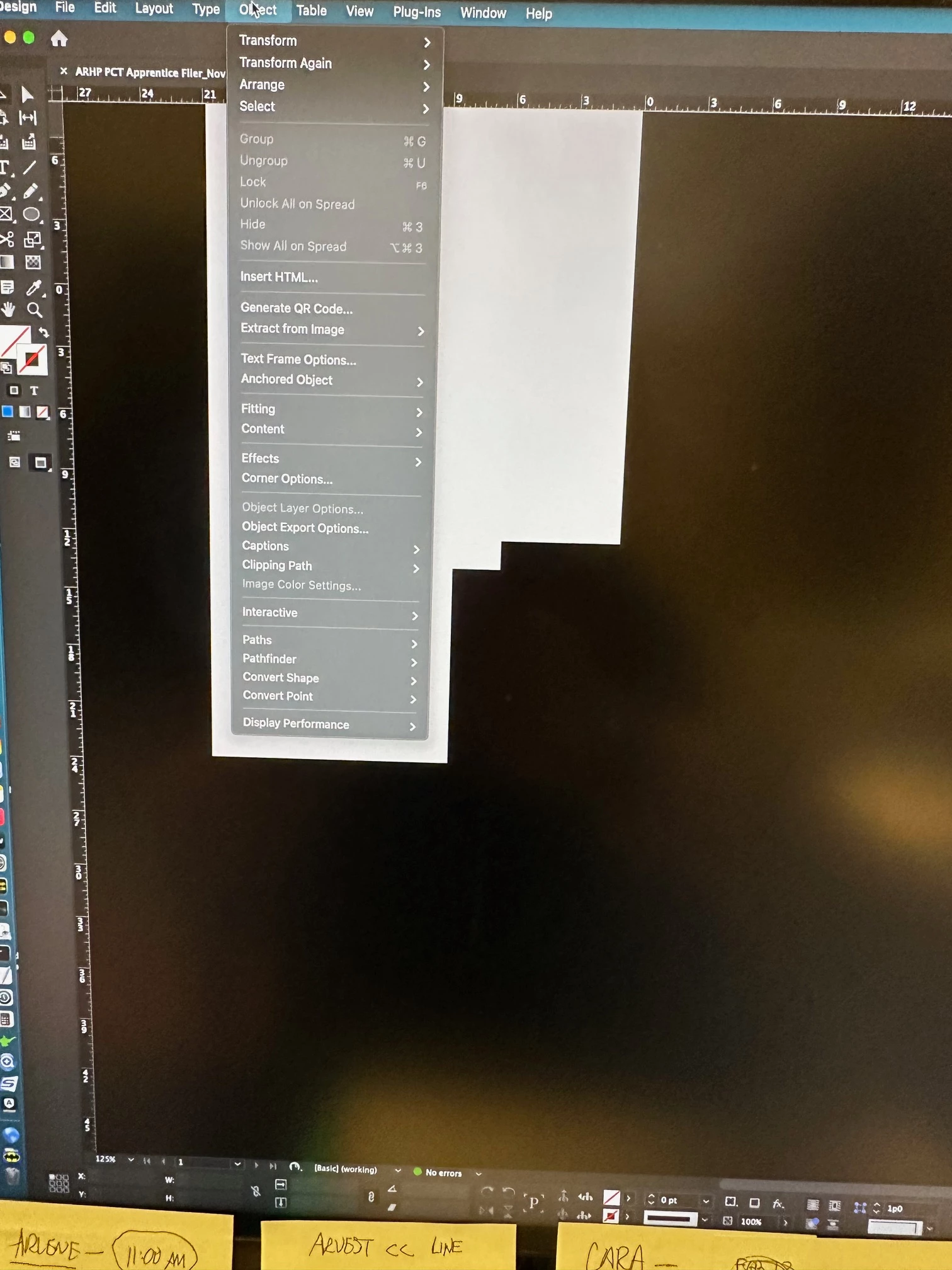
Well, it was gone for some time, but now the screen teraring is back in Indesign 2024, and InDesign 2025. Reset prefs and all; preview on CPU doesn't change anything but turning off the GPU acceleration seems to work for awhile. I thought this issue had been fixed, but apparently not.


<Title renamed by MOD>

1 reply

Abhishek Rao
Community Manager
Community Manager
November 8, 2024

Hi @mojoprime,


I'm sorry to hear about the screen tearing issue you're encountering in InDesign 2024 and 2025. To assist you further, could you please provide the following information:

1. Exact version of InDesign you are currently using for both 2024 and 2025 (e.g., version number 18.x, 19.x, etc.).
2. Operating system details (e.g., Windows 11, macOS Monterey, etc.).
3. Could you confirm whether this screen tearing occurs in both versions (2024 and 2025) of InDesign?
4. Does the issue happen only in an open document or even on the InDesign homescreen?
5. How frequently does this issue occur-every session, or sporadically?


To temporarily address the screen tearing, turning off GPU Performance is an effective step. Here’s how to do that:

1. Go to 'InDesign > Preferences > GPU Performance'.
2. Uncheck 'GPU Performance' to disable it.
3. Click OK to apply the changes.


Disabling GPU can reduce screen tearing but might affect performance slightly. Let me know if these details help or if you need more assistance!


Thanks, 

Abhishek Rao 

mojoprime
mojoprimeAuthor
Known Participant
November 8, 2024

I'm sorry. I should have included that.


InDesign 19.5, 20.0

Mac OS Sonoma 14.7.1

Mac Studio 64gb, M2 Ultra, 2tb HDD


The tearing occurs in both InDesign 19.5 and 20.0.. Doesn't occur on the home screen, only occurs when a document is open. It seems to ccur every session. I hadn't updated or changed anything, It just showed up yesterday and now it's affecting everything. Again, no updates were made until I found the issue. Then I tried downloading the new version of. InDesign to check if it was there; it is there on the new version (20.0) as well. I updated to the latest version of Sonoma 14.7.1; that didn't help either.


Disabling GPU does make it go away. That stinks because it does affect performance.

Abhishek Rao
Community Manager
Community Manager
November 22, 2024

it won't let me attach the system report. it says the file type is not supported.


Hi @mojoprime,


Thank you for letting us know. You can upload the system report file to a public cloud platform like WeTransfer, Dropbox, or Google Drive. Once uploaded, you can share the download link with us here or via DM, and we’ll take it from there.

Looking forward to your response!


Best,
Abhishek Rao