
Answered
Set .PSD file to overprint in attributes - InDesign
Hi All,
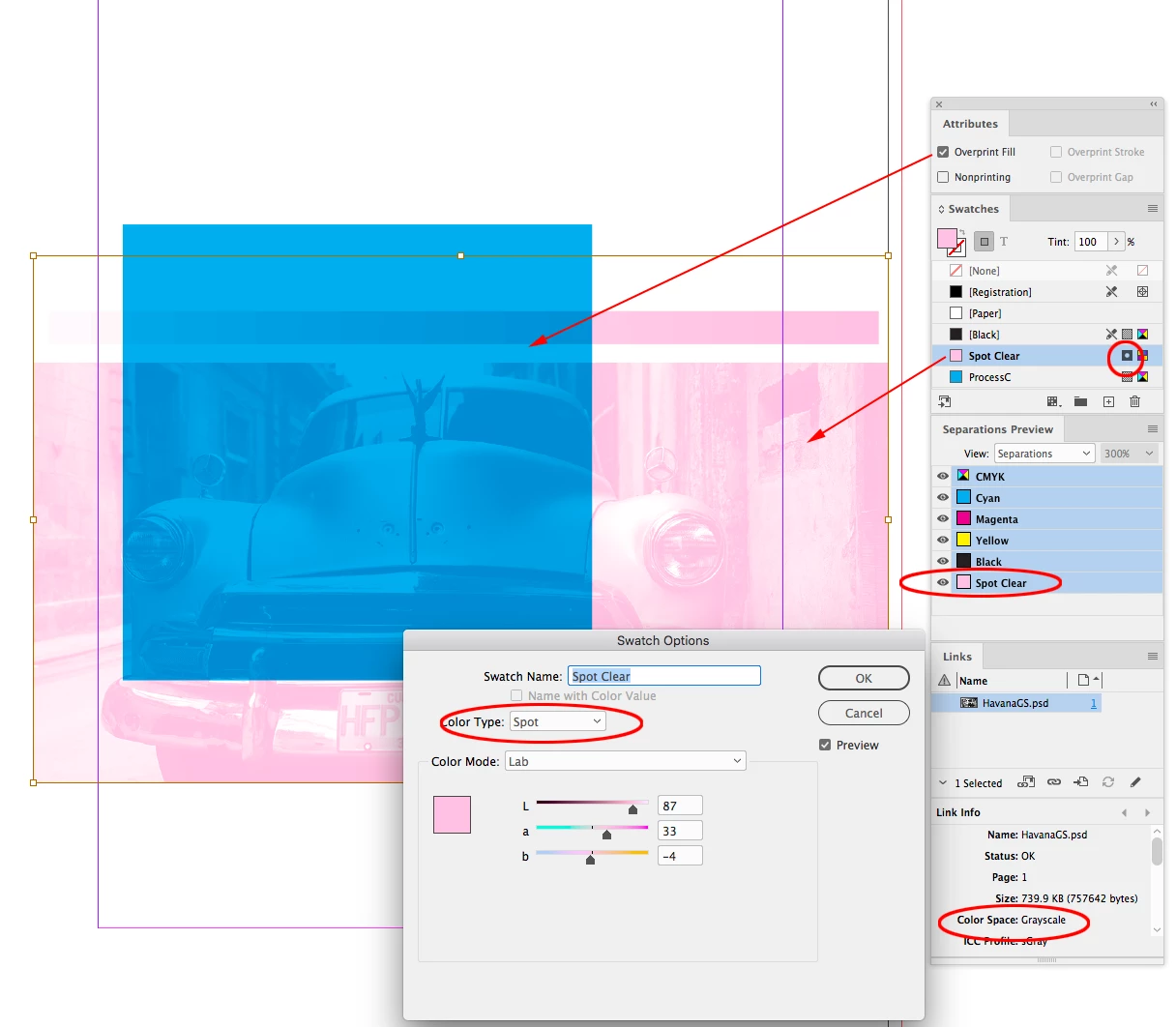
Is there any way to overprint a placed .PSD file on InDesign? or am I at a loss here.
I am trying to place a raster image (.PSD) into InDesign to utilise Clear Toner.
The issue I have, is that overprint fill is automatically blocked out for the raster image, in the attributes window, and the underlying image gets printed over (leaving a white space with clear ink)
I need the clear ink to overprint the image. Not block it out.
Is there any way to overprint a placed .PSD file on InDesign? It is too complex to re-create.
I might add, I would prefer this in one print.
Having to re-print the clear over the top "washes" out the silver underlay.
Cheers for any info.
 AdChoices