Inspiring
February 4, 2021
Answered

Smart text reflow to end of section

  • February 4, 2021
  • 3 replies
  • 1996 views

I have a document with several sections.  Each section is my own notes on several different books I am studying.  As I study more of each text, I add my notes to the end of each section.  However, when the text reflows, instead of adding another page to the end of the section 'Book1:' the text flows onto the first page of the section 'Books:'

How do I get the document to add a new page to the end of the section I am writing in when I need more space in that section?

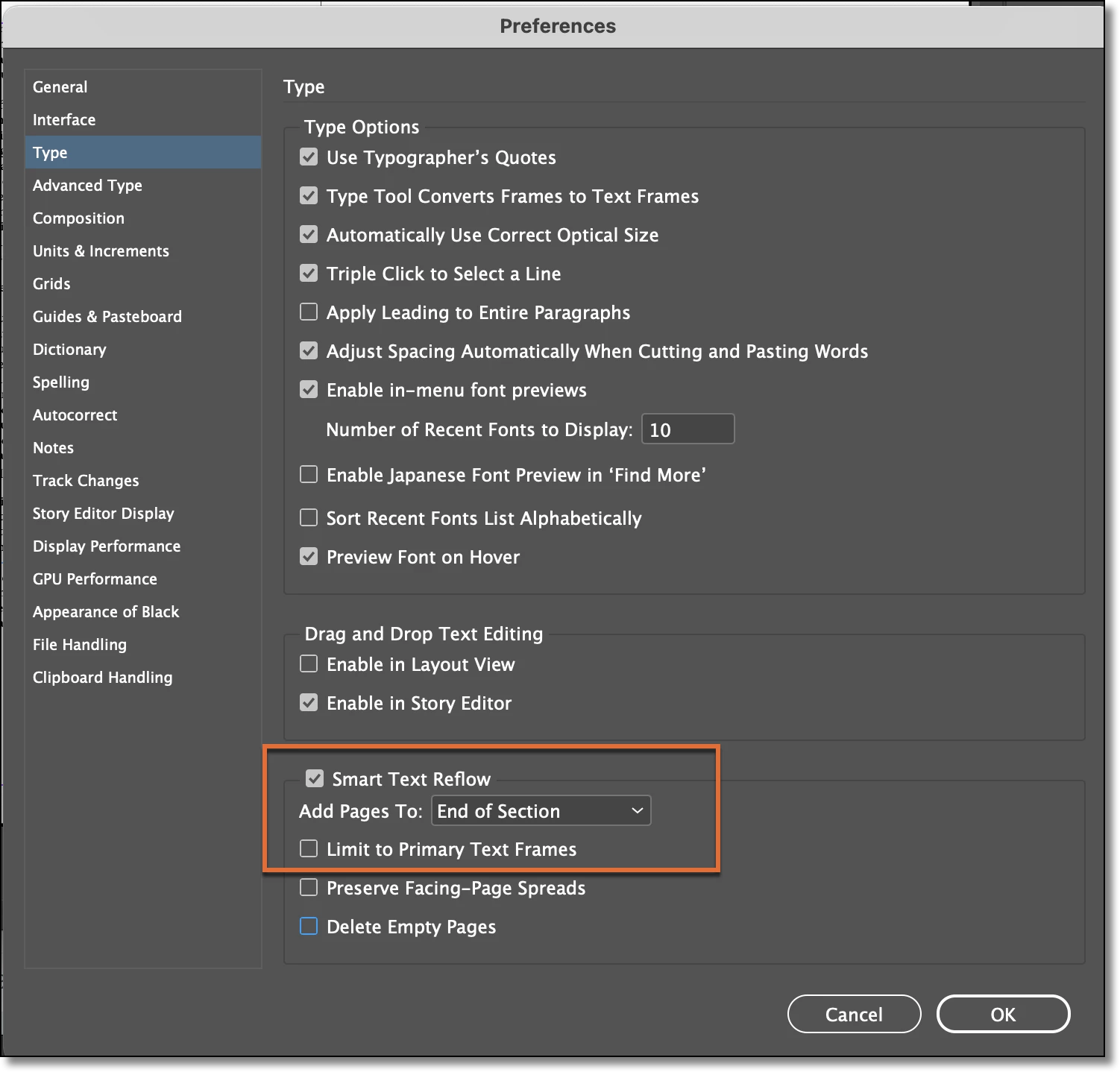
I have selected EDIT>PREFERENCES>TYPE>SMART TEXT REFLOW>ADD PAGES TO END OF SECTION


Thanks!
Correct answer Barb Binder

Ok, I now understand.


I would set up the file with each section as its own story and not use primary frames.


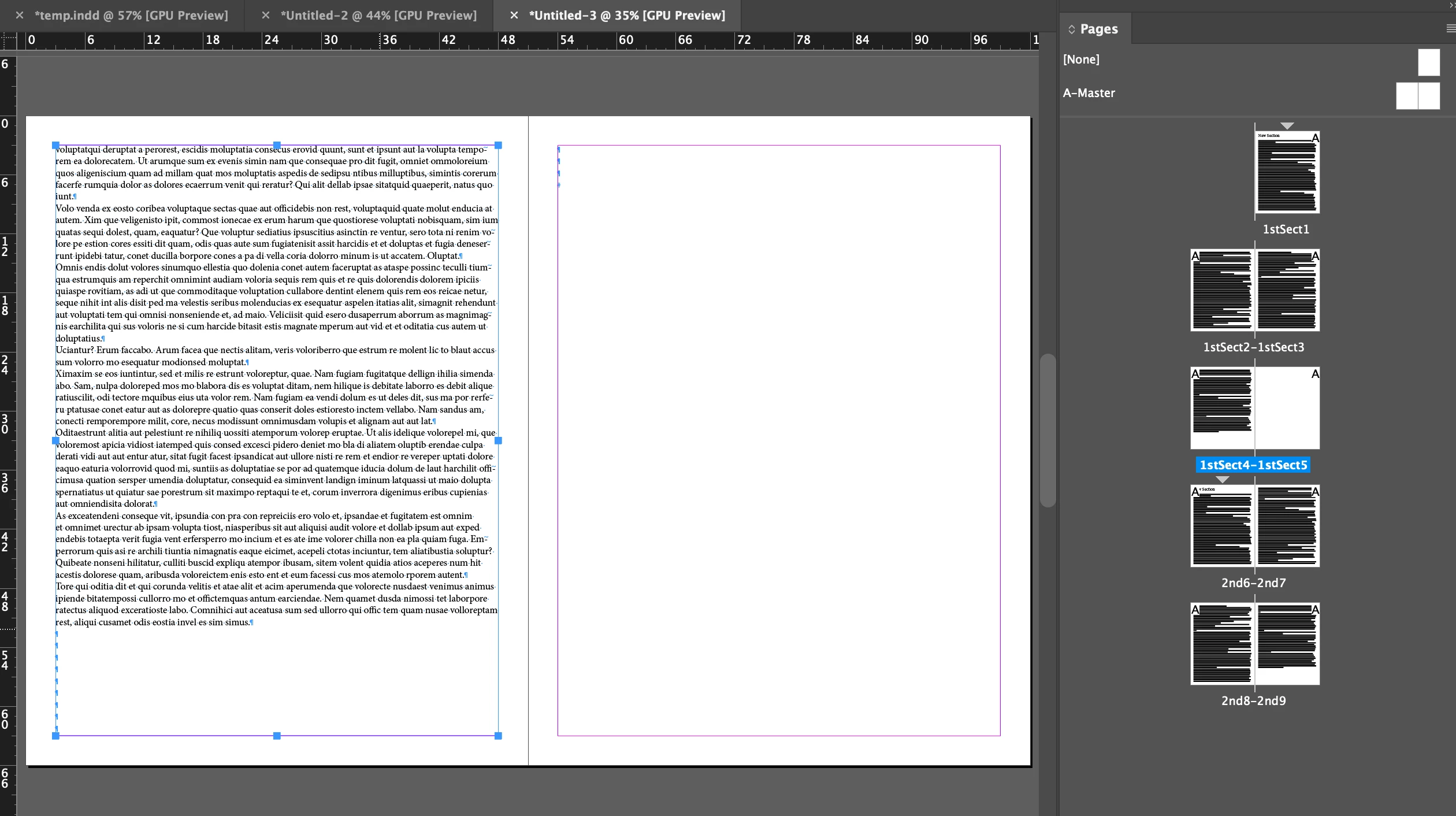
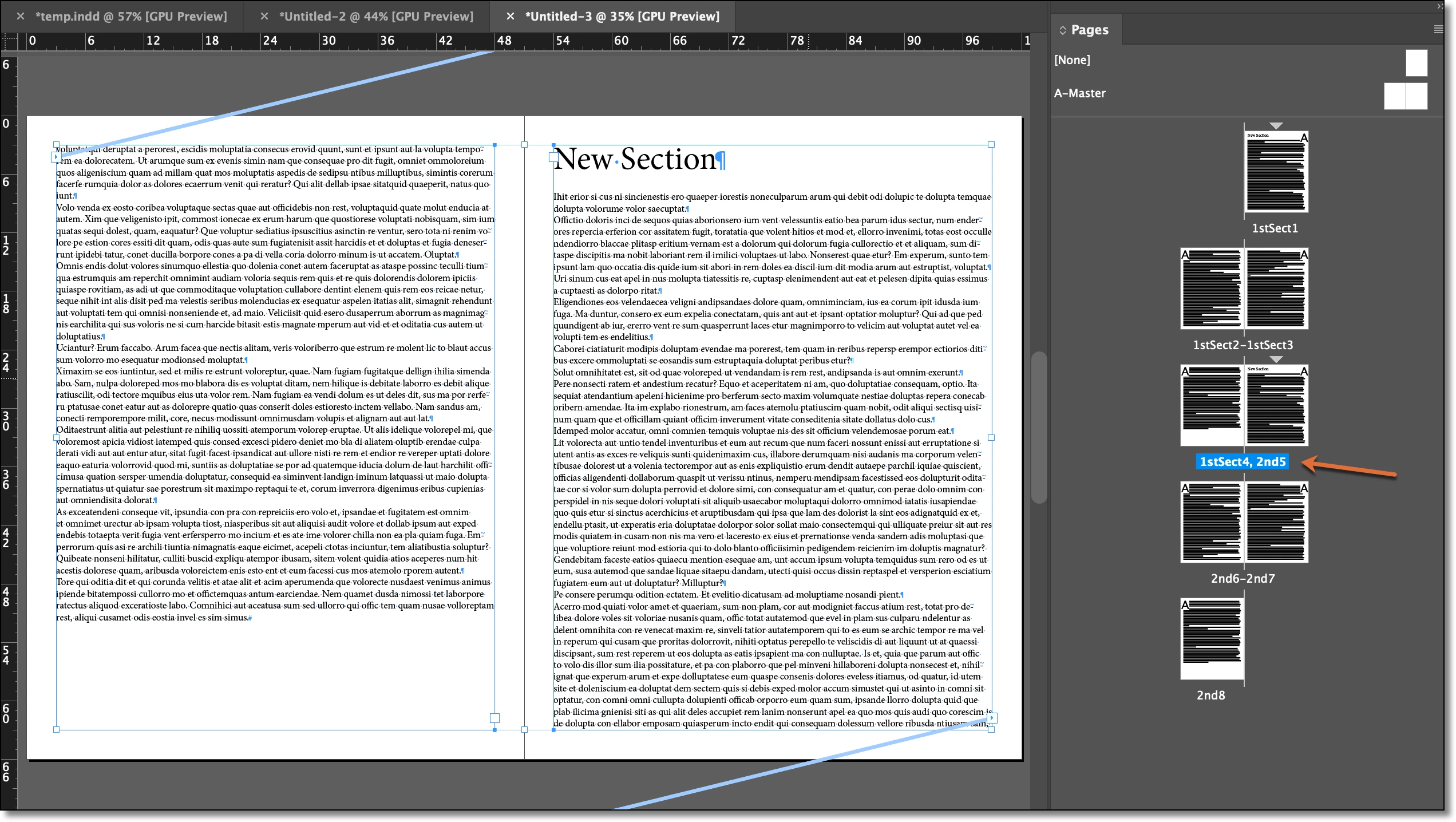
You can see the two section markers in my Pages panel—the two gray triangles. The names are 1stSect and 2nd. The two sections are not threaded to each other—they are separate stories.


Limit to primary text frames is disabled.


Now when I add text the end of 1stSect, the section marker moves to the next page automatically.


~Barb 


3 replies

Barb Binder
Community Expert
Community Expert
February 4, 2021

We are always happy to help, Glen. 


~Barb 

~Barb at Rocky Mountain Training
Participant
August 28, 2023

Dear Barb, 


Could you provide more direction on this? I'm through the same issue but it isn't working properly. I have created different sections and would like any overflow to insert pages before the start of the next section. Right now, however, it is overlaying the overflow on top of the next section's page. Any suggestions? 


Sincerely, 


Christopher 

Barb Binder
Community Expert
Barb BinderCommunity ExpertCorrect answer
Community Expert
February 4, 2021

Ok, I now understand.


I would set up the file with each section as its own story and not use primary frames.


You can see the two section markers in my Pages panel—the two gray triangles. The names are 1stSect and 2nd. The two sections are not threaded to each other—they are separate stories.


Limit to primary text frames is disabled.


Now when I add text the end of 1stSect, the section marker moves to the next page automatically.


~Barb 


~Barb at Rocky Mountain Training
Inspiring
February 4, 2021

Marvellous!  Thanks so much for your help, Barb.

Barb Binder
Community Expert
Community Expert
February 4, 2021

When you add new content to the end of a section, that will force the content that was already there to flow forward, adding new pages as necessary at the end. But your text should be in the section that you're typing in.


Can you share some before/after screenshots to help us understand, because I'm not sure I do.


~Barb

~Barb at Rocky Mountain Training
Inspiring
February 4, 2021

Thanks for your reply, Barb. 

OK, in the before picture, it shows the two sections in the Pages panel.  One named 'English' the other 'Rogers.'

The after picture shows how I have continued to type, and when it reaches the end of the 'English' section, the text flows down onto page 1 of the 'Rogers' section.

I want the text to continue onto a new page 2 of the 'English' section, and push the 'Rogers' section down.