
Answered
space areas above and below text and image boxes equally
I want to have the exact same amount of space at the top and bottom of these pages (above the image box and below the text box). Is there a way to get InDesign to do that? Thanks.
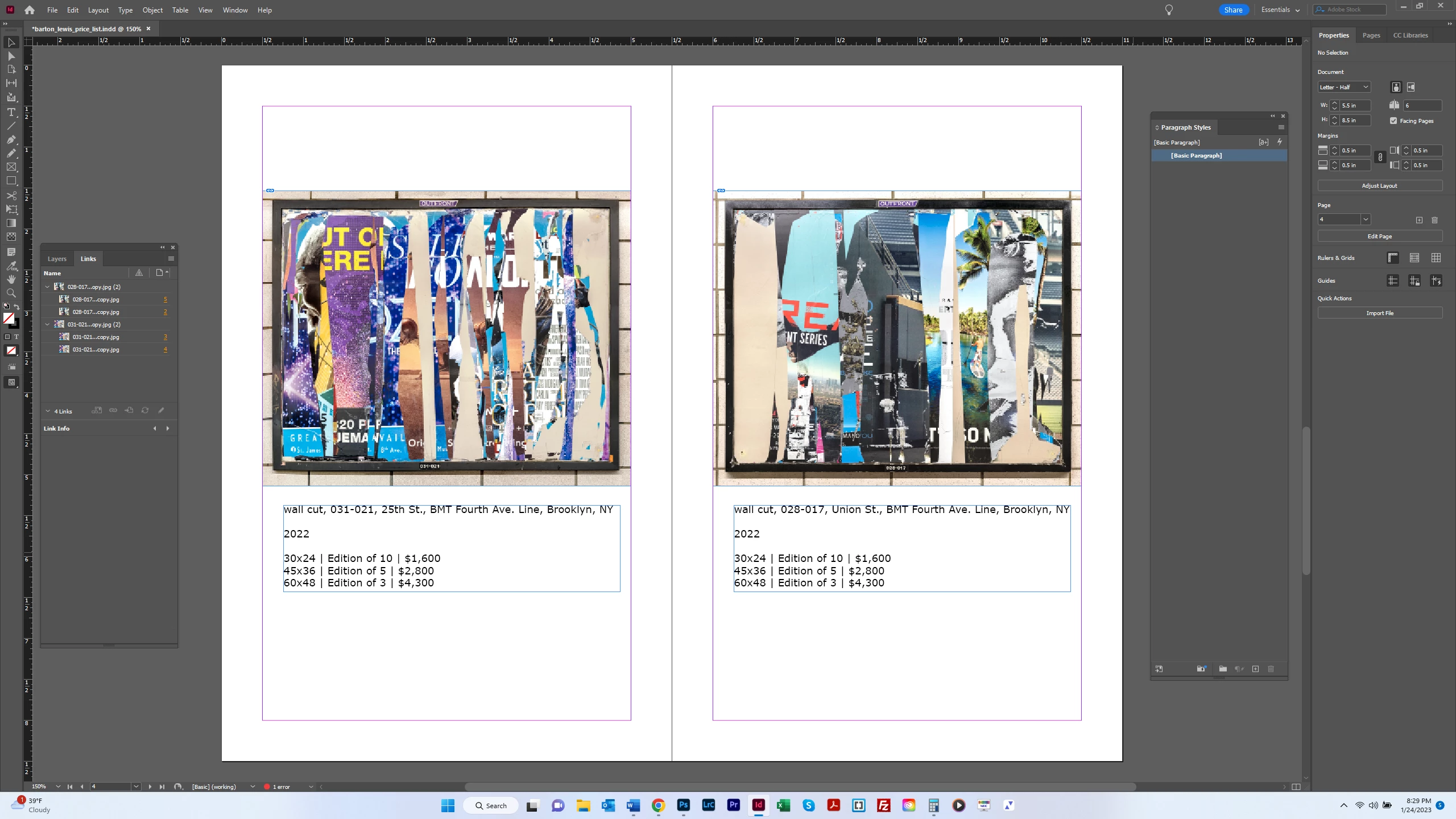

I want to have the exact same amount of space at the top and bottom of these pages (above the image box and below the text box). Is there a way to get InDesign to do that? Thanks.
Here's one way to do it:
1. Group the image frame and the text frame on each page.
2. Open Align panel, set to Align to Margins:
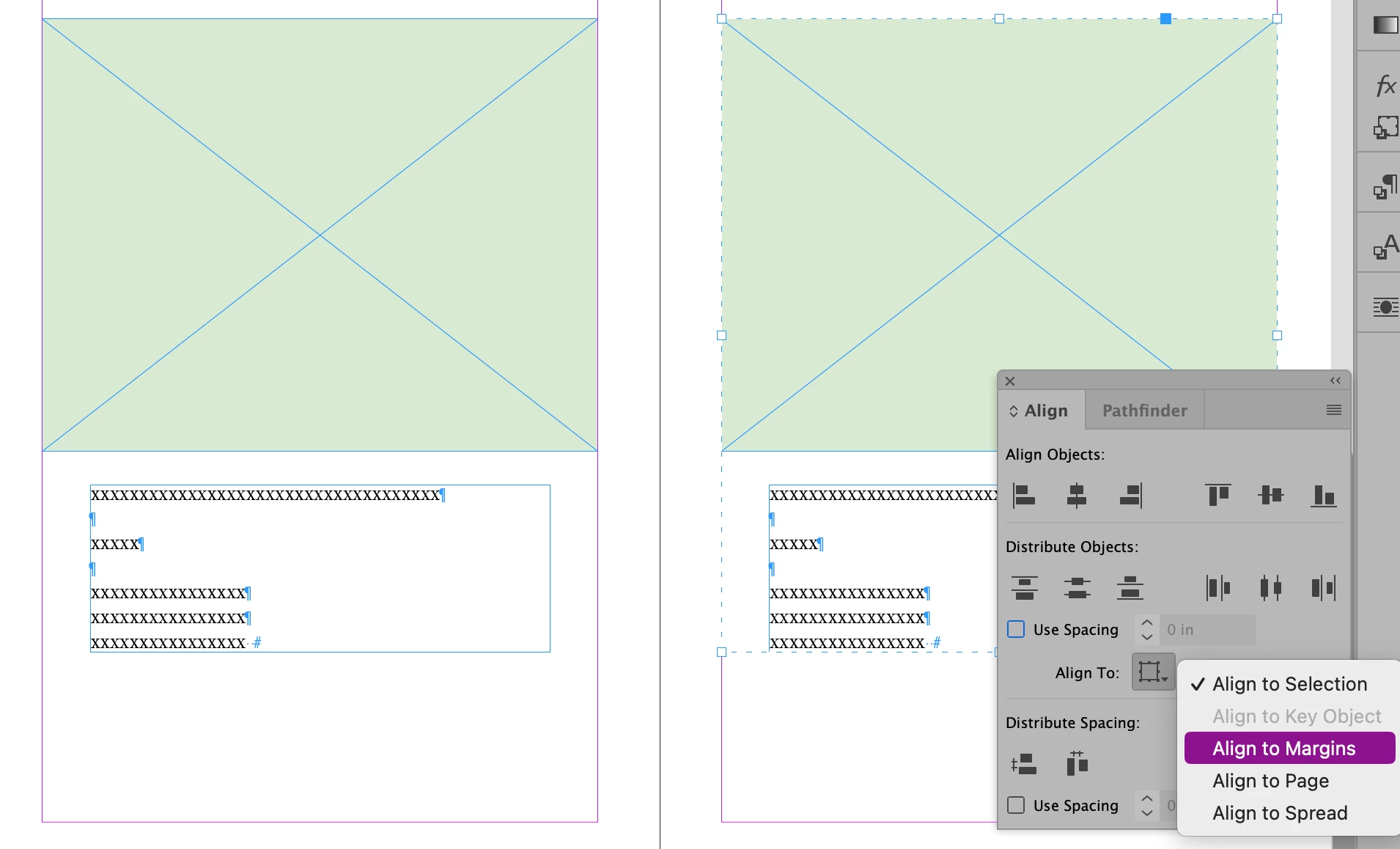
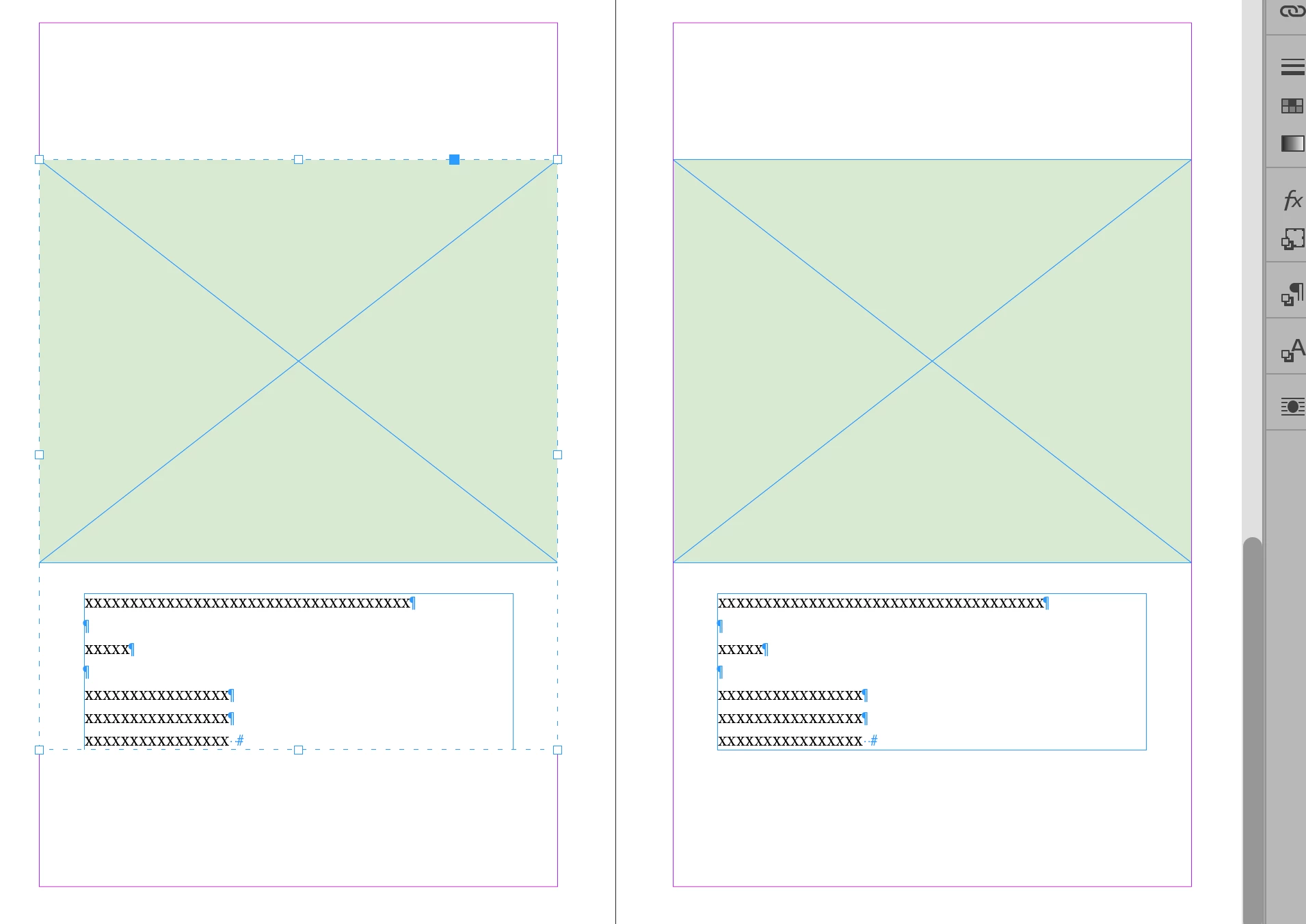
3. For each page click with the group selected, click the Align Vertical Centers button.
Already have an account? Login
Enter your E-mail address. We'll send you an e-mail with instructions to reset your password.
 AdChoices