Answered
Spellcheck not working (InDesign 16.4)
Misspelled words are not appearing as underlined in red, not are grammar errors. Here are what my preferences for spelling and dictionary are: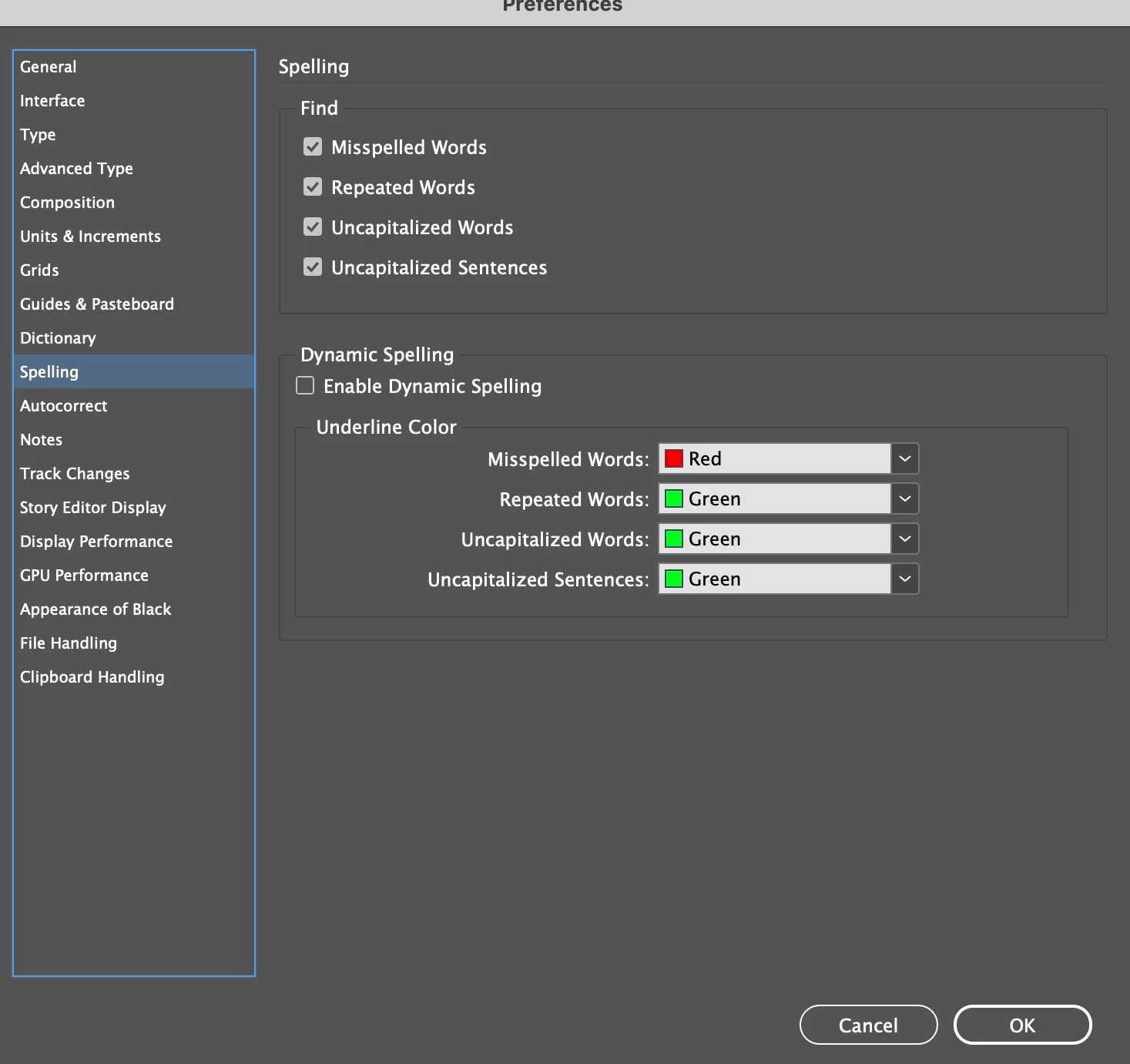
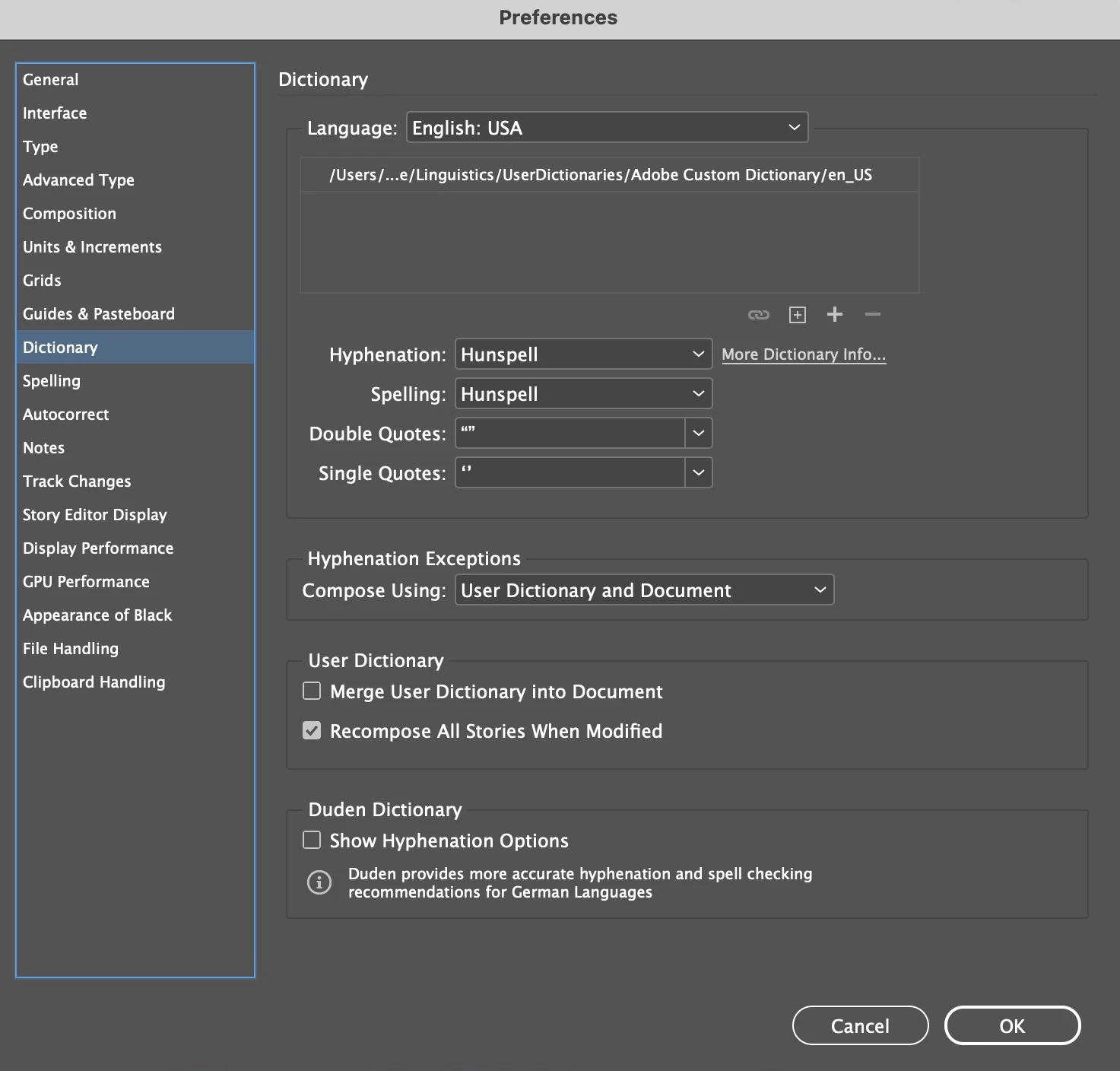

Misspelled words are not appearing as underlined in red, not are grammar errors. Here are what my preferences for spelling and dictionary are:
Your screen shot does not show Enable Dynamic Spelling to be checked. It needs to be for the underlining to work.
Already have an account? Login
Enter your E-mail address. We'll send you an e-mail with instructions to reset your password.
 AdChoices