

Starting sections on left-hand page with manual numbering
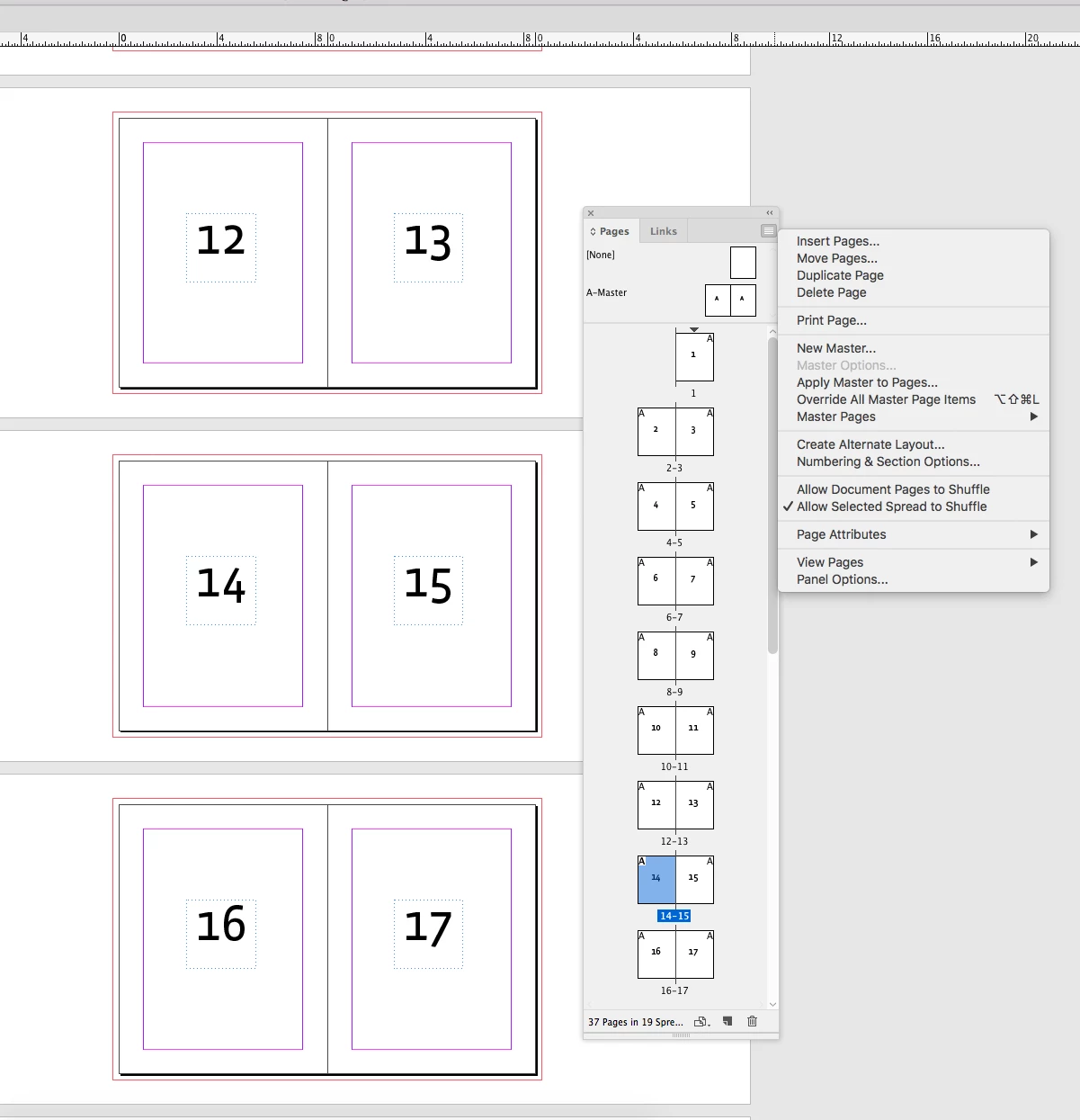
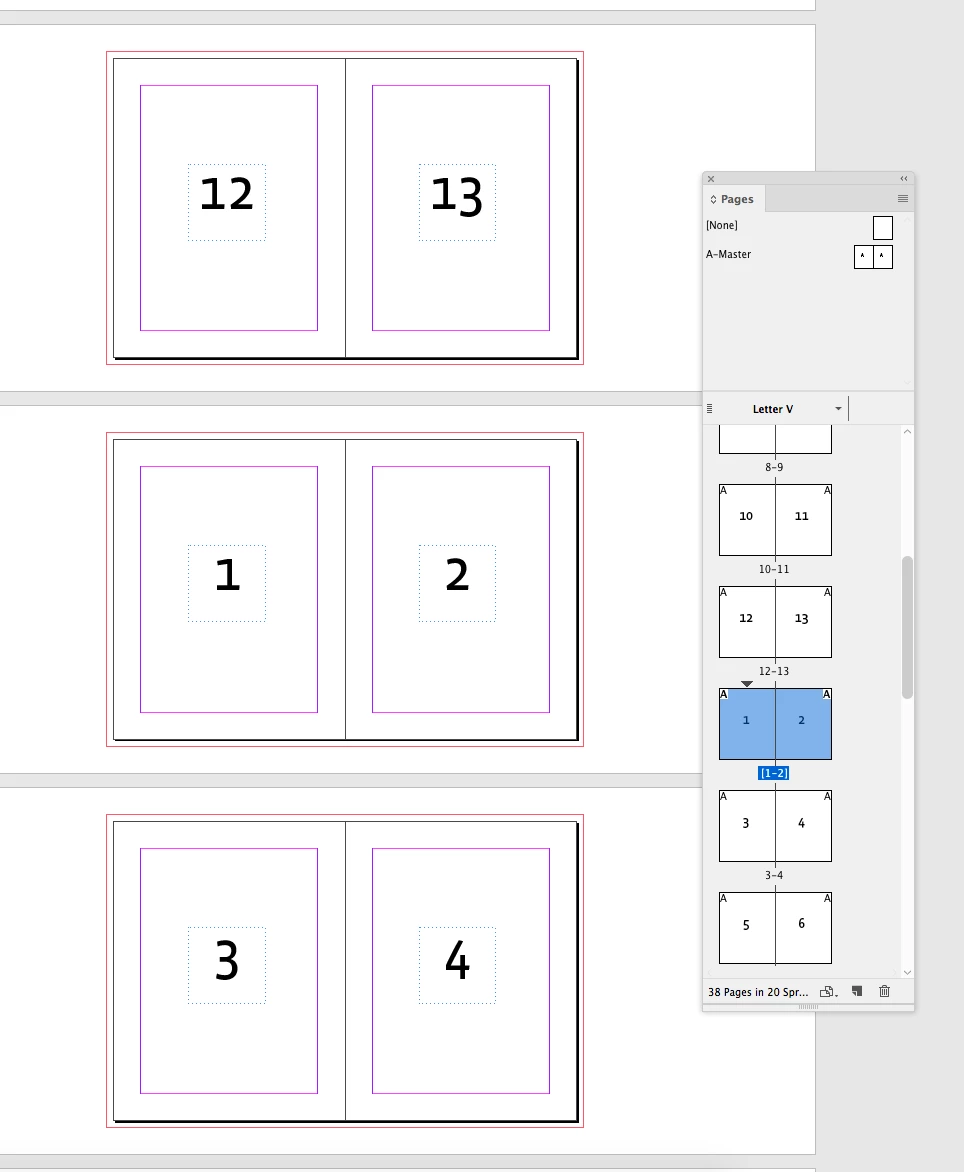
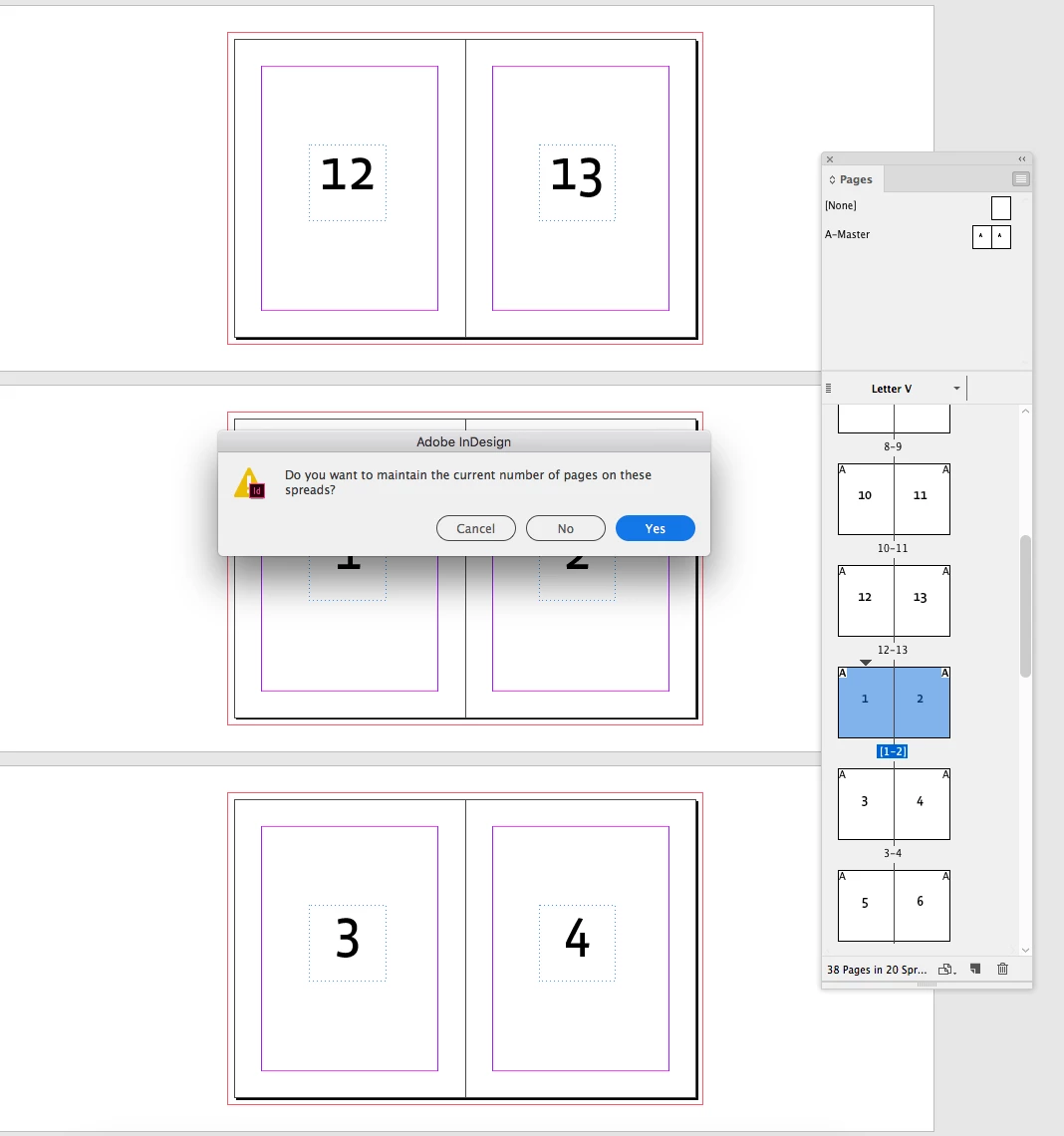
It appears that I am only able to start a section on the left-hand page of a facing spread if I choose the "Automatic Page Numbering" option, though when I set my book up with a preface that includes pages I wish not to count, it means that page one of the first chapter actually reads as page 6 and that all pages in each subsequent section do not reflect their individual section page number, but rather that of their place within the entire book. The problem is that when I switch to "Start Page Numbering at:", InDesign reflows my spreads so that the section starts as a single page on the right-hand page which screws up some of my (left-hand start) spreads. At that point I am able to remove "Allow Document Pages to Shuffle" and manually re-set each page to its appropriate spread, but this workflow is difficult and cumbersome in a 45page document with multiple sections that I am continually updating in order to publish new content.
Any experienced users out there who have a better workflow?
Am I missing something with the document setup?
 AdChoices