
Streamline multiple documents - update to new look
Hi. I am on a MacBook using InDesign 2021.
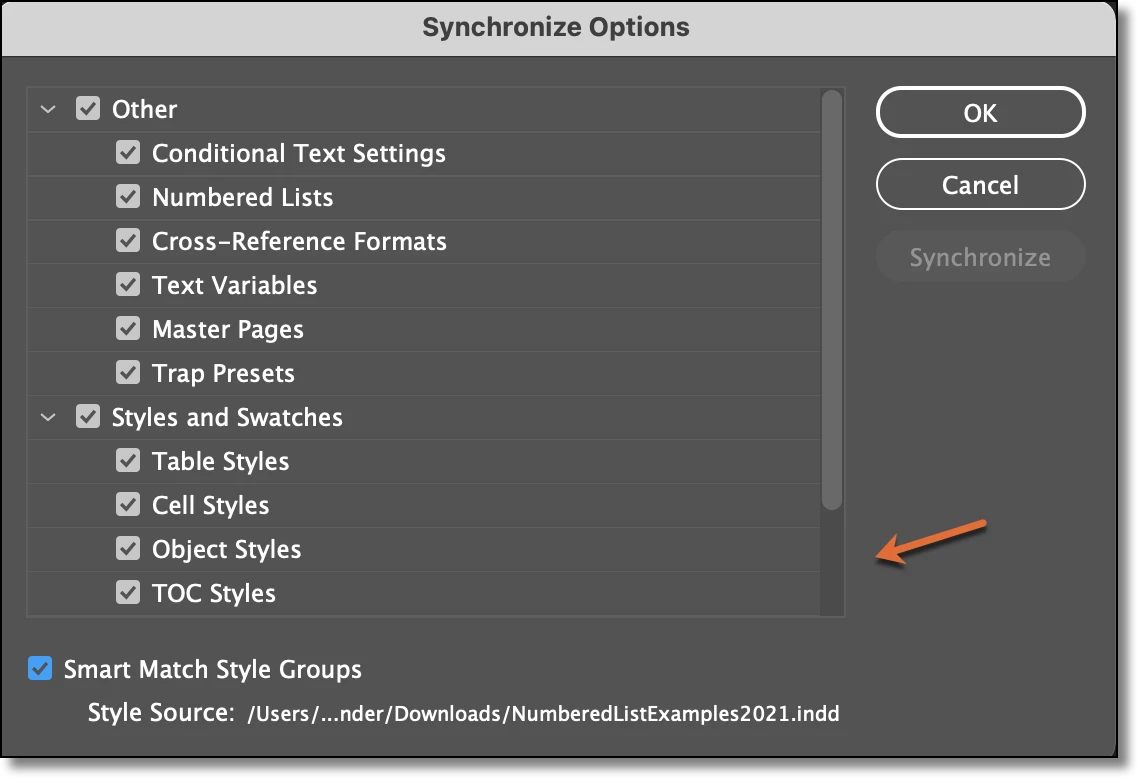
I have several two page documents that are basically cut sheets for different products. I want to update the design of all of them. The design will be the same look and feel across the board. What I have done in the past is just update the master pages by copying and pasting the new design elements onto the master page of each document. Then I would load the new paragraph/character styles in as well, etc. I feel like this might be barbaric nowadays? Is there something more efficient I could be doing?
I have read things on Books and Libraries, but maybe I am missing the picture.
For us, it is important to have a folder of the INDD file, with fonts, links and a pdf. The only reason I mention this is I got the impression with Books, that the documents are all in one file.
 AdChoices