Acai06
Inspiring
December 27, 2021
Answered

Table cell border becomes thicker in PDF?

  • December 27, 2021
  • 2 replies
  • 4611 views

Hello,

I have another issue while making a calendar in Indesign..

I set the table cell border to be 0.05pt, but when printing PDF the lines look much thicker.

What am I doing wrong, and how can I fix this?

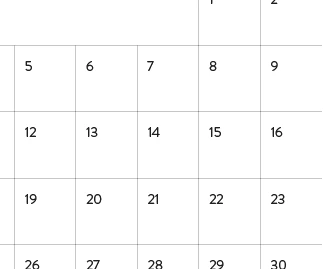
On Indesign, it looks like this:


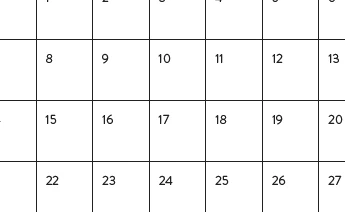
On PDF, it looks like this:


This topic has been closed for replies.
Correct answer rob day

A friend who is printing this just sent me a pic of the test print - and it was acceptable! The lines were ok.


Should I make another thread for the fat Japanese text issue, or is this too minor thing to make a new thread..
?


The output is going to vary depending on the client’s printer and its settings.  If the document color is CMYK black, and the output is to Grayscale, the text and line get a halftone, so you should probably use 0|0|0 RGB for your black when the print is going to be to composite printers—InDesign has a Black preference for exporting CMYK blacks as Rich Blacks:


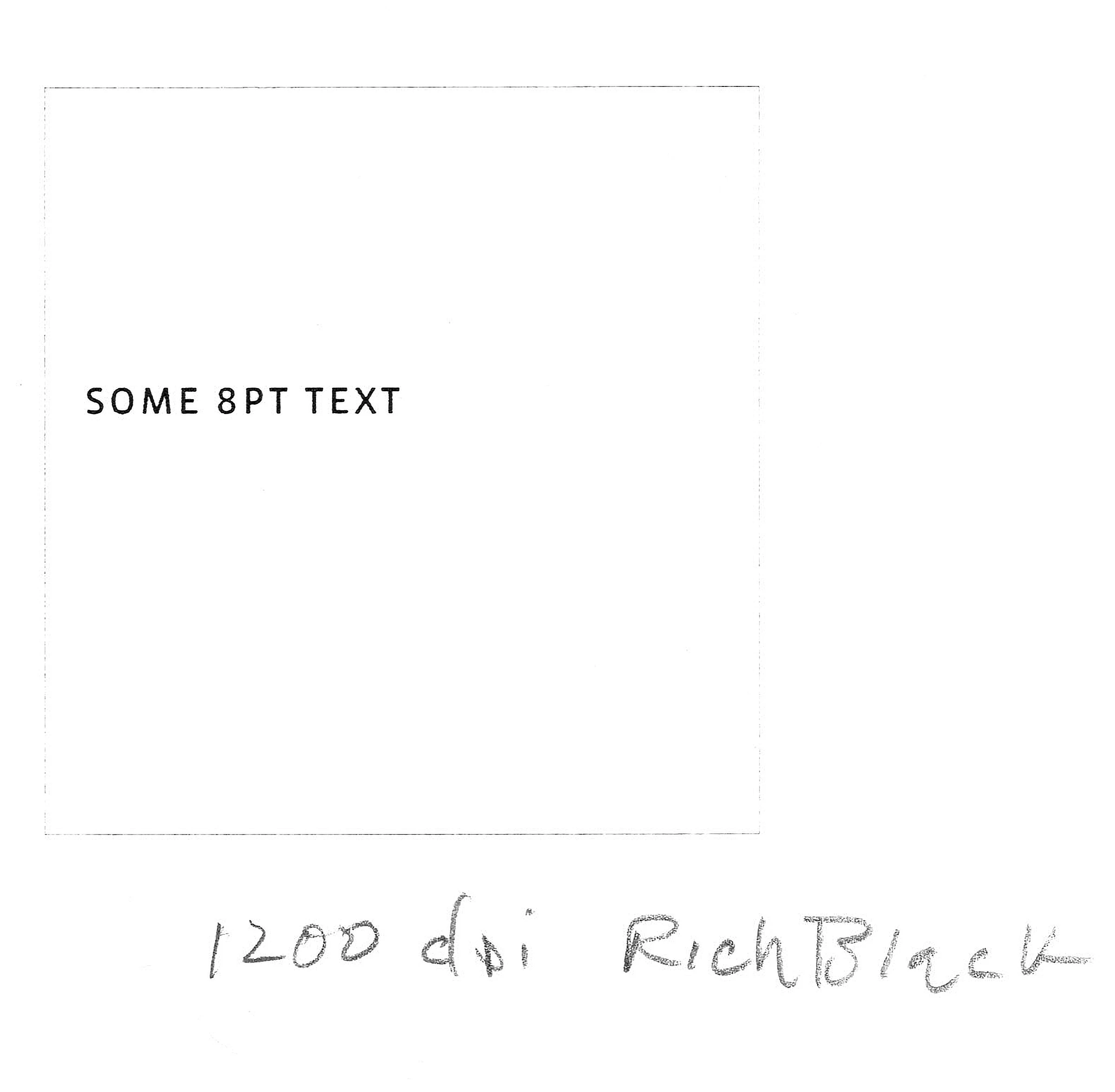
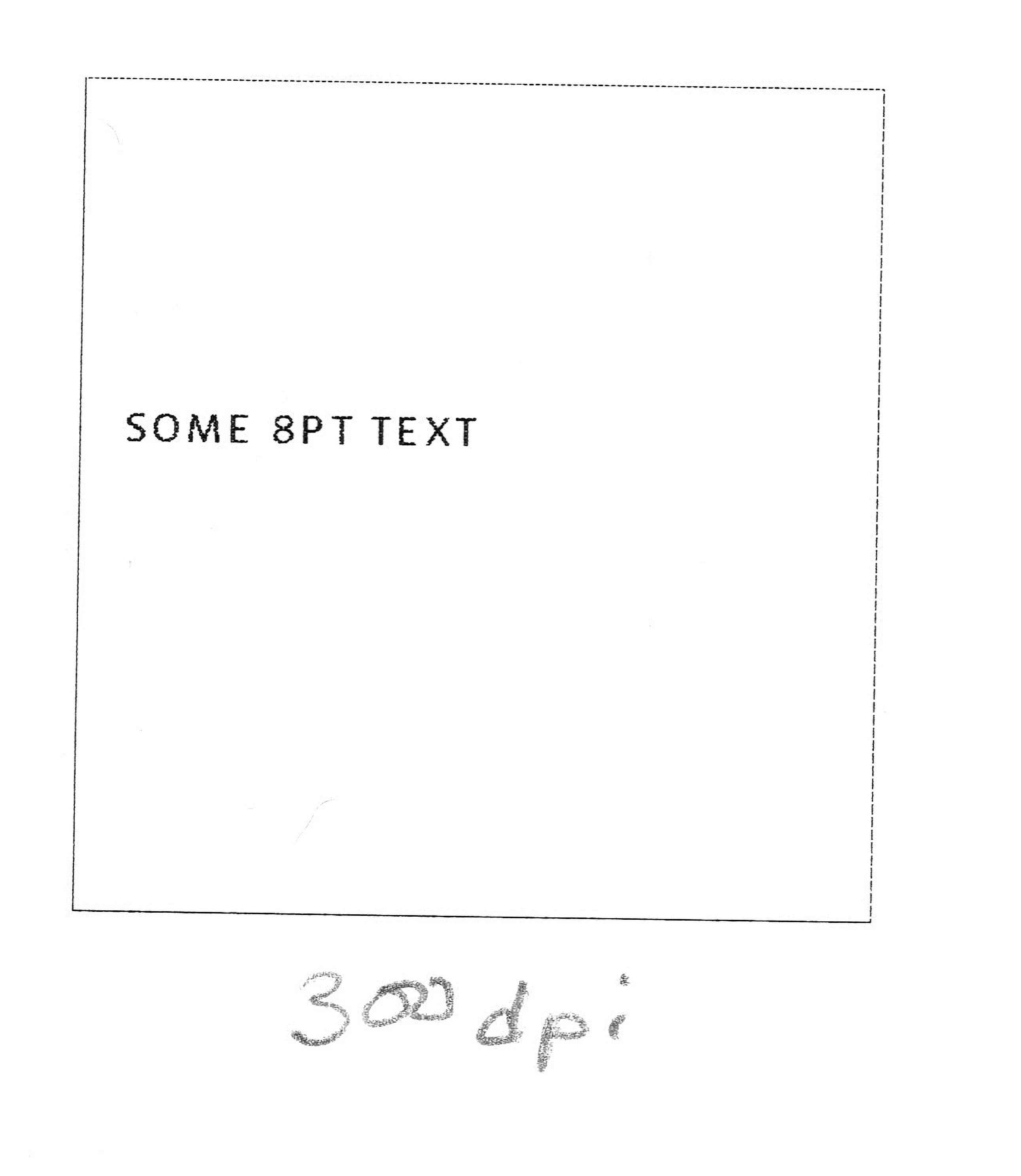
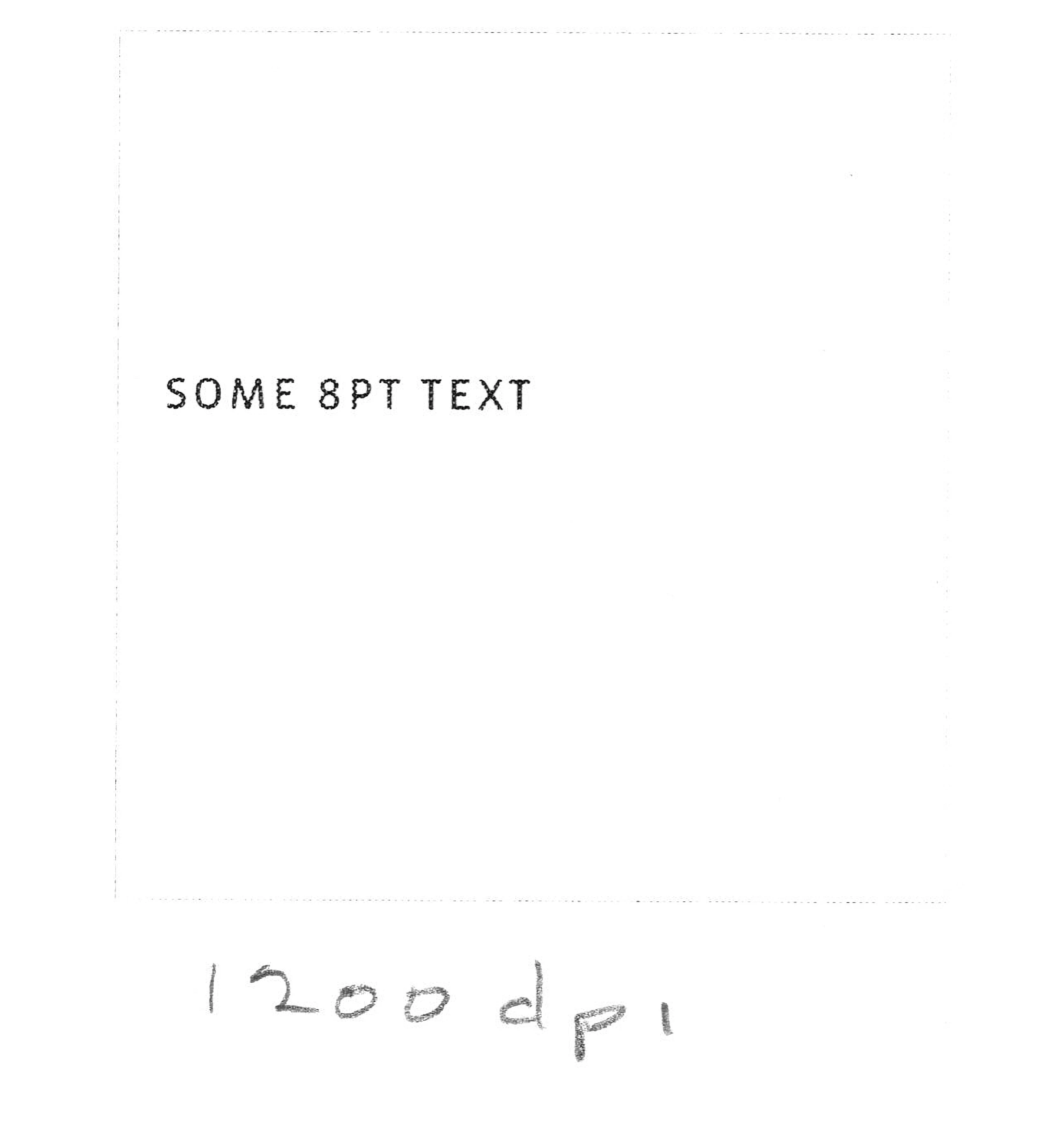
Here is output from a Brother laser printer at 300dpi and 1200dpi scanned at high res from my document scanner. If you zoom in you can see the halftone dots on the text, and at a high resolution the .05pt line all but disappears:


2 replies

Brad @ Roaring Mouse
Community Expert
Community Expert
December 28, 2021

In realistic scenarios, anything less than .25 pt is problematic

On a 300 dpi printer, that's essentially one-pixel wide (.24 pt), So anything spec'd less than .25 will still require 1 pixel (actually "dot")  to print, so it will NOT get any thinner even you specify it.

On a typical home printer that may be 600 dpi, that means you could go half that size, but even there, anything less than .12pt will require at least 1 dot.

Also, printers (inkjet or laser) are only so precise, so a single dot of ink/toner will bleed and spread, especially on non-coated papers, making it look fatter than your intended line width.

All of this assumes you are printing a solid colour (i.e 100% Black); anything else will be halftoned and chances are will not even register.

Acai06
Acai06Author
Inspiring
December 29, 2021

I see... it was a good learing this time.
We kept the 0.05pt but decreaed the colour to 60%, and that worked out nicely 🙂

rob day
Community Expert
Community Expert
December 29, 2021

We kept the 0.05pt but decreaed the colour to 60%


The 60% black .05pt line doesn’t print at all on a 1200 dpi laser printer.

Dave Creamer of IDEAS
Community Expert
Community Expert
December 28, 2021

Are you seeing the heavier lines on-screen in Acrobat OR when you print the PDF?


Also, did you mean 0.05 pt or 0.5 pt? If you actually used 0.05 pt--that's too small for anything to print. Acrobat might be enhancing the lines so they are visible. 

David Creamer: Community Expert (ACI and ACE 1995-2023)
Acai06
Acai06Author
Inspiring
December 28, 2021

I see the heavier lines both on Acrobat on screen and on print-out.

I remember that I changed the line to 0.05pt from 0.25pt because 0.25pt came out very thick...

Is there any way to make the line actually light?


I intend to provide this calendar both online and print to some people.

Acai06
Acai06Author
Inspiring
December 28, 2021

This is how different they look. The lines are set to 0.05pt.