


Tables text overflows (read please)
Hi.
I know is a very common question. I know that we have a lot of answers around the Internet. But I tried for a week (I swear...) to solve my problem with my really novice idea of javascript, trying to adapt every code that I found on foruns, youtube videos, and all stuff you can imagine just to not bother you all with one more question about this, but I could not reach my goal... I'm tired and came here asking for help.
For God... how I can solve the cell's tables overflow text across the document? Even the tables that are anchored in text frames.
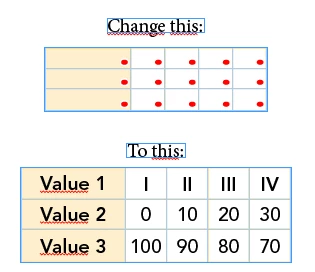
I tried with the code below increase the size of the cells with a number, but not working in every page and instead a number I wish to detect when is not overflows anymore because the cells have different widths and heigths:
var myDoc = app.activeDocument;
var myPages = myDoc.pages;
var myStories = myDoc.stories.everyItem();
var myTextFrames = myDoc.textFrames;
var myTables = myStories.tables.everyItem().getElements();
resizeOverset();
function resizeOverset() {
for (p = 0; p <= myPages.length; p++) {
for (var t = 0; t <= myTables.length; t++) {
for (var c = 0; c <= myTables
.cells.length; c++) { if (myTables
.cells .overflows == true) { myTables
.cells .width = 100; } else {
break;
}
}
}
}
}
I hope this topic help a lot of people that have the same question with a definitive answer.
Sorry for the english and thank you in advance.
 AdChoices