Participant
July 27, 2023
Question

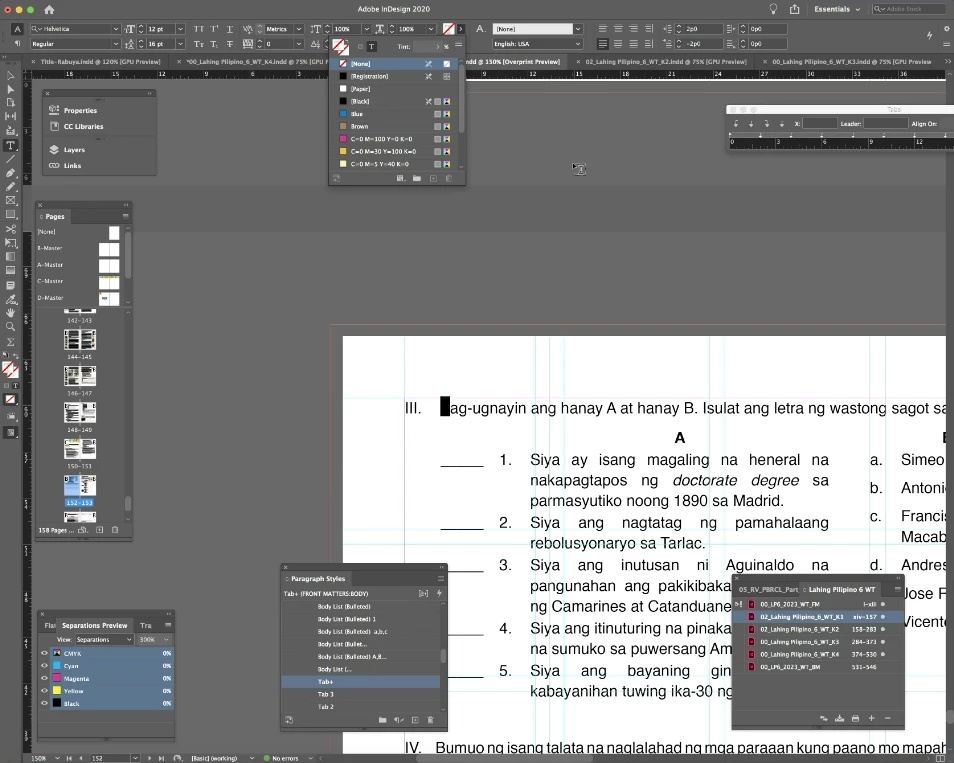
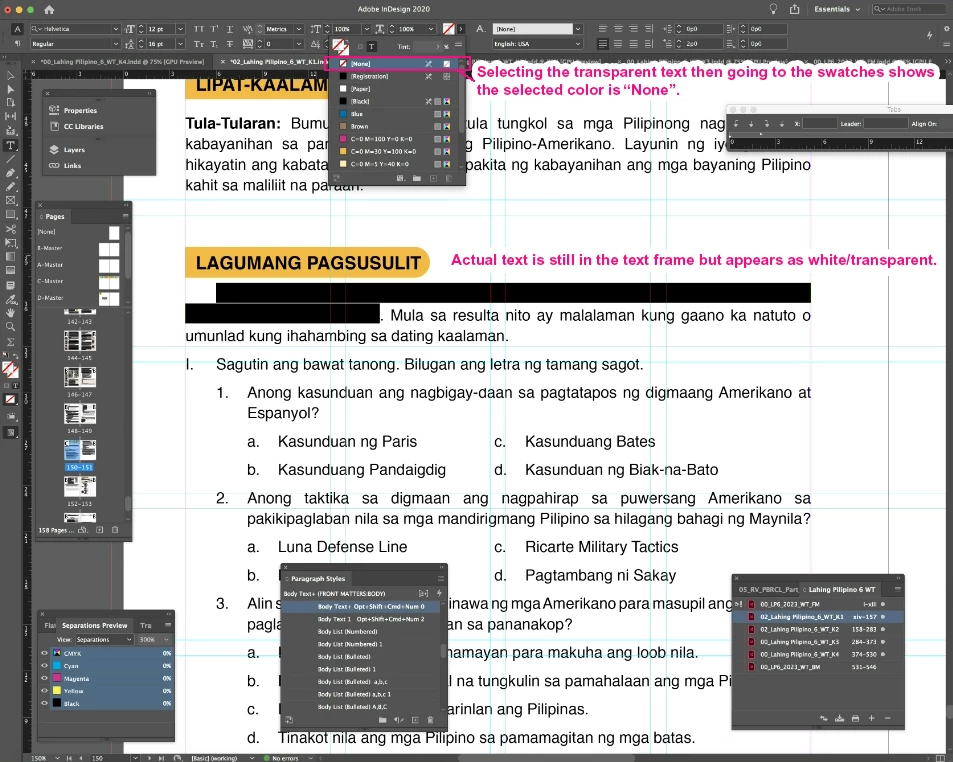
Text becomes transparent when editing

  • July 27, 2023
  • 1 reply
  • 851 views

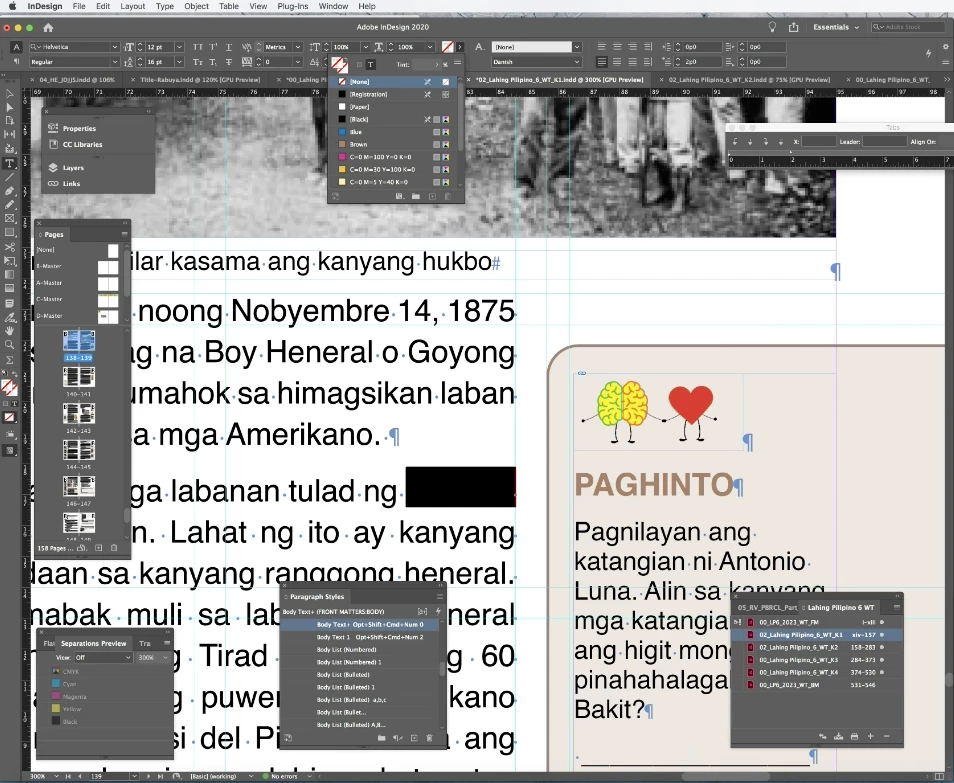
Good day! Is anyone experiencing the same issue? Some texts somehow become transparent or the color swatch selected becomes "None" when editing.


I hope this gets fixed since we are working in a publishing company and this is a big risk for us. We don't know if there are other books with similar errors.

Thank you!
This topic has been closed for replies.

1 reply

Community Expert
July 27, 2023

Cannot say I have ever seen anything like that. Over 20 years using InDesign. And 25 years of experience as a typesetter, I have not experienced this behaviour. 

I see you're using InDesign 2020 - so it's not an issue with the latest update or anything like that.


The only thing I can suggest is that perhaps there is a Shortcut or a GREP/Nested style assigned to the colour None. 


I also see you have Preflight turned on but only for Basic 

You can set a Preflight check for colour overrides


You can change your preflight options to include text set to None colour.


Rene Andritsch
Community Expert
Community Expert
July 27, 2023

Can you copy and paste just the affected paragraph into an empty document and try again. Does it happen there, too? If so can you please post the new InDesign file with just that paragraph?