

Text Box Behaving Strangely Around Object
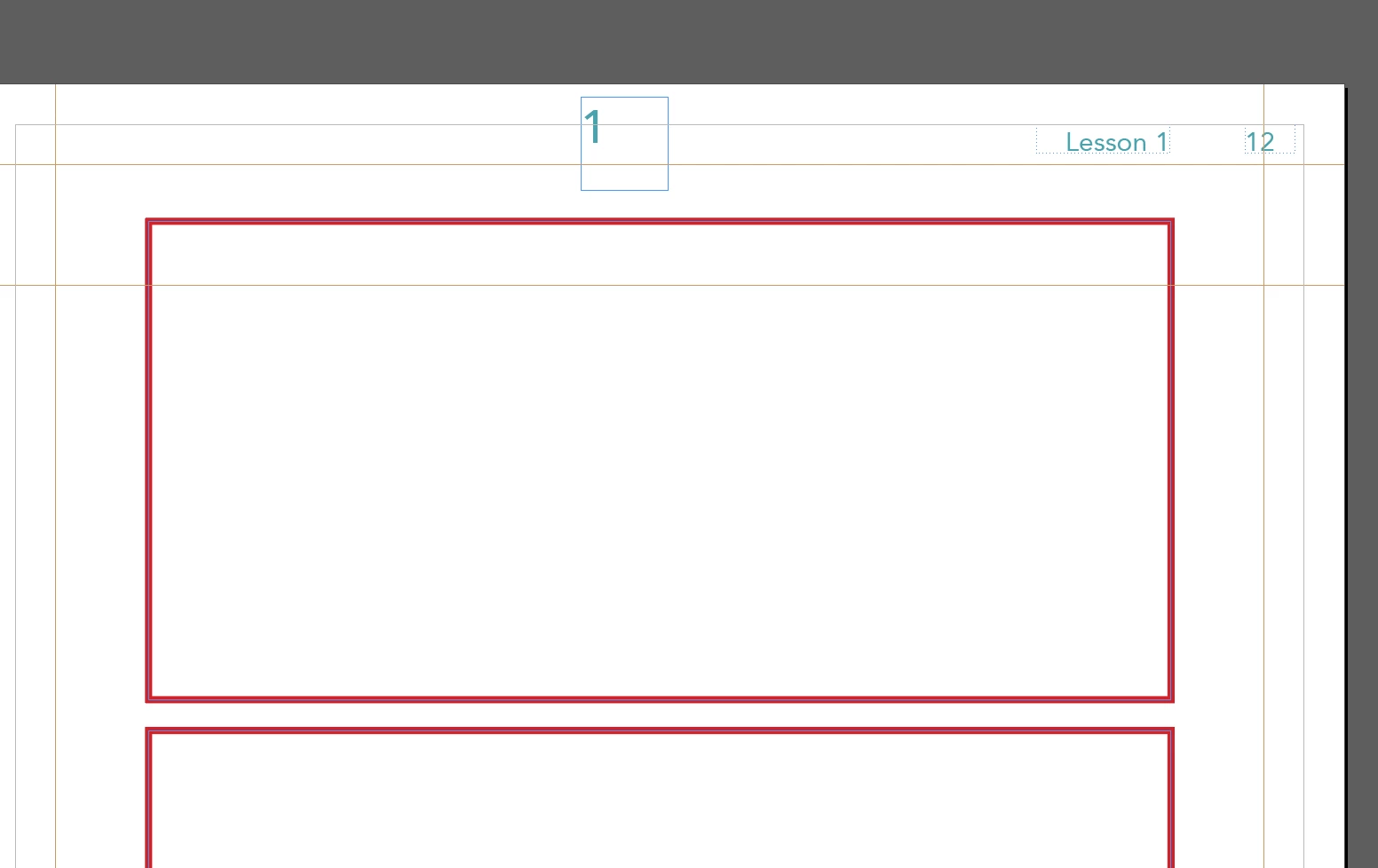
So I have this text box, and I want to place it inside this rectangle. Simple stuff, right?? I’ve brought the text box to the front, and as you can see, it’s definitely large enough to display the text inside.
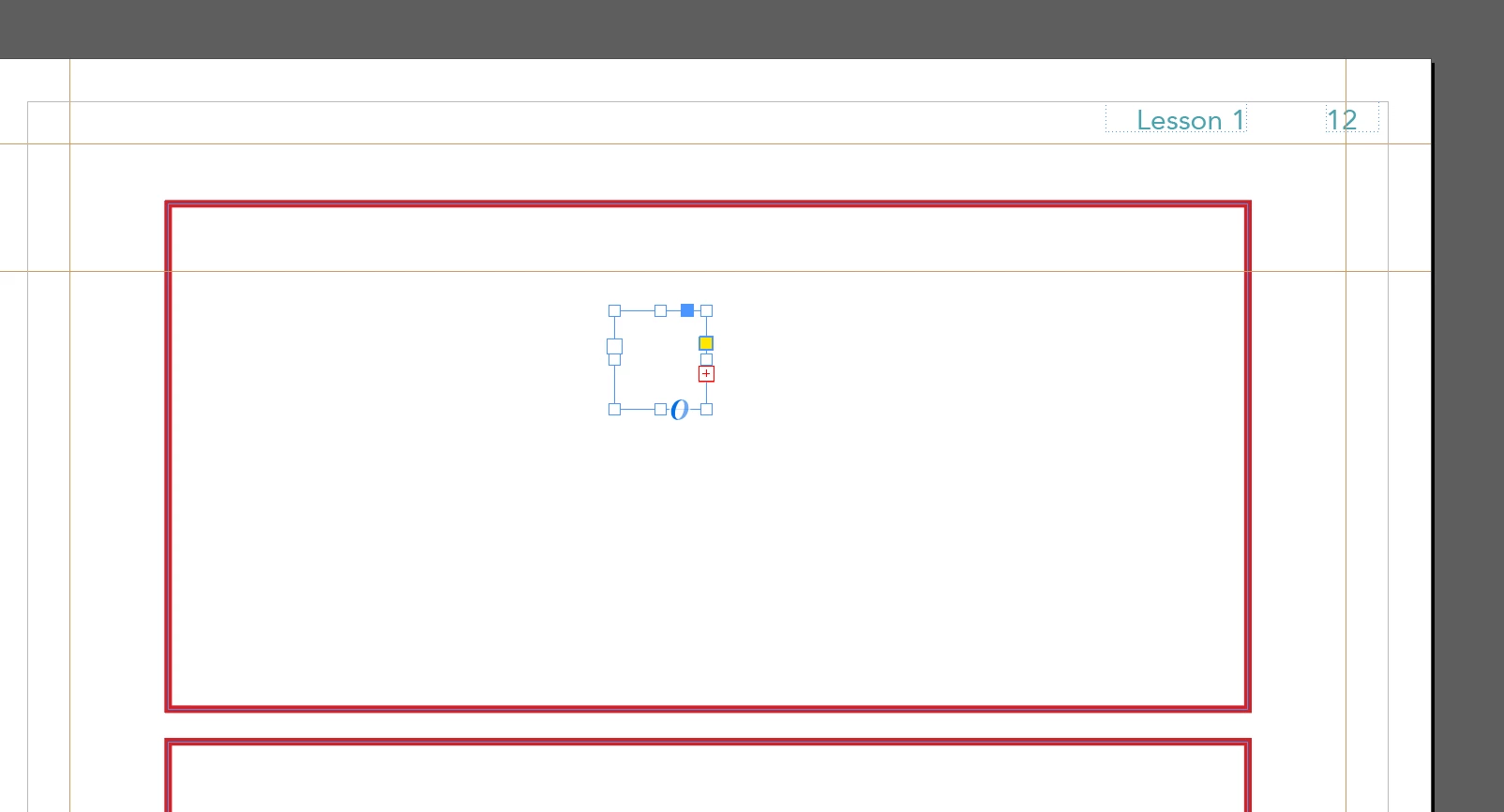
When I move it over the rectangle, this happens. I get an overset text error even though I didn’t change the text box or the text itself.
I tried expanding the text box, and this is the minimum size I can make it so that it’ll get rid of the error and display the 1. The text goes to the top right corner even though it’s left aligned.
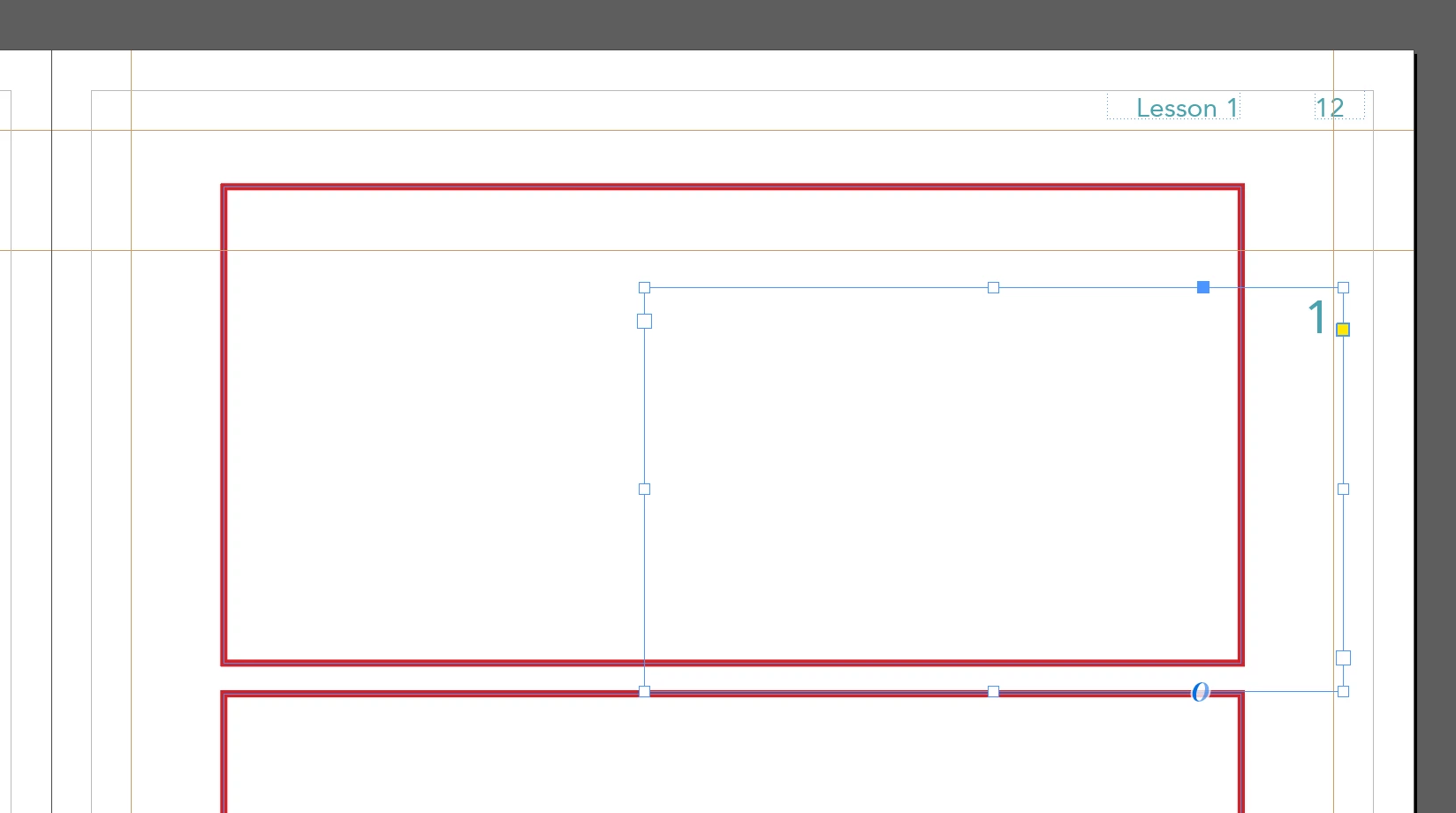
I tried making different text boxes and rectangles, and the same thing happens. I restarted the program, and that didn’t help either. If I hide or lock the rectangle, the same thing still happens when I move the text box over it. The only way I can move that text box there without it acting weird is if I delete the rectangle. I tried doing the same thing on a new document, and it’s still wack. I’m also making sure to use the selection tool instead of the direct selection tool.
What am I doing wrong? I’m sure it’s something embarrassingly simple… I’ve never had this issue before and it’s bizarre.
 AdChoices