
Indigowaters23
Participant
September 16, 2017
Answered

Text breaks to next line before it reaches end of bounding box.

  • September 16, 2017
  • 2 replies
  • 23173 views

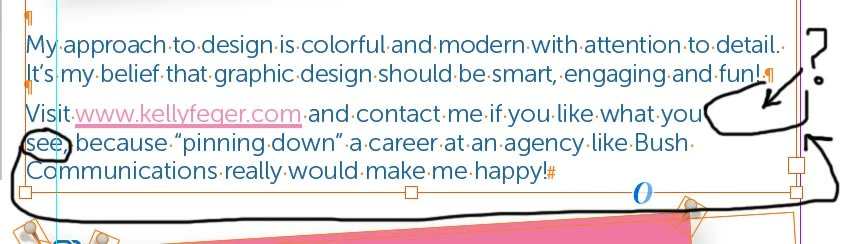
Okay, so what happens is my rags are looking funky because my lines are breaking WAY before they last word reached the right edge of the bounding box. This has happened more than once.

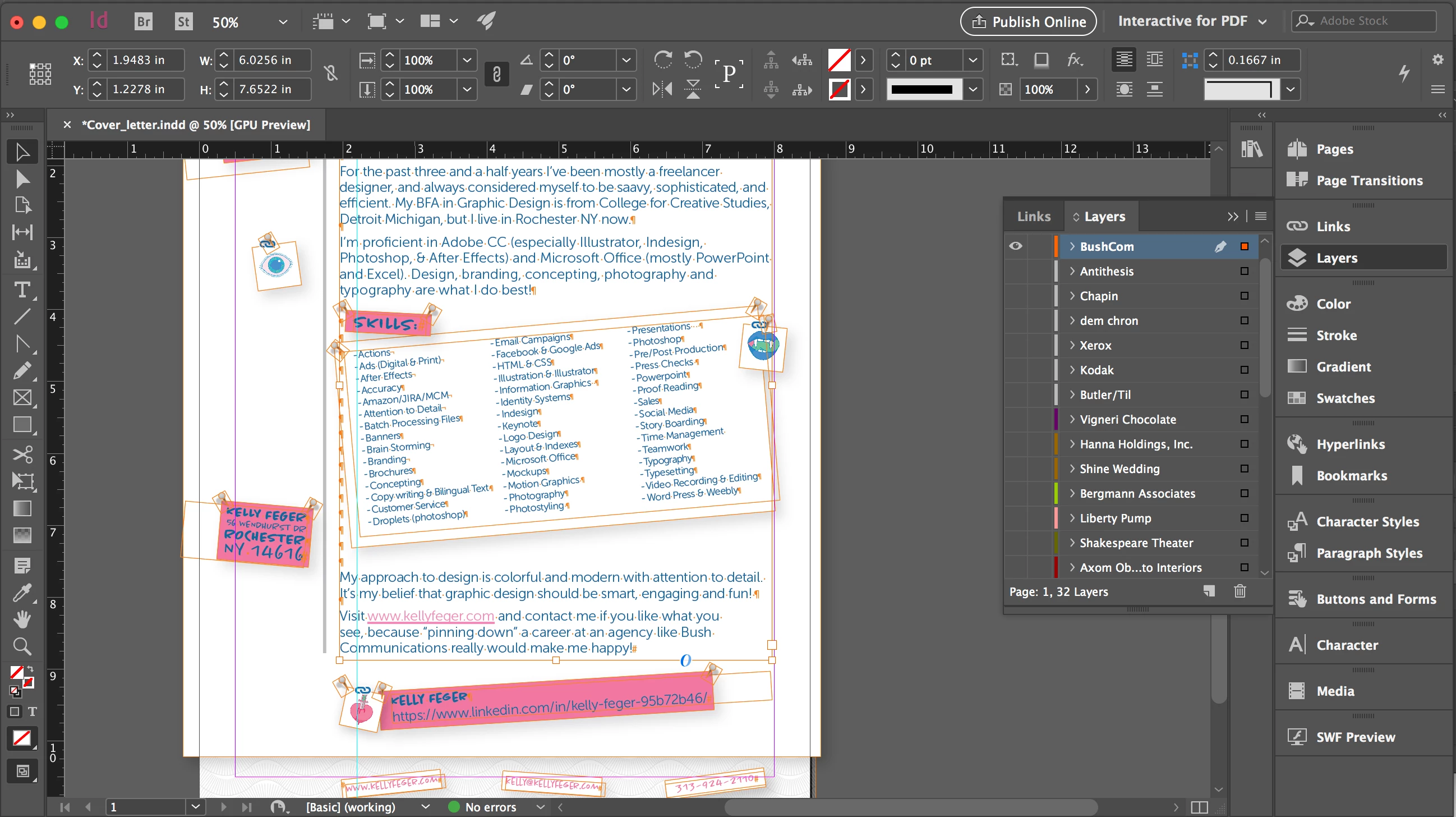
So I have a bunch of unfilled space at the end of a line when there is clearly space for more words to fill that line. I haven't made any changes to my alignment or spacing. How do I fix this, it looks terrible there are large gaps of space where the sentence should be, but instead it broke to the next line. It's the first sentence of the second paragraph, the word "see" got bumped to the second line but clearly there is space to allow "see" to fill up the space in the end of the first line, after the word "you". WHY is this happening, It looks terrible. I've attached a screed shot.
Correct answer winterm

Does your text has Paragraph style applied? If yes, check if there are any style overrides (possibly - unwanted right indent), then check that style Options > Indents and Spacing tab. There may be Balance Ragged Lines box checked ON. Uncheck it.

Or, if no specific style, just select that text, from menu at the upper right corner of the app window (next to Quick Apply) find that same Balance Ragged Lines, ensure there is no check mark here.

Assuming there isn't No Break applied to your text...

2 replies

Indigowaters23
Participant
September 17, 2017

Yeah I guess it had something to do with my paragraph styles, when I clicked on it, it fixed itself, just I wish I knew why. The Balance Ragged Lines box was not checked. Thanks for the quick reply!

Participant
September 13, 2023

You had No-Break on in Paragraph Styles most likely.

Robert at ID-Tasker
Legend
September 13, 2023

It's a 6 years old thread... 


winterm
wintermCorrect answer
Legend
September 17, 2017

Does your text has Paragraph style applied? If yes, check if there are any style overrides (possibly - unwanted right indent), then check that style Options > Indents and Spacing tab. There may be Balance Ragged Lines box checked ON. Uncheck it.

Or, if no specific style, just select that text, from menu at the upper right corner of the app window (next to Quick Apply) find that same Balance Ragged Lines, ensure there is no check mark here.

Assuming there isn't No Break applied to your text...