


Inspiring
June 24, 2024
Answered

Text Disappears or Moves When Moving Text Box in InDesign Despite 'Ignore Text Wrap' Selected

  • June 24, 2024
  • 2 replies
  • 1070 views

Hi all,


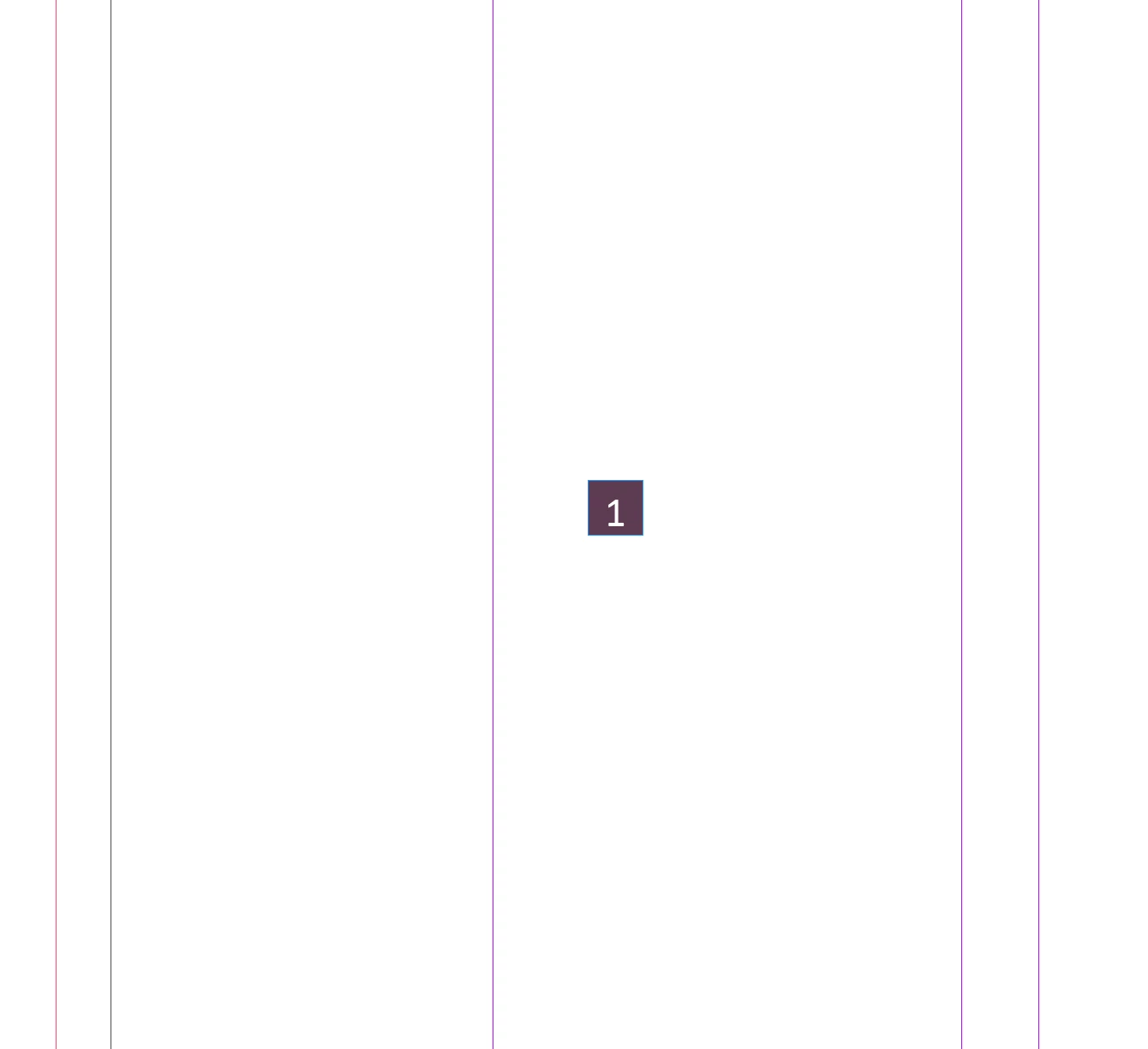
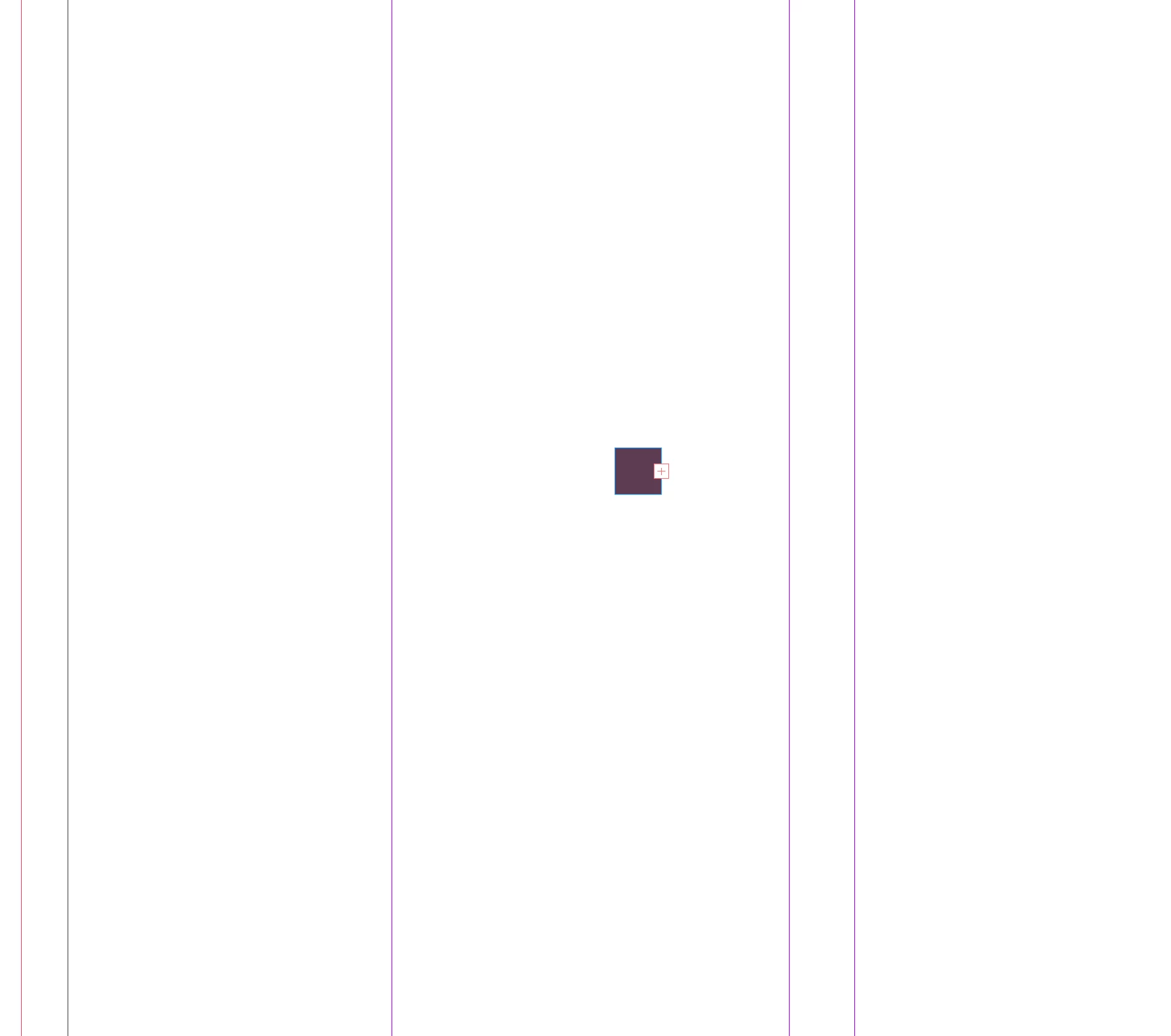
I am not sure why but when I have text within a box and move it around a page with no text wrapping, even select the checkbox for 'ignore text wrap' the text disappears or moves within the box. i hope this makes sense. I can't work out why? thanks in advance.


<Title renamed by moderator>


Correct answer paule_PWS

Updating to the latest version appears to have solved the issue.


Thanks


Paul

2 replies

jmlevy
Community Expert
Community Expert
July 2, 2024

I think that your text is aligned on the baseline grid.

Participant
April 25, 2025

You nailed it. Text is aligned to the baseline grid.  It took me an hour to find this answer. Thanks.

HARSHIKA_VERMA
Community Manager
Community Manager
June 24, 2024

Hi @paule_PWS


Thank you for reaching out and sorry for the trouble using text in InDesign. Would you mind telling us the version of InDesign installed on the machine and the details of your operating system? Does that happen with all text boxes in all files or happening within a specific file?


We will try our best to investigate and help you.


Thanks,

Harshika

paule_PWSAuthor
Inspiring
June 24, 2024

yeah sure... version 19.1. MaxOS Big Sur 11.7.8


I set up a new document and it still does the same. put a number in a box and when you move it around the page is disappears and a red + is shown.


Thanks for your help.


Paul

HARSHIKA_VERMA
Community Manager
Community Manager
June 24, 2024

Thanks for sharing the details. Would you mind updating InDesign to the current version, i.e, 19.4 and let us know if the issue persists?


We will be happy to investigate further.


Thanks,

Harshika