


- Home
- InDesign
- Discussions
- Re: Text Frame Options - Auto Size issue
- Re: Text Frame Options - Auto Size issue
Text Frame Options - Auto Size issue

Copy link to clipboard
Copied
Hi all.
The auto-size on my text boxes sometimes does not work. I can't see anything checked that should be... nor anything in my paragraph styles
Any troubleshooting ideas?


 6
Replies
6
6
Replies
6


Copy link to clipboard
Copied
I think you need to provide more information about what you're trying to do with the feature. Show us your settings. Attach a screen capture here in the forum editor to show us what is happening, or not happening. What version of InDesign are you using?

Copy link to clipboard
Copied
What do you mean when you say "does not work"? What is happening instead?
Copy link to clipboard
Copied
I'm sorry for not providing more info...
I am running Adobe Indesign CC 2017
2017.1 Release
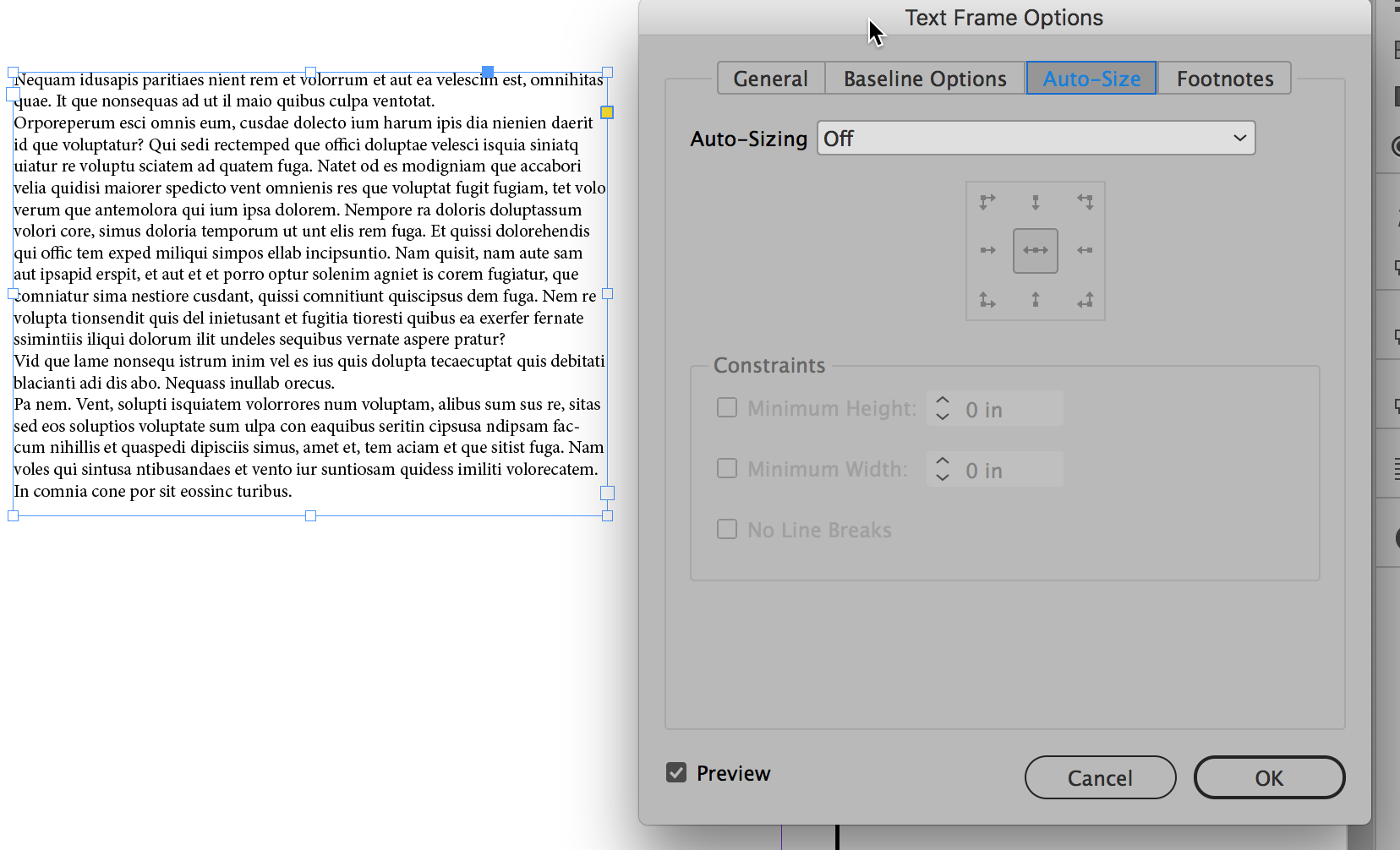
When I create a text box and paste in my text, I click onto Auto Size (via hotkey Command B) and the 4 options are greyed out - they are not selecting.
I have since shut down my computer a few times though and can't find the problem happening again. Maybe it's a computer thing?
Thanks everyone for taking the time to respond.
Copy link to clipboard
Copied
Can you please attach a screen capture in the forum editor window so we can see what you mean by "the 4 options are grayed out"
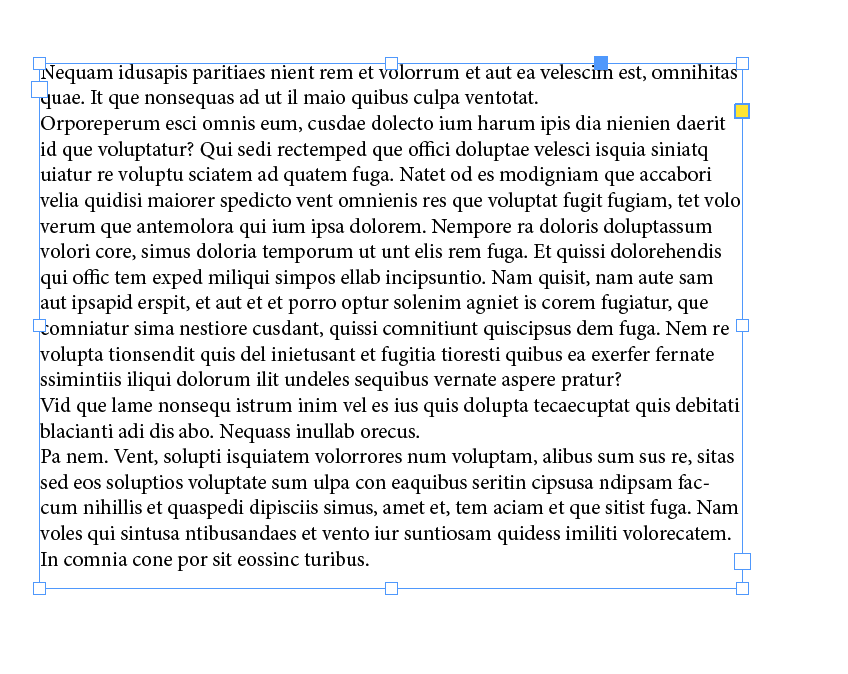
Here's what I see. Place or paste text in a frame:
With text frame selected I choose Object Text Frame Options (Cmd/Ctrl-B). At the top of the window, click Auto-Size.
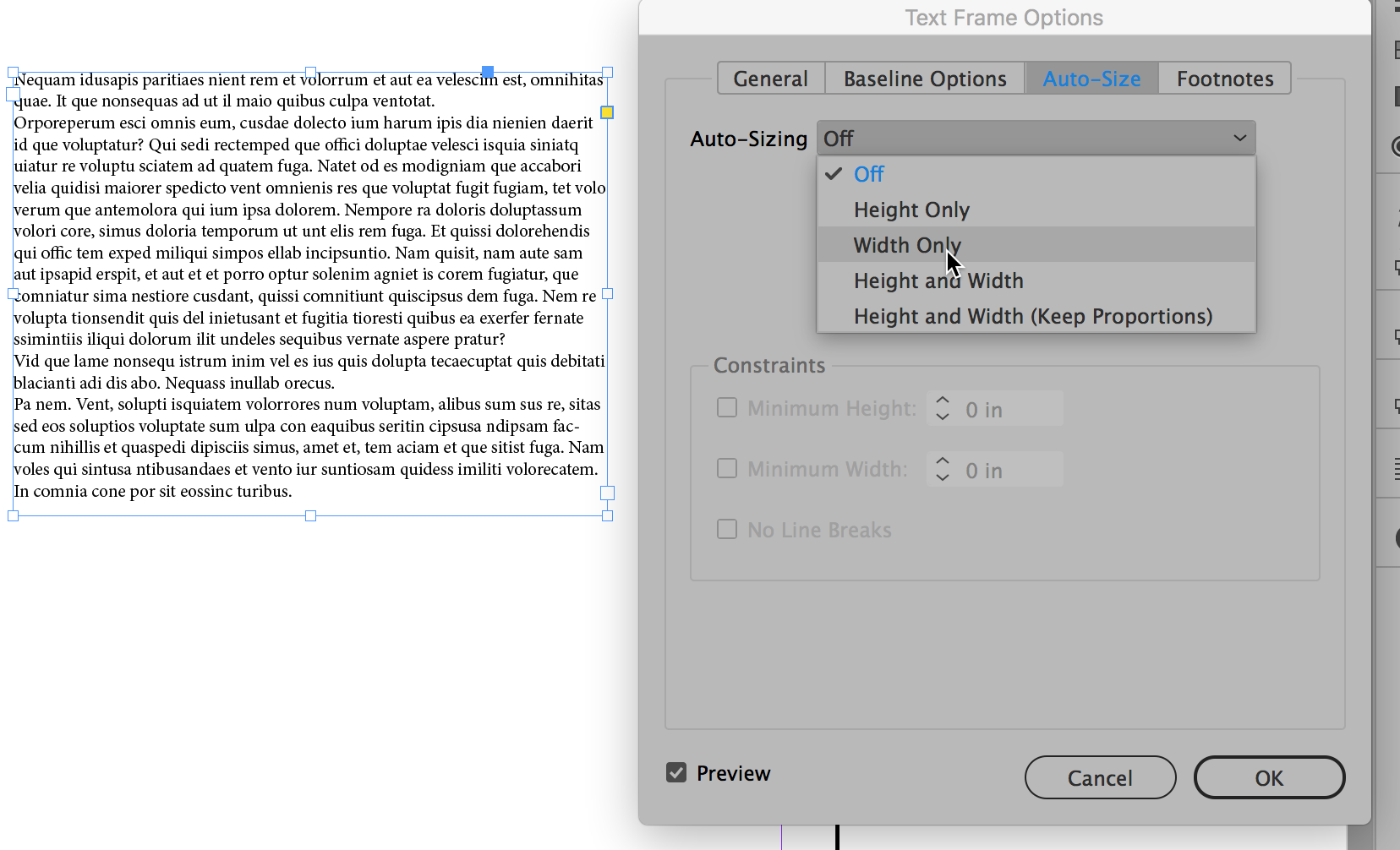
Choose an Auto-Sizing option:

Copy link to clipboard
Copied
exactly the same problem

Copy link to clipboard
Copied
Hi there,
Sorry to hear about your experience. In addition to reply given by Steve earlier, please find more information on this help article to know about persistent text frame fitting options in InDesign. Hope it helps.
Regards,
Ashutosh


Get ready! An upgraded Adobe Community experience is coming in January.
Learn more
 AdChoices