Participant
August 1, 2018
Answered

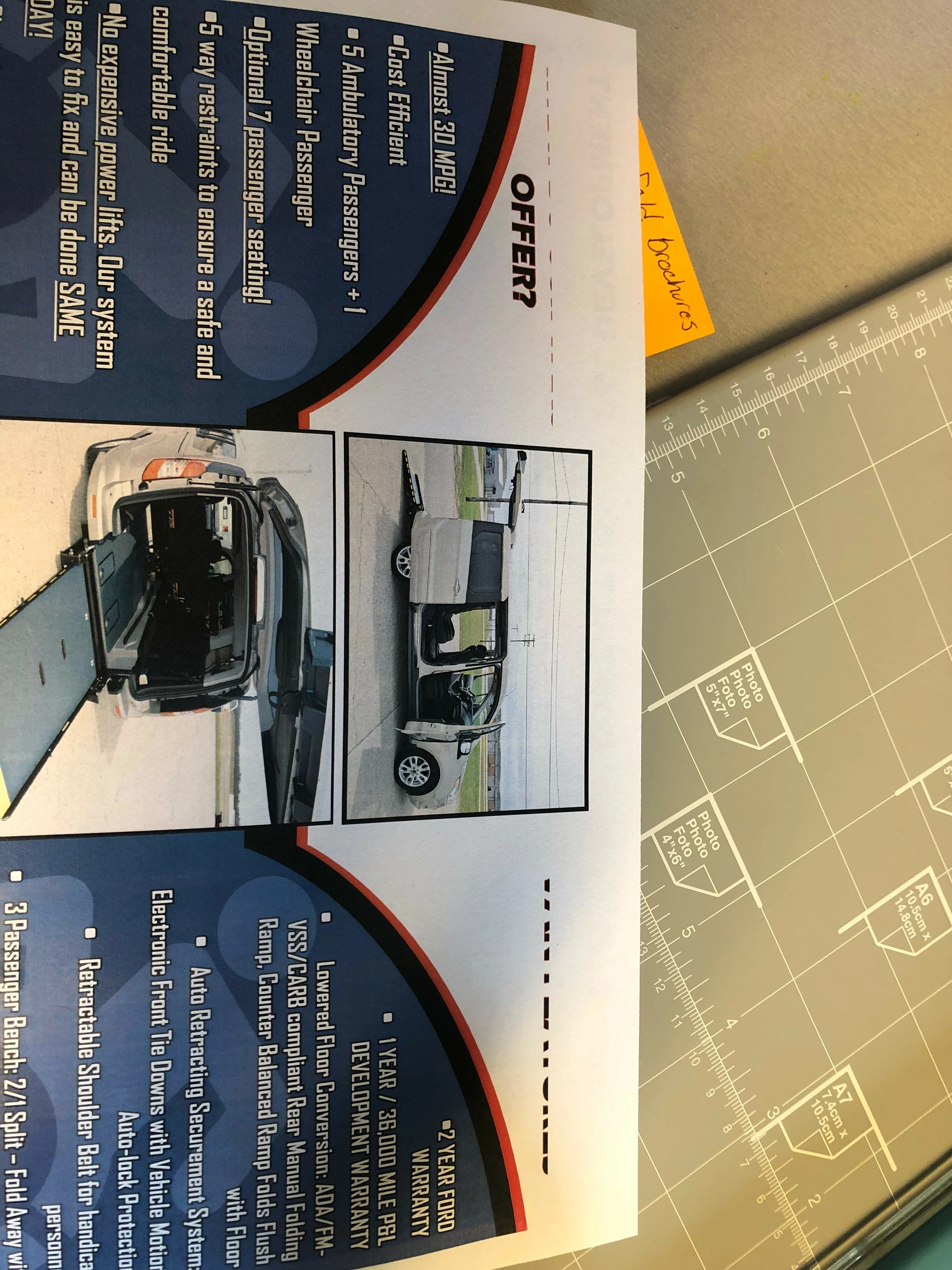
Text getting cut on my Tri-fold brochure

  • August 1, 2018
  • 2 replies
  • 931 views

The text at the top of the page is being cut off but the picture is still printing fine? I turned off hyphenation but the problem is still occurring. Problem with my printer? My headers on the other side are printing just fine, i am only having troubles with the inside of the brochure. 

    This topic has been closed for replies.
    Correct answer brendonm88325482

    That's a possibility Uwe.

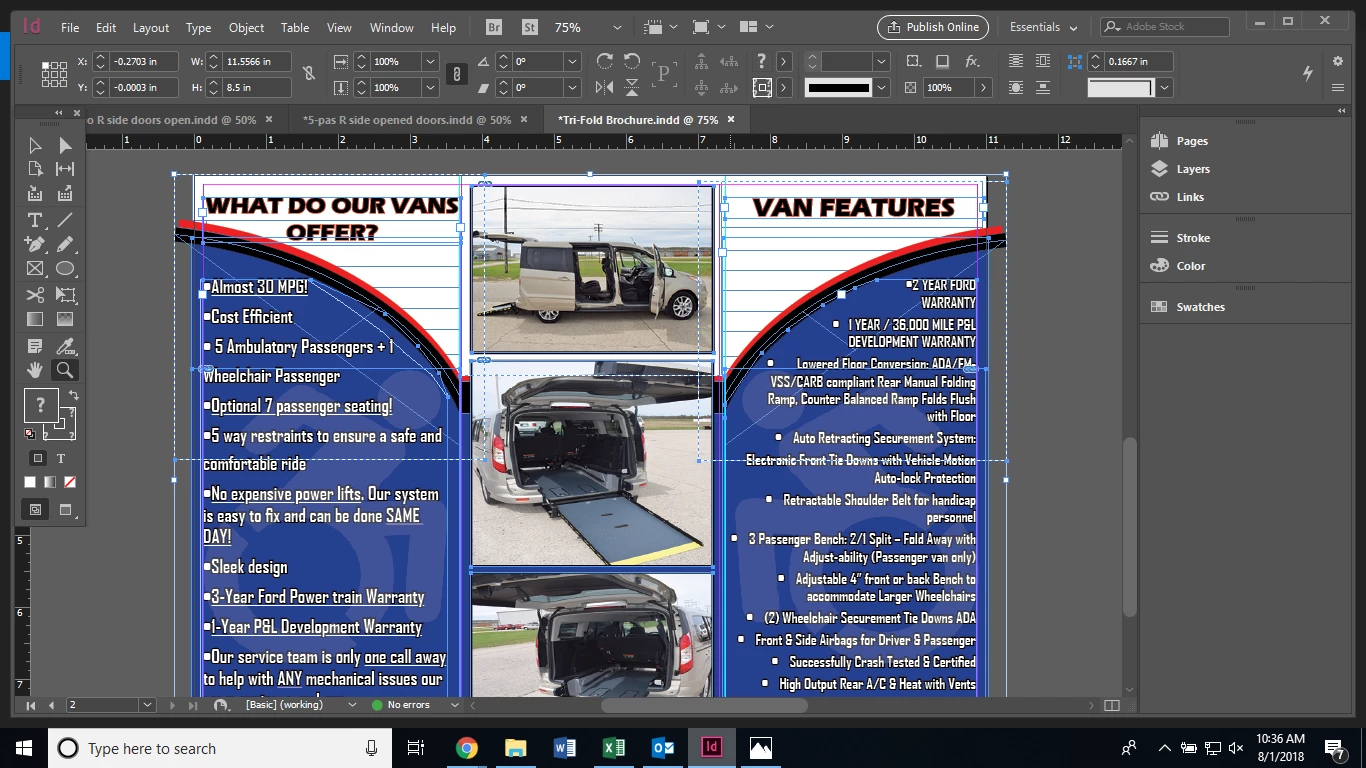
    Could you try printing to another printer? If you could open the InDesign file and with the Selection tool active, press Cmd+A or Ctrl+A to select everything then take a screen capture of it and send it over that might help us to see how you built the file. To reverse my initial suggestion since you've been printing from a PDF, can you try printing directly from InDesign? Again, we're just trying to isolate the problem at this point.


    Here you go Chad. I did print it on one of our other printers and I did not have a problem. Sadly, this printer does not print in color. It printed the file correctly. Which would lead me to believe I have a problem with my printer margins?
    2 replies

    hammer0909
    Community Expert
    Community Expert
    August 1, 2018

    At first I was thinking that it was the margin limitation of your printer however I can see that the image in the middle of the page is in fact extending further than the text elements. It's hard to say without seeing the file. Are you printing directly from InDesign? As a test, you might want to make a PDF of your brochure and print from that just to try and isolate where the problem is occurring.

    Community Expert
    August 1, 2018

    Hi Chad,

    just a shot in the dark: Memory problem with the printer ?!

    Your suggestion to print from a PDF is a good one.

    If all would fail one could print as image from Acrobat.

    Regards,
    Uwe

    brendonm88325482AuthorCorrect answer
    Participant
    August 1, 2018

    That's a possibility Uwe.

    Could you try printing to another printer? If you could open the InDesign file and with the Selection tool active, press Cmd+A or Ctrl+A to select everything then take a screen capture of it and send it over that might help us to see how you built the file. To reverse my initial suggestion since you've been printing from a PDF, can you try printing directly from InDesign? Again, we're just trying to isolate the problem at this point.


    Here you go Chad. I did print it on one of our other printers and I did not have a problem. Sadly, this printer does not print in color. It printed the file correctly. Which would lead me to believe I have a problem with my printer margins?

    BobLevine
    Community Expert
    Community Expert
    August 1, 2018

    There's no way to even come close to guessing at this.

    We know nothing about the file, the printer, the operating system, the version of InDesign or anything else.

    Give us some details and there might be some hope of helping you.

    Participant
    August 1, 2018

    Tell me what you need to know and where to find it.