
Participating Frequently
September 20, 2023
Question

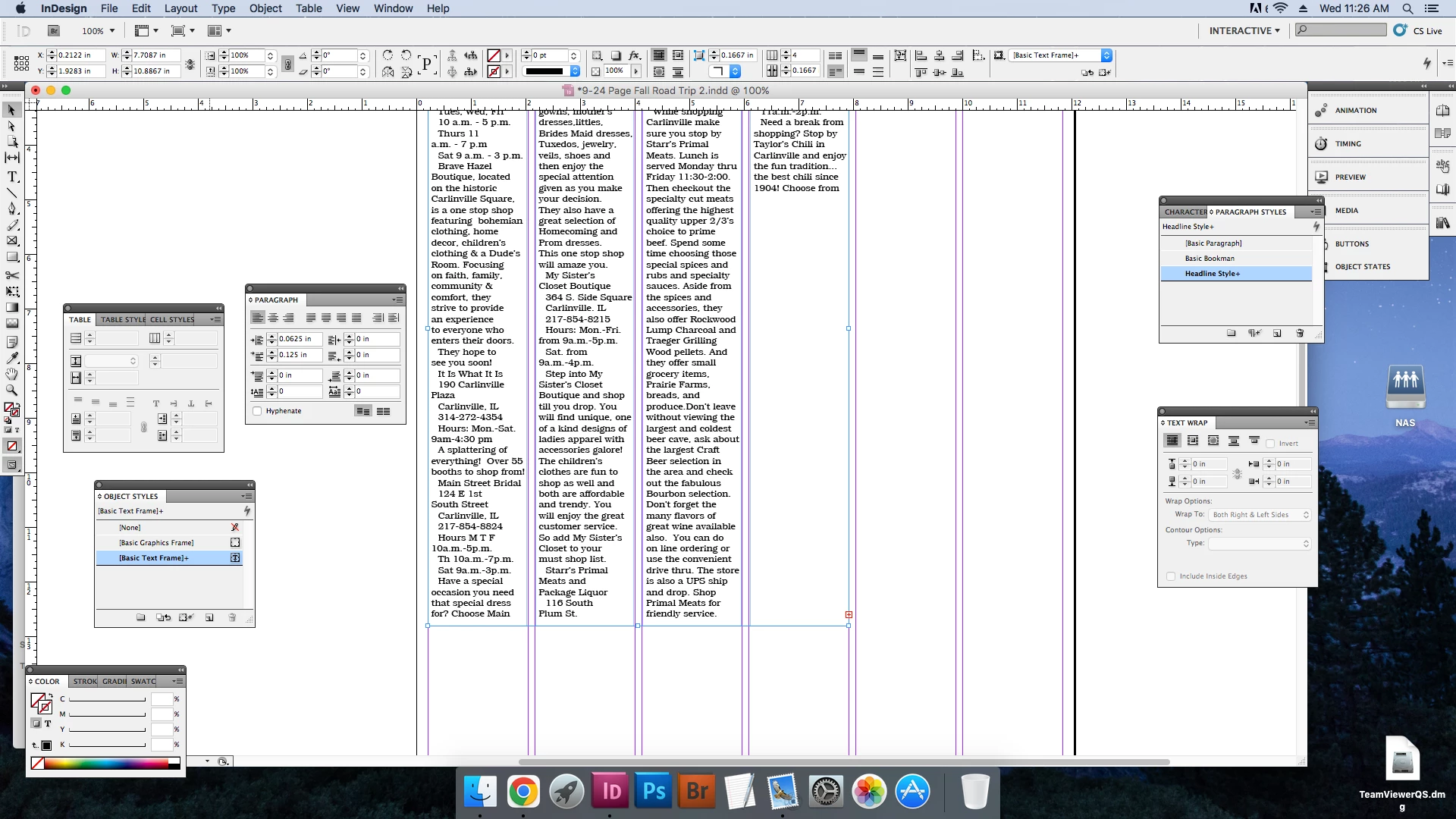
Text keeps jumping...
  • September 20, 2023
  • 2 replies
  • 1456 views


Hello!

I've been having this issue for a while, but for some reason when I copy and paste text into a text box, it will cut off halfway through. I did fix the problem originally by checking the hyphenation in paragraph styles, but now it's starting to have this issue even when hyphenation is checked. It'll jump like this on the basic paragraph styles on Indesign. I've tried creating new paragraph styles and returning all of the other styles (text box, object, chart, ect.) to the original formats. I've also tried creating a whole new document but the text will still cut off. Nothing seems to work besides deleting and re-typing the section, which is teadious since it's a bussiness calender. 

Anyone have any ideas?

This topic has been closed for replies.

2 replies

Barb Binder
Community Expert
Community Expert
September 20, 2023

Hi Lizzy:


The InDesign document so that I can see what is happening in your screen shot.


~Barb

~Barb at Rocky Mountain Training
Participating Frequently
September 20, 2023

Unfortunetly, I keep getting an error saying the message doesn't support .indd or .zip files for a personal message, but I'm able to send it here. 

Robert at ID-Tasker
Legend
September 20, 2023

Ah, yeah we use CS5 on our computers. I'll try saving under a new name at the end of the day, it could be possible the file gets corrupted. Our computers have a tendancy to power off randomly through the day as we work on Indesign.


Thank you for your help!


Are those power cuts or crashes? 


Either way - it's very bad. In case I have to do cold restart - I always boot in "dos" mode and run chkdsk to fix potential errors. 


As you work on windows, I would suggest the following:

  1. do Ctrl+S every 15-20 minutes - or whenever you do a lot of changes,
  2. switch to folder with your file - keep it selected - hit Ctrl+C then Ctrl+V - Windows will take care to number copies.
  3. At the end of a day - delete midday copies - leave only those with most important changes and the last one for the day. 
  4. Just in case - do Save As with a new name - for housekeeping and as a backup.
  5. Next day, use it as a source, work for a while, then do a new Save As for that day and then go to 1.


If like you've said, you've a lot of crashes, when you do 4. - do also IDMLing - as an extra backup and use it the next day as a starting point. 


Drives - hdd or ssd - are cheap as chips - and waaaaaay cheaper than starting from scratch... 


Barb Binder
Community Expert
Community Expert
September 20, 2023

Hi @Lizzy324178588mo8:


Start by examining the Keep Settings on the last paragraph and the ones that follow. (You can't see those at this time, so use Story Editor to view them.) I'm happy to take a look at the file, if you are comfortable sharing it. Put it on dropbox (or similar) and direct-message me this link by clicking my avatar above this reply and click on Message. 


~Barb

~Barb at Rocky Mountain Training
Participating Frequently
September 20, 2023

Hello!

Thank you for replying, do you want the Indesign file or the text file? I tried looking at the Story Editor, but I'm not too sure what to be looking for.