
Participant
October 8, 2017
Answered

Text not showing in indesign but showing in PDF

  • October 8, 2017
  • 2 replies
  • 3847 views

Hello everybody,

I am working on an Indesign document of over 80 pages and had my text all laid out and had exported the document before.

All of a sudden the text of 4 pages has disappeared from the document, however, I can see it when I export the document as PDF.

Any suggestions on how to solve this?
    This topic has been closed for replies.
    Correct answer Scott Falkner

    Check your Layers panel to see if any layers are hidden, then your export options to see if you are exporting all layers. It is possible to hide a layer but export all layers, even non-visible ones.

    This, I suspect, is not the problem. When I get weird behaviour like this I like to rebuild the InDesign file. Export to IDML then reopen the file and save using a new name, keeping the original as a backup. This forces InDesign to rebuild the file. It can help clear up a lot of annoyances, like swatches you can’t delete.

    2 replies

    Scott Falkner
    Community Expert
    Scott FalknerCommunity ExpertCorrect answer
    Community Expert
    October 8, 2017

    Check your Layers panel to see if any layers are hidden, then your export options to see if you are exporting all layers. It is possible to hide a layer but export all layers, even non-visible ones.

    This, I suspect, is not the problem. When I get weird behaviour like this I like to rebuild the InDesign file. Export to IDML then reopen the file and save using a new name, keeping the original as a backup. This forces InDesign to rebuild the file. It can help clear up a lot of annoyances, like swatches you can’t delete.

    Geоrge
    Legend
    October 8, 2017

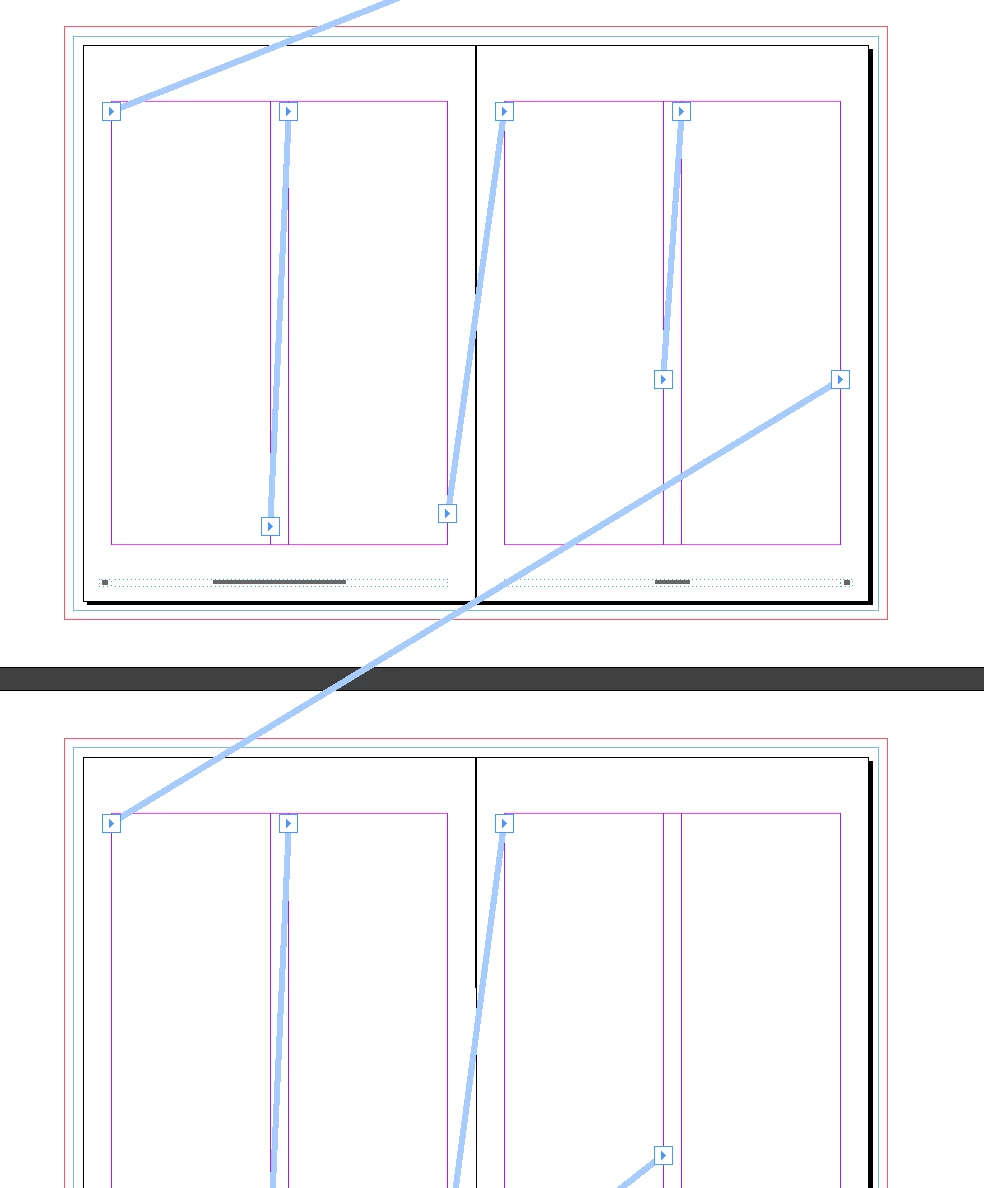
    I have had this bug early few times. Add new pages and do text frames and threads again with "main text", than delete bugged pages.

    Remember, never say you can't do something in InDesign, it's always just a question of finding the right workaround to get the job done. © David Blatner
    amaarora
    Community Manager
    Community Manager
    October 8, 2017

    Hi,

    Did you try triggering text recomposition? (command-option-/ [Mac] ctrl-alt-/ [Win])

    -Aman

    Participant
    October 8, 2017

    Thank you Aman, unfortunately that's not working