
Participant
August 2, 2022
Answered

Text position in text box different in Ilustrator and Indesign

  • August 2, 2022
  • 3 replies
  • 343 views

Hi,


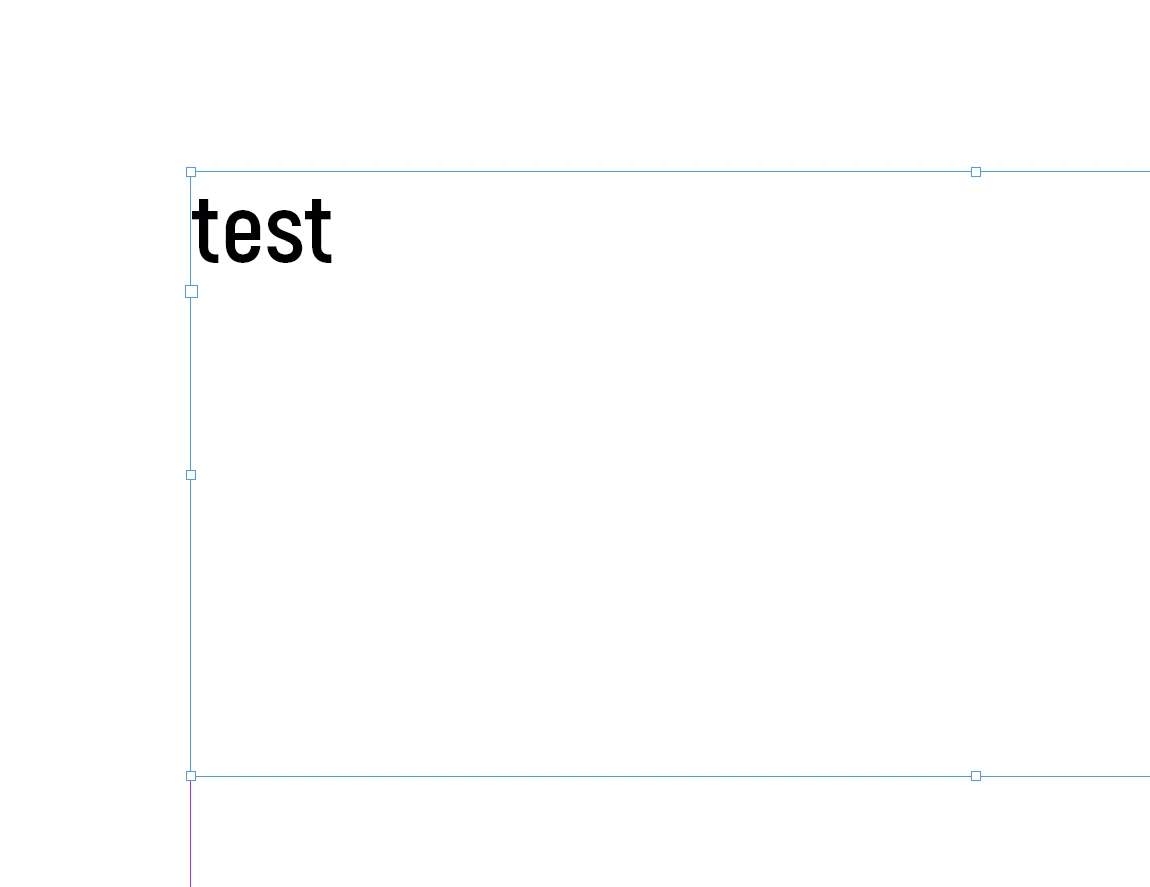
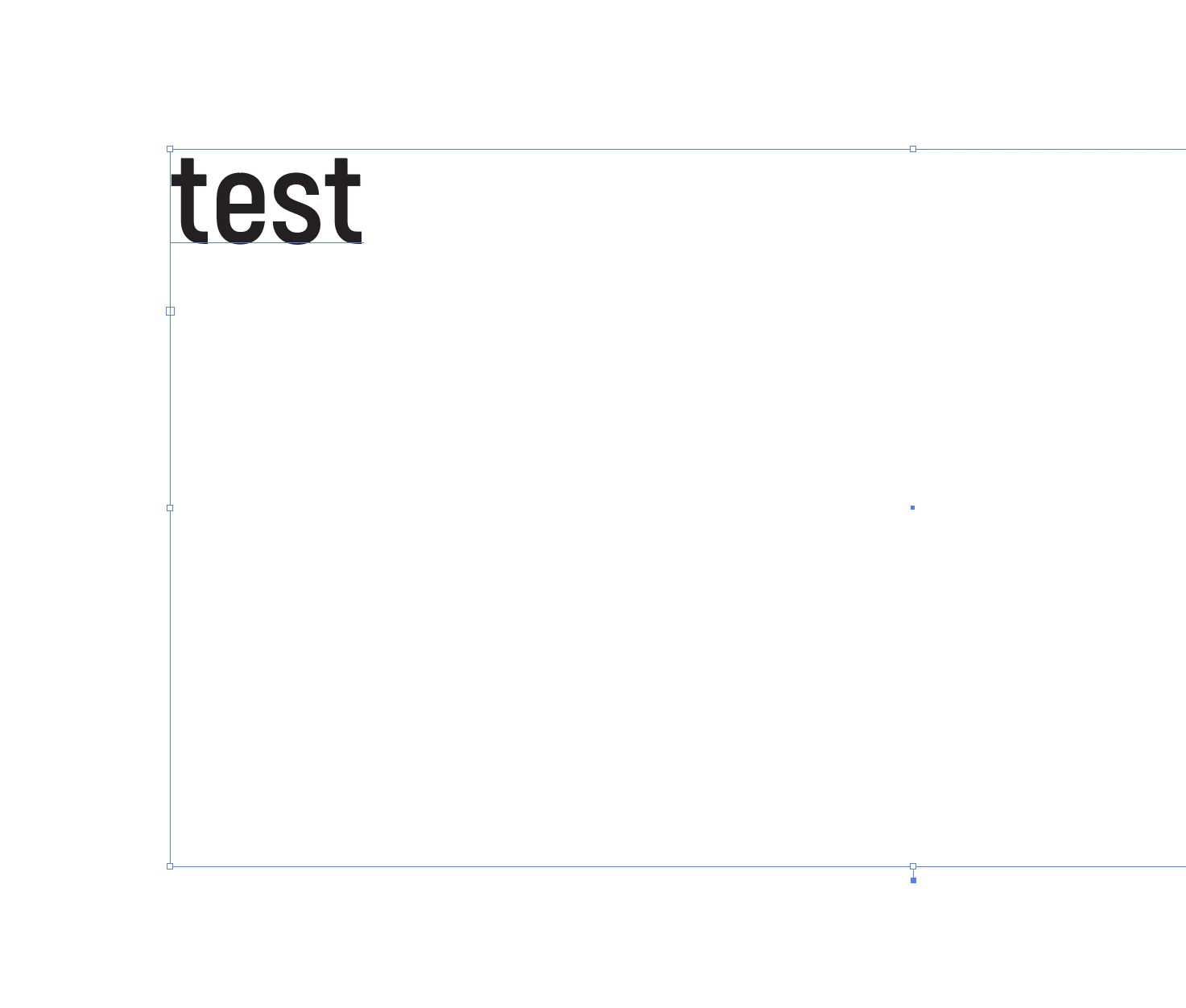
I'm trying to get same layout in both and text is in different high in the text box.


Indesign:
 

Ilustrator:
 

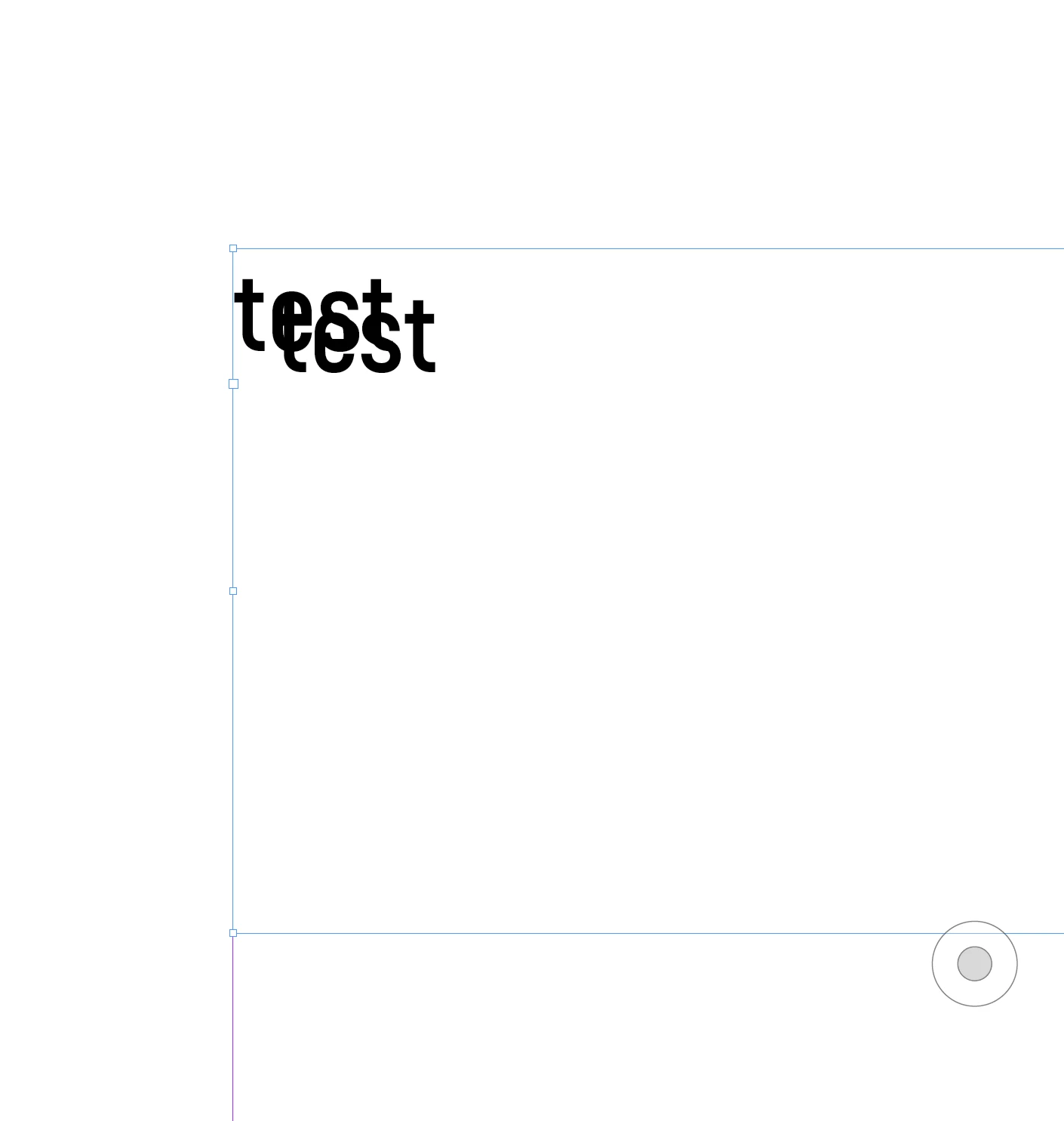
So when I make A4 export, text is not in the same position. 


Can you help me please?


David Sivy


This topic has been closed for replies.
Correct answer davidsivy

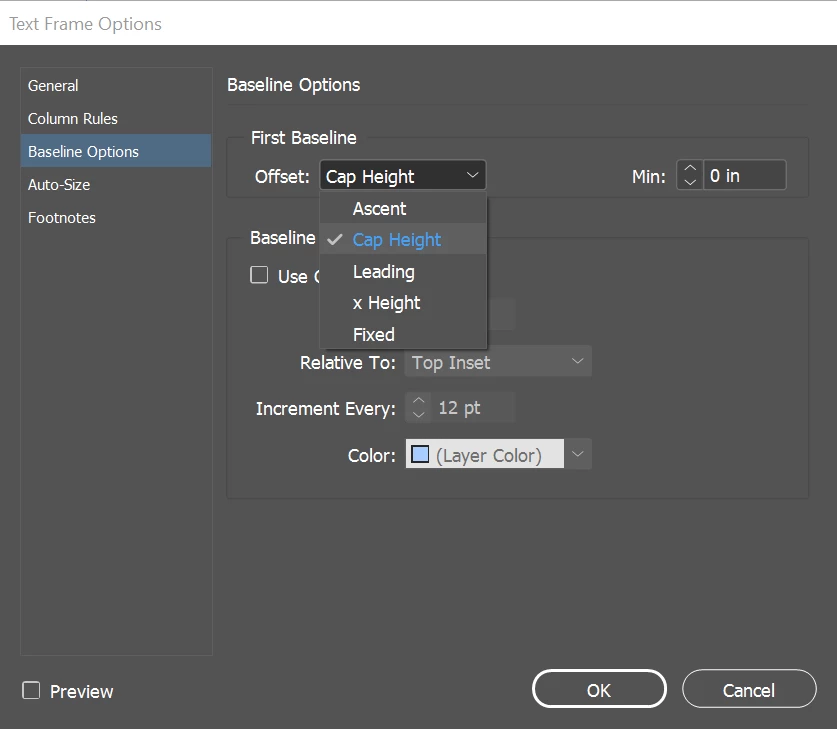
Soultion was Text Frame Options / Baseline Options / Offset: Cap Height


Thank you!


David Sivy

3 replies

Bill Silbert
Community Expert
Community Expert
August 3, 2022

Regardless of why you want to do this it appears to me that you probably have your Minimum set in the Baseline Options section of InDesign's Text Frame Options dialog (found through Object Menu>Text Frame Options) to a value such as that shown in the right picture below. Note the difference between the two pictures in regard to the text's distance from the top of the frame. Check also Illustrator's Area Type Options (found through Type>Area Type Options) for the same thing. Make sure that the First Baseline Ascent Minimum is the same for both programs.

davidsivyAuthorCorrect answer
Participant
August 3, 2022

Soultion was Text Frame Options / Baseline Options / Offset: Cap Height


Thank you!


David Sivy

Community Expert
August 2, 2022

Hi David,

do your layout in InDesign. Keep it simple, use a font that is available with InDesign and Illustrator on your machine.

Export to PDF (Print) with the PDF/X-4 export preset without bleed from InDesign.

Open that PDF page as editable artboard in Illustrator with the File > Open command.


The position of the text should be exactly the same if the used font is available in Illustrator.


Regards,
Uwe Laubender
( Adobe Community Professional )

Legend
August 2, 2022

Can you let us know why you need this? (The why might help us to suggest the best how for your purposes)