handjojot17224968
Inspiring
January 27, 2023
Question

The Embos & Bevel Effect broken when apply to the Text

  • January 27, 2023
  • 4 replies
  • 2592 views

Dear All,

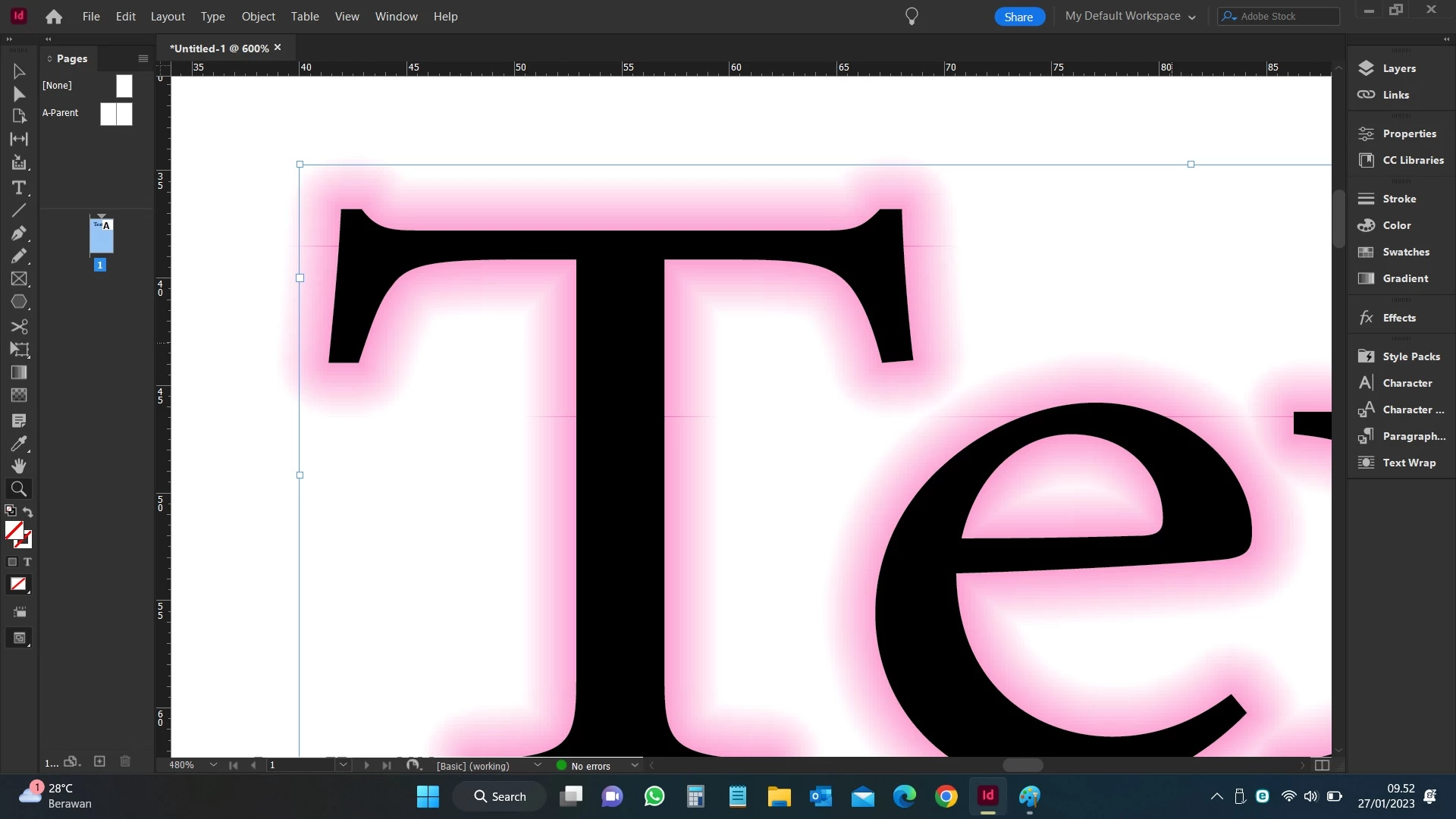
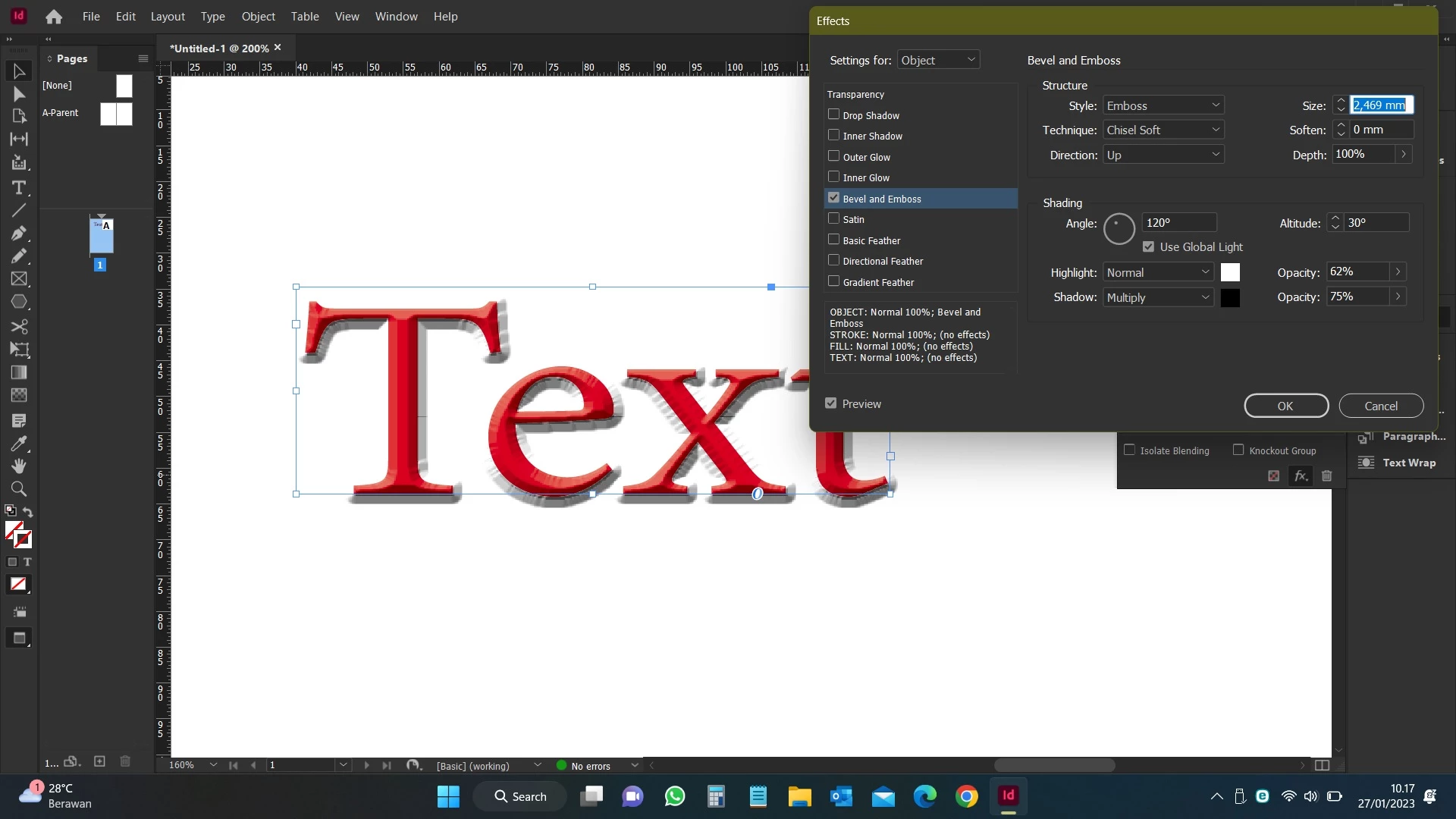
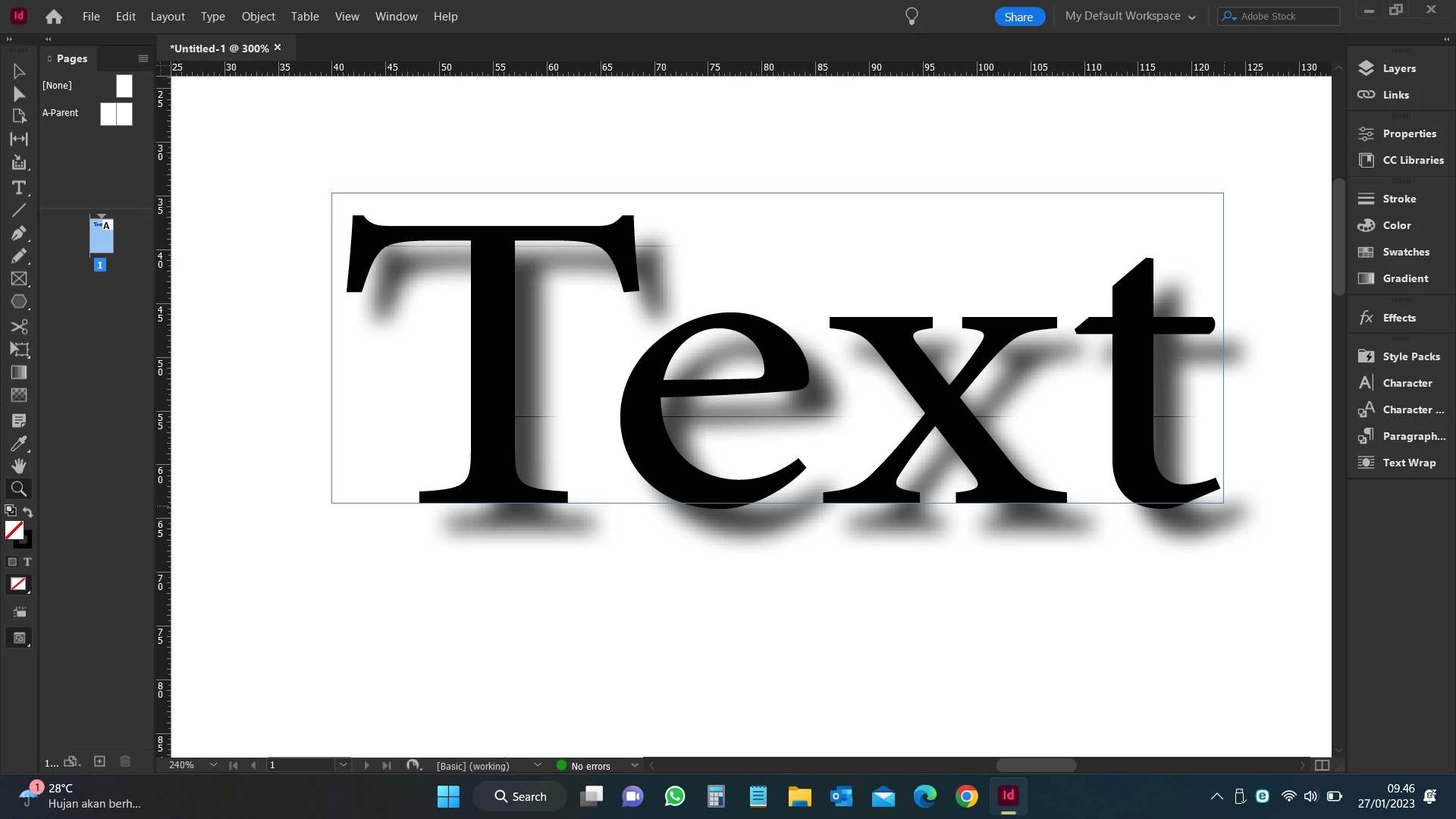
Please advice how to resolve the Embos & Bevel Effect broken when apply to the Text, also the Outer Shadow & Outer Glow the tiny line occured in my Adobe InDesign version 18.1 for Windows, as per screen shot attached.


Awaiting the advice.

Thanks & B/regards,
This topic has been closed for replies.

4 replies

Frans v.d. Geest
Community Expert
Community Expert
January 27, 2023

GPU rendering vs CPU on screen, does that make a difference?

EDIT: ah, Windows, windows still has no GPU rendering does it, like Mac, my bad.

Community Expert
January 27, 2023

@rayek.elfin said: "As for the thin lines: that looks indeed like a bug. It could be a screen rendering issue, though. Did you change the display performance to High Quality? If it persists, export a PDF and check the PDF: is it still there? Or not?"


Well, @handjojot17224968 ,

also export a page to JPEG or PNG to verify if the thin lines are still there.


Regards,
Uwe Laubender
( Adobe Community Expert )

handjojot17224968
Inspiring
January 27, 2023

when export it the tin line dissapear, perhaps it came from the render, I didn't know how to sove it even the performance set to High Quality.

rayek.elfin
Legend
January 27, 2023

The result you get when emboss/bevel is set to "chisel hard" is not a bug, but expected behaviour. It is a limitation of the effect, and one that also occurs in Photoshop. The bevel & emboss code is very old, and has never been updated to produce an acceptable quality (when the Chisel effect is used). You could try to soften the result, but it will still look pretty bad and too soft.


Sad, but true. Create a feature request to ask for an improved looking chisel effect.

You may want to switch to other software for an acceptable result until the Adobe developers improve it (I've been waiting for 15 years, so you may have to wait a bit for this to happen - if ever). I never use 2d software anymore for a quality embossing/bevel effect, and rather prefer to do these in a 3d app (Blender).


As for the thin lines: that looks indeed like a bug. It could be a screen rendering issue, though. Did you change the display performance to High Quality? If it persists, export a PDF and check the PDF: is it still there? Or not?


If the PDF looks fine, it might be an issue with the video driver. On my side here I experience no display issues when I apply the dropshadow effect.


Example of Blender text:


handjojot17224968
Inspiring
January 27, 2023

Very Sad to hear it that Adobe's developer didn't update the codec, yes you right thats the thin lines came from the render even I already set the performance to High Quality, the result  for both JPG and PDF smooth when appy Bevel Embos with technique Smooth, however with Chisel Hard the artefact occured in the corner of shape for both JPG and PDF. as per screenshot attached.

Derek Cross
Community Expert
Community Expert
January 27, 2023

If you mean the Text box, press w and it will disappear (press w again and it will return).

handjojot17224968
Inspiring
January 27, 2023

The tine line not the guide line, it's occured by self even I press the preview (press W) still there.