

The order of the fields is different in acrobat
This is really driving me crazy.
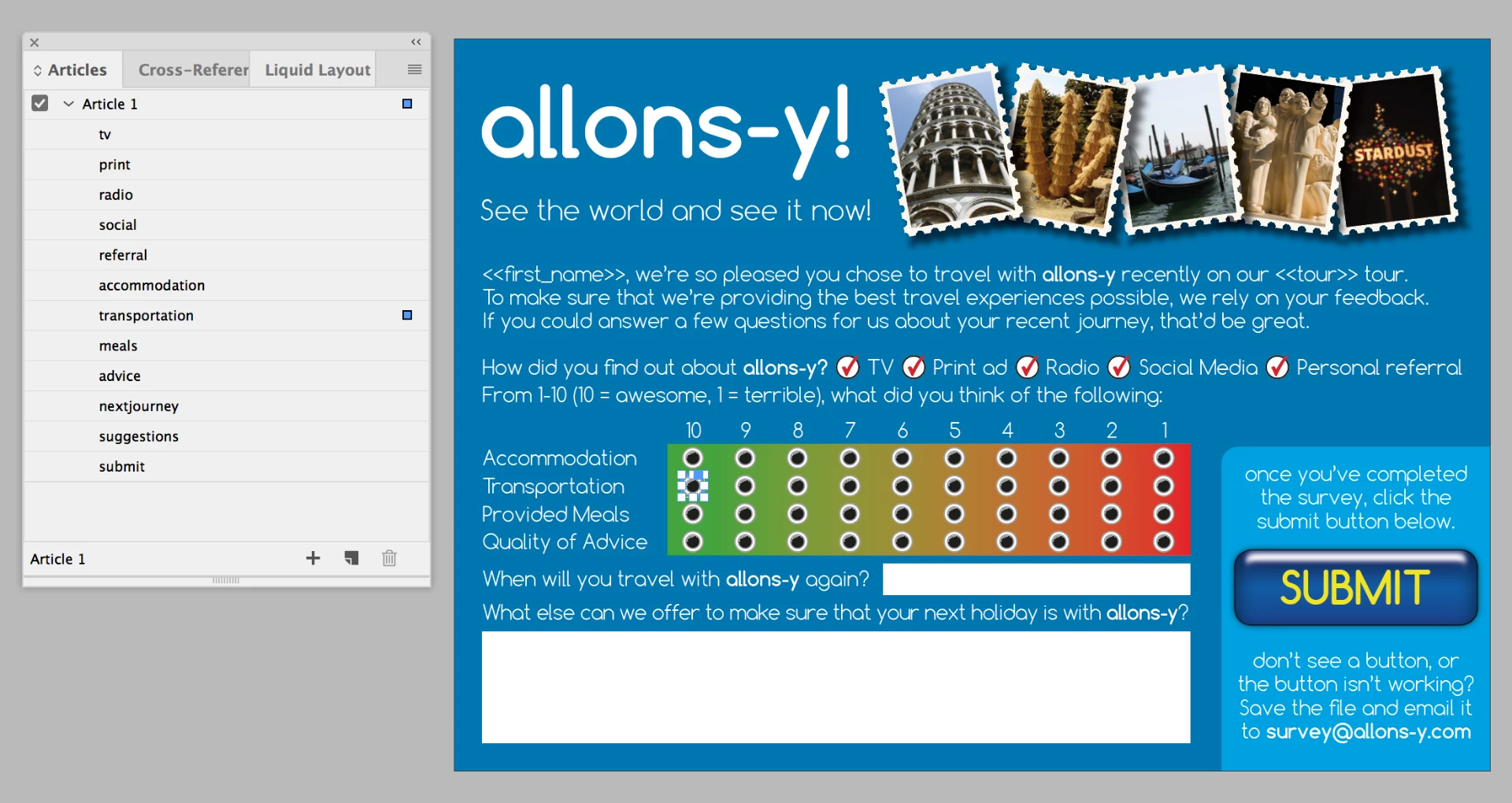
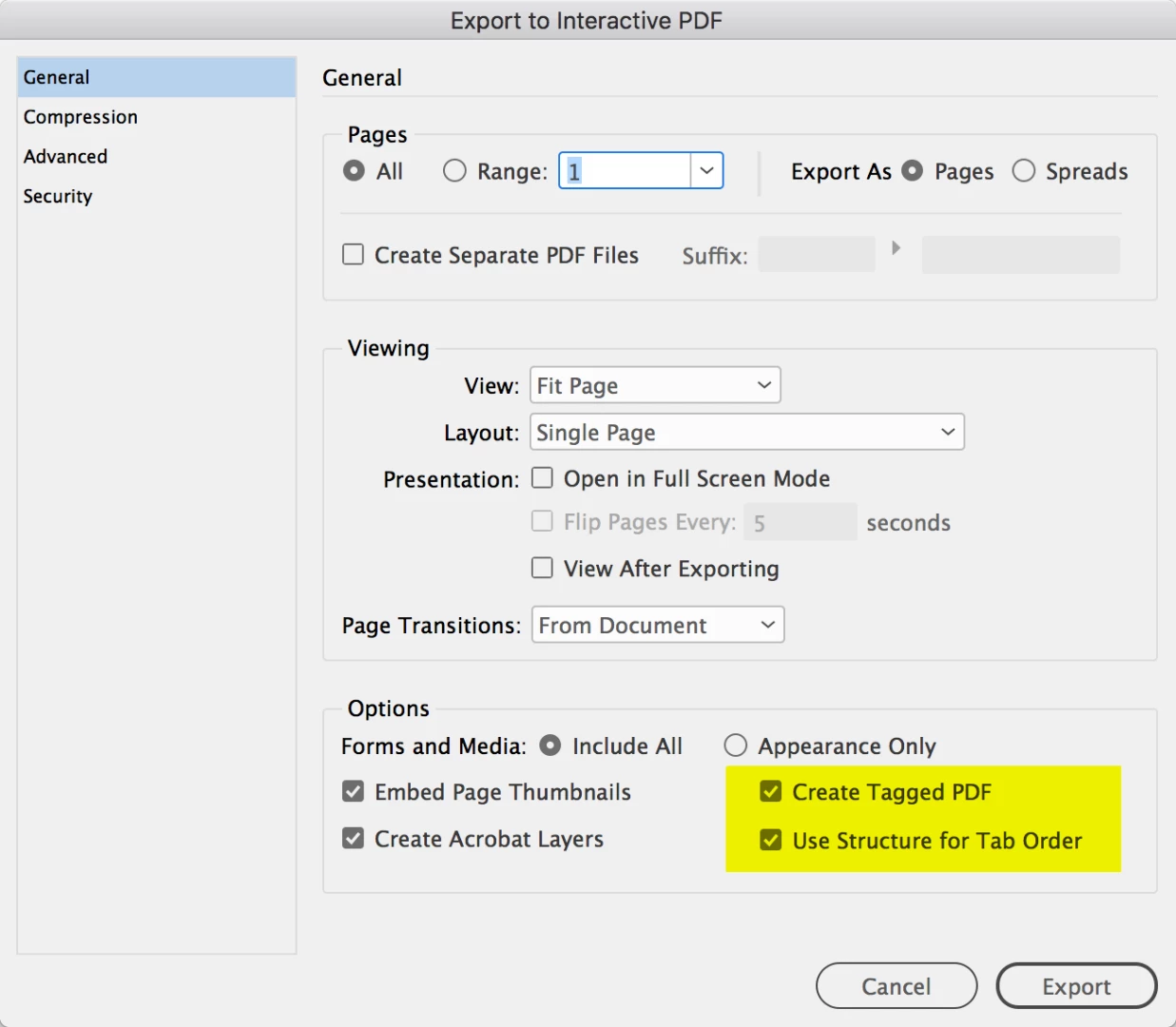
After creating form fields in InDesign, the tab order in acrobat is completely different.
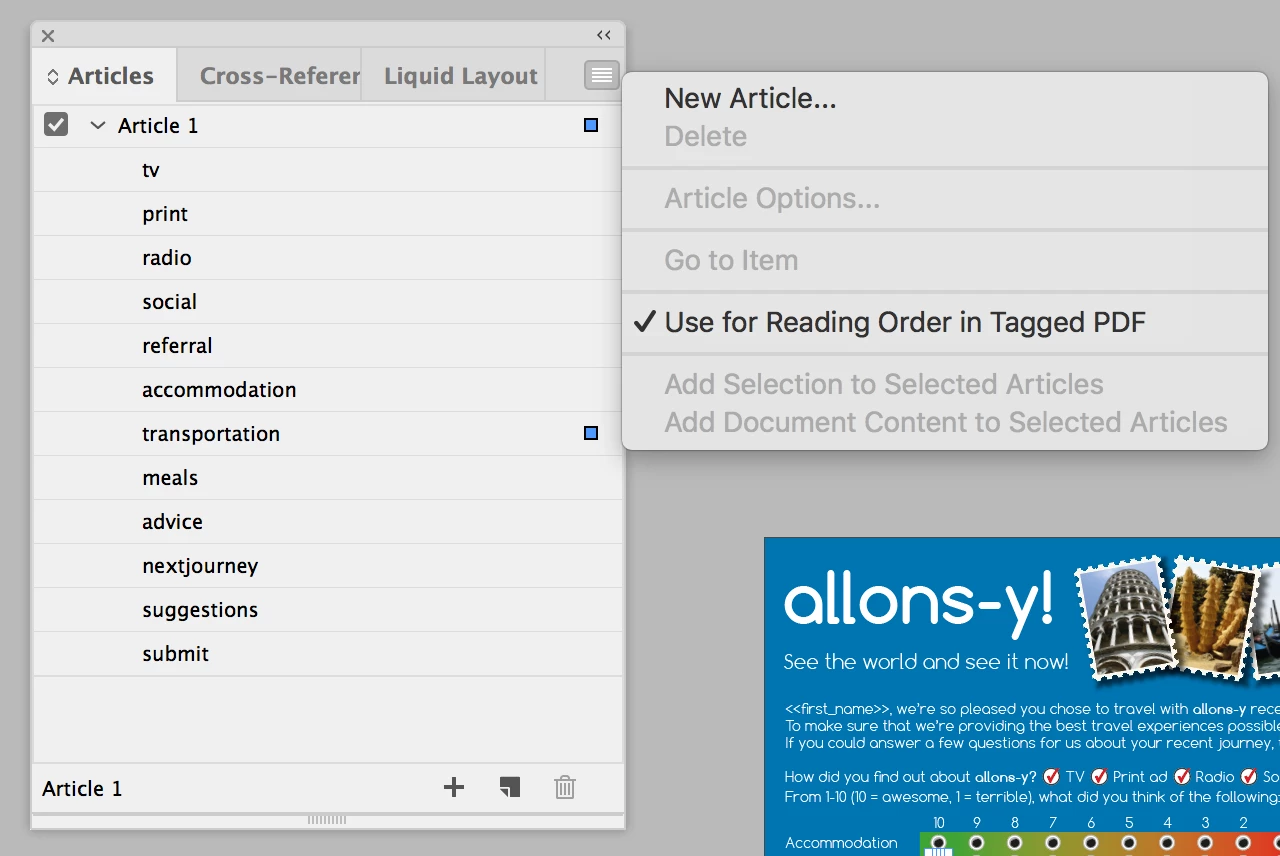
I have tried diverse strategies: drawing the form fields in the right order (one after the other), converting them to form fields in the right order, putting the field layers into order ...
A glance at "Set Tab Order" shows that everything is in perfect order (textfield 1, textfield 2 ...) – but once exported to acrobat everything is shuffled.
I am about to create a document with 1200+ textfields. My client wants it be highly accessible - so the right tab order is mandatory.
The prospect of shoving 1200 text fields into the right position really turns me down. Especially because this is a function that should be possible to work automated (sort by number, from left to right, sort by whatever ).
Does anybody have an idea, that could help me? I did my tries with InDesign CC 2019.
 AdChoices