Known Participant
January 16, 2022
Answered

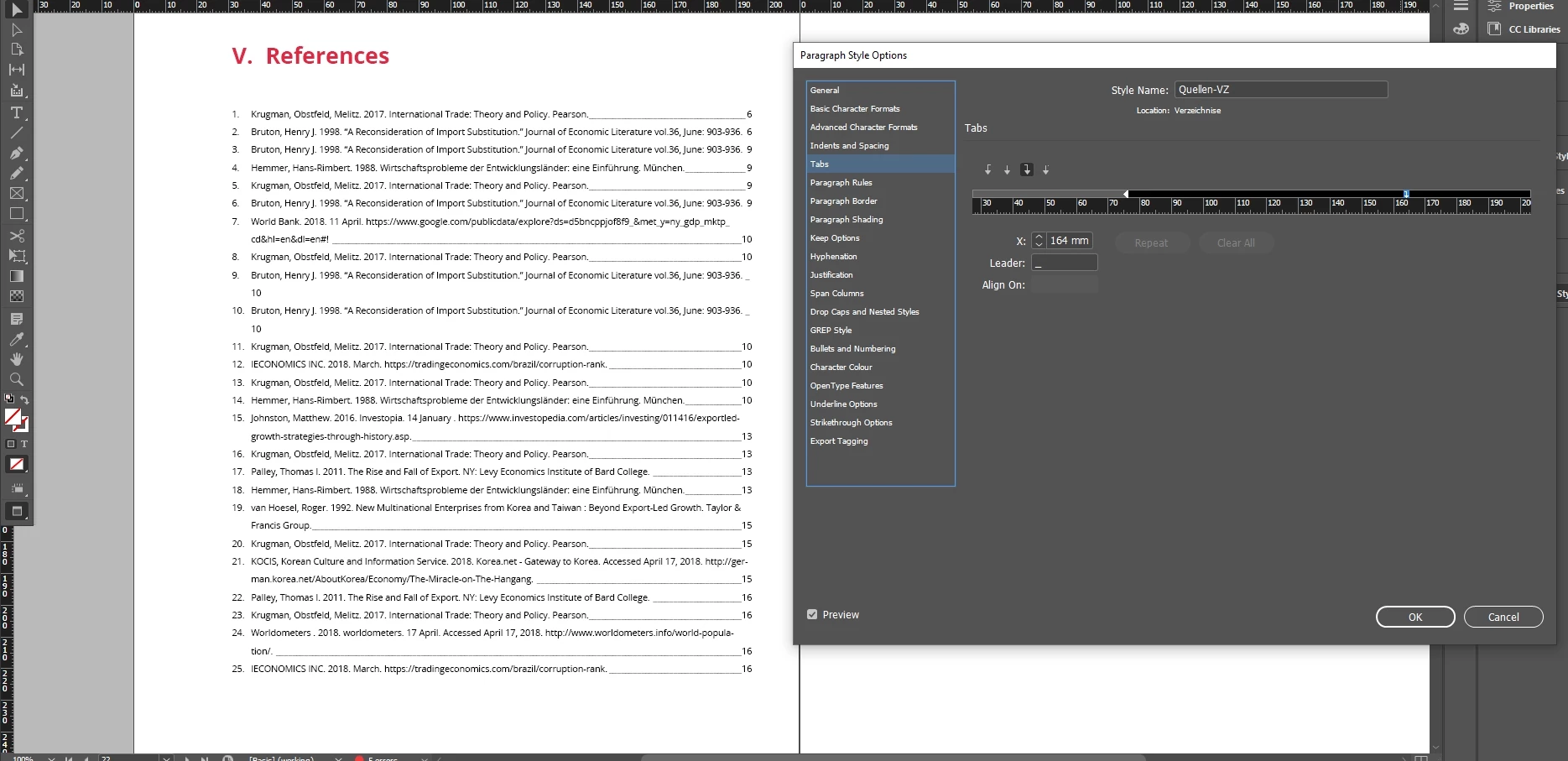
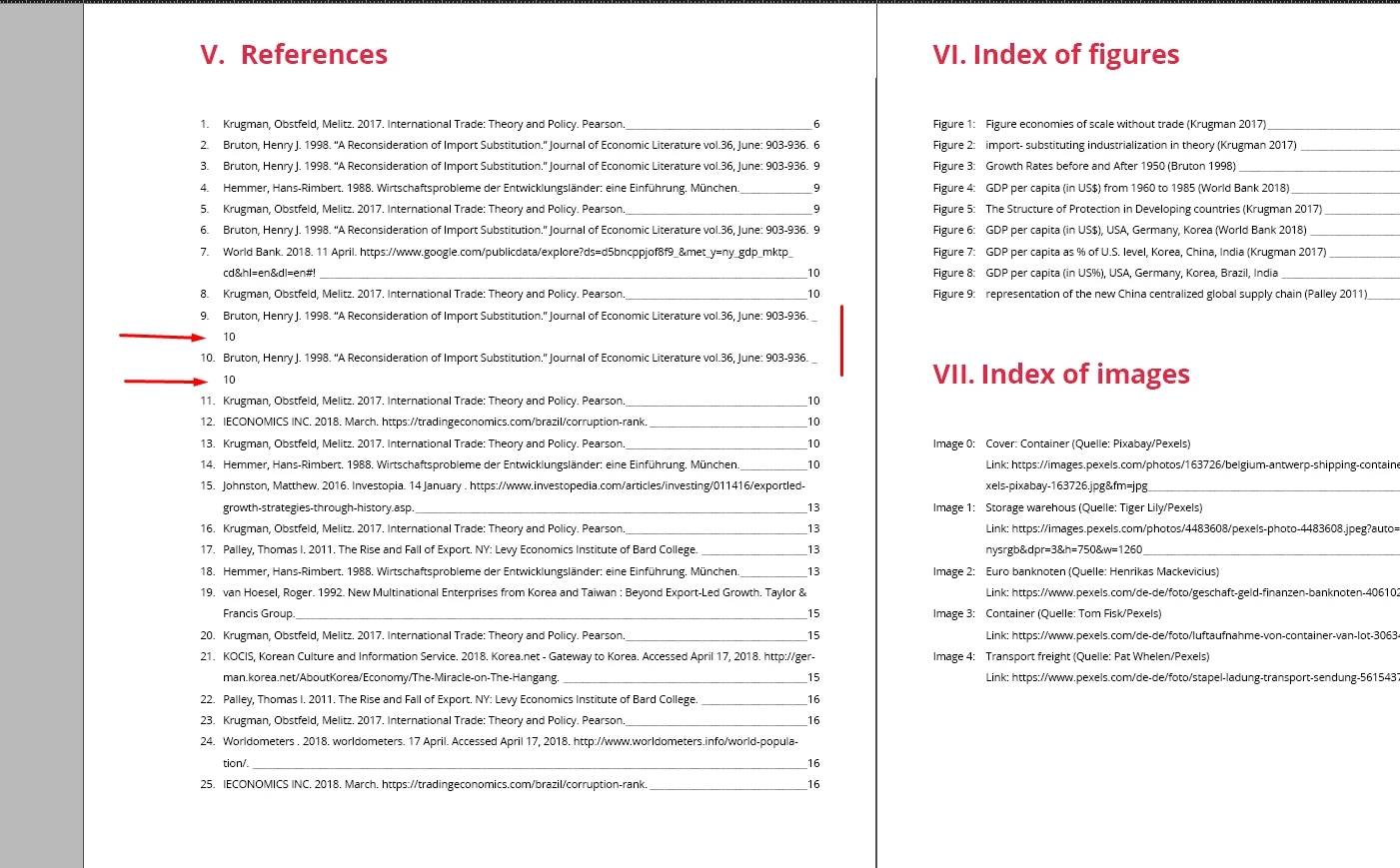
The page number in the reference list is not shifted to the right.

  • January 16, 2022
  • 1 reply
  • 218 views

Hi all.
The page number is moved to the next line and does not move to the right, but stays on the left side.

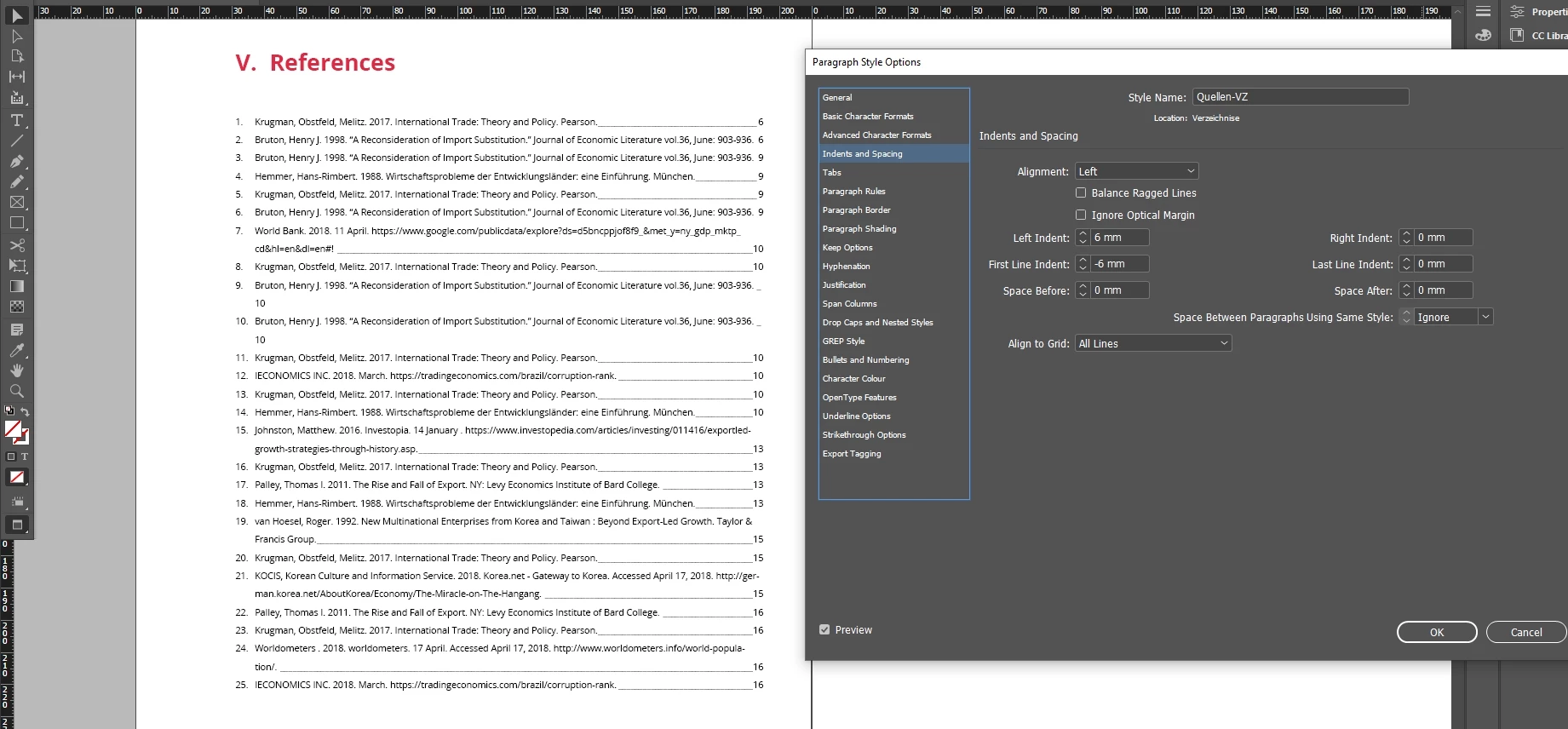
The size of the frame with the content is 164 mm.

How do I make the page number move to the right side and the line extends?
 

This topic has been closed for replies.
Correct answer Diane Burns

If you're talking about the page number, one easy fix, if it's possible with your layout, is to change the tab stop/margin to the right so there's a bit more room. All the numbers will move over to the right slightly. But they will all align.

1 reply

Diane Burns
Diane BurnsCorrect answer
Inspiring
January 16, 2022

If you're talking about the page number, one easy fix, if it's possible with your layout, is to change the tab stop/margin to the right so there's a bit more room. All the numbers will move over to the right slightly. But they will all align.