
Known Participant
January 7, 2022
Answered

The sample page does not apply to the text page

  • January 7, 2022
  • 4 replies
  • 412 views

Please help me with this problem.
I imported text and created sample pages.
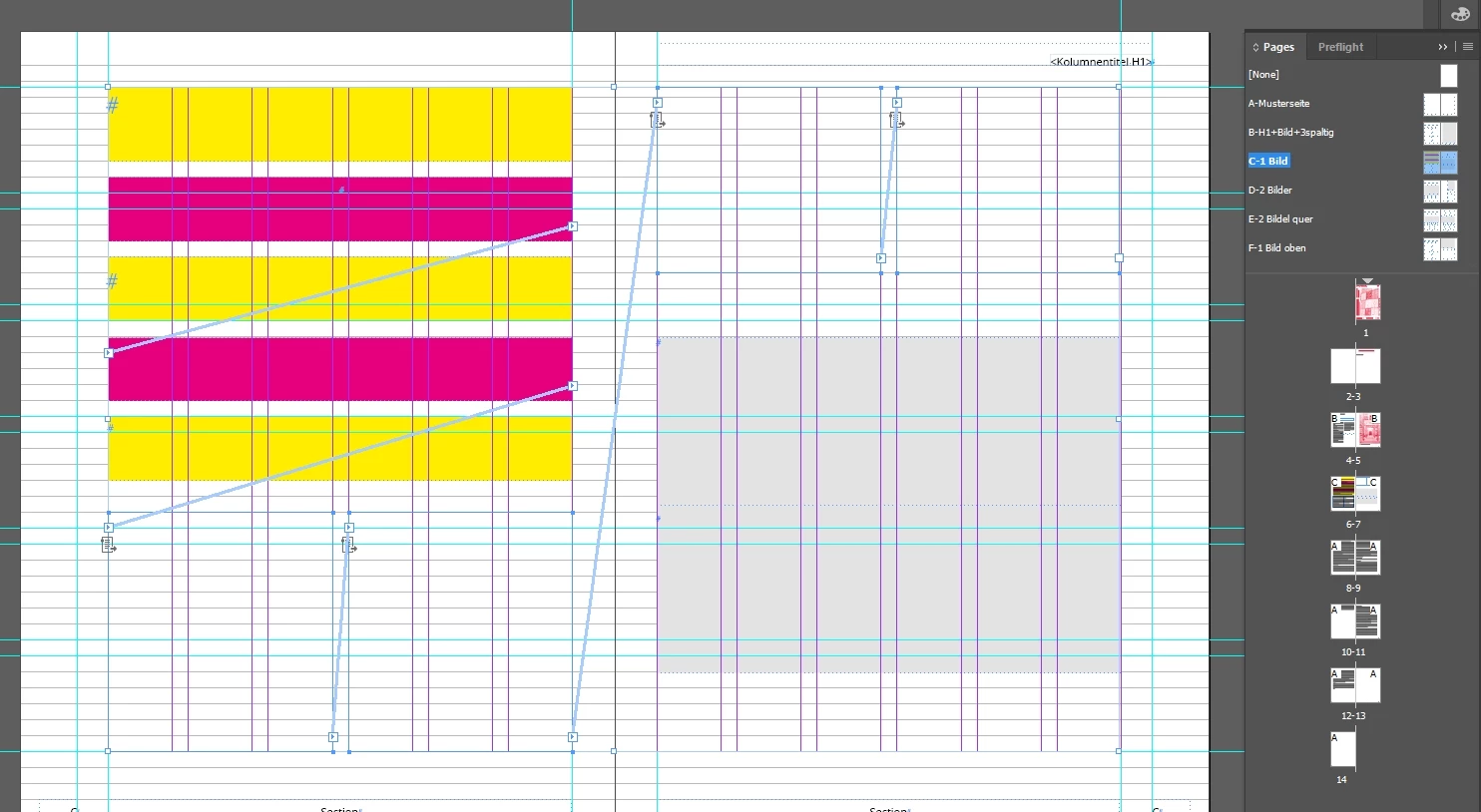


When I apply the sample page to the text page, the sample page is not taken to the text.
I also found that there is no text allocation icon (I don't know what it's called. I highlighted it with a red frame) on the text page.
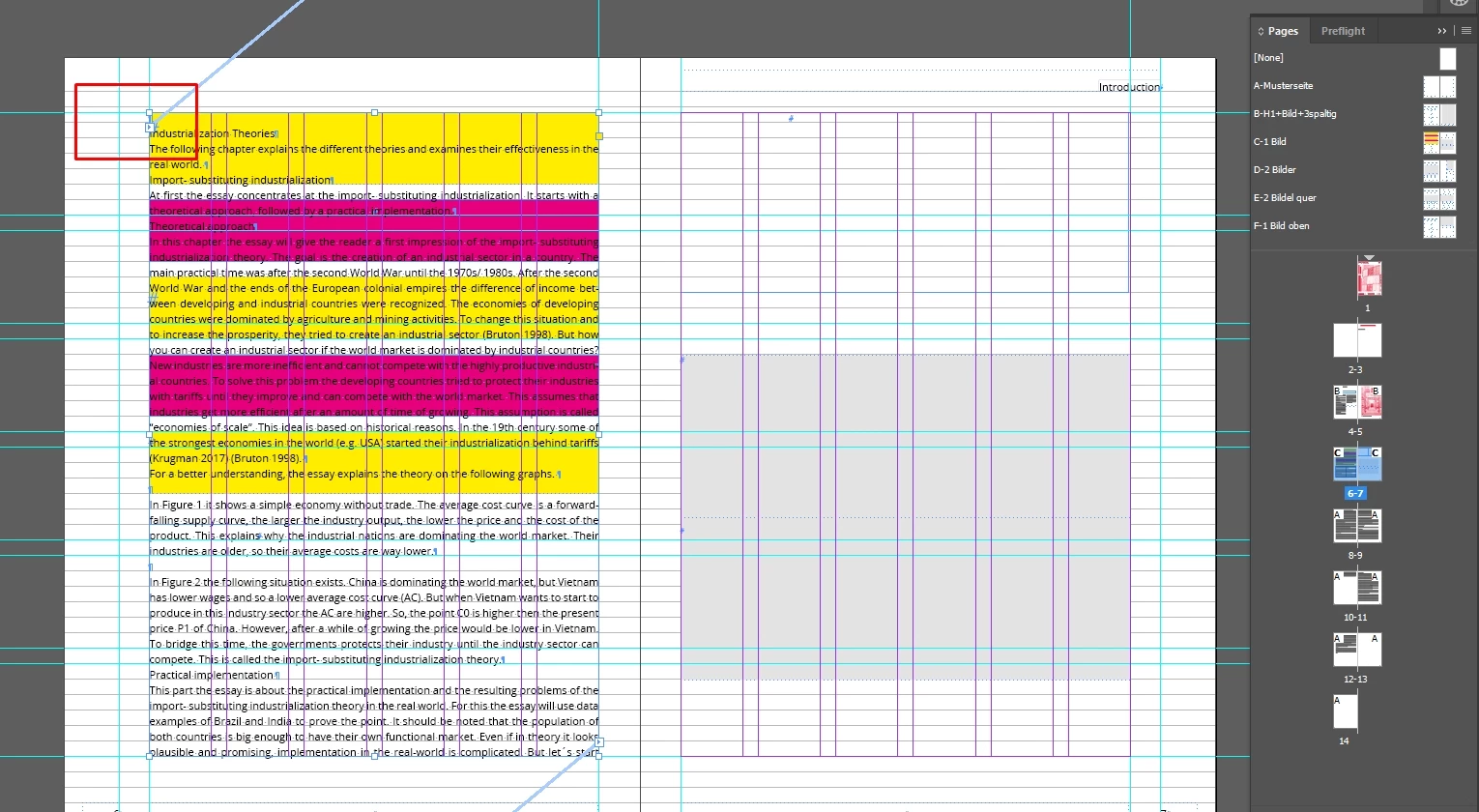


On other pages, this icon appears as a sheet of paper with text and arrows. And on these pages the sample pages work well.
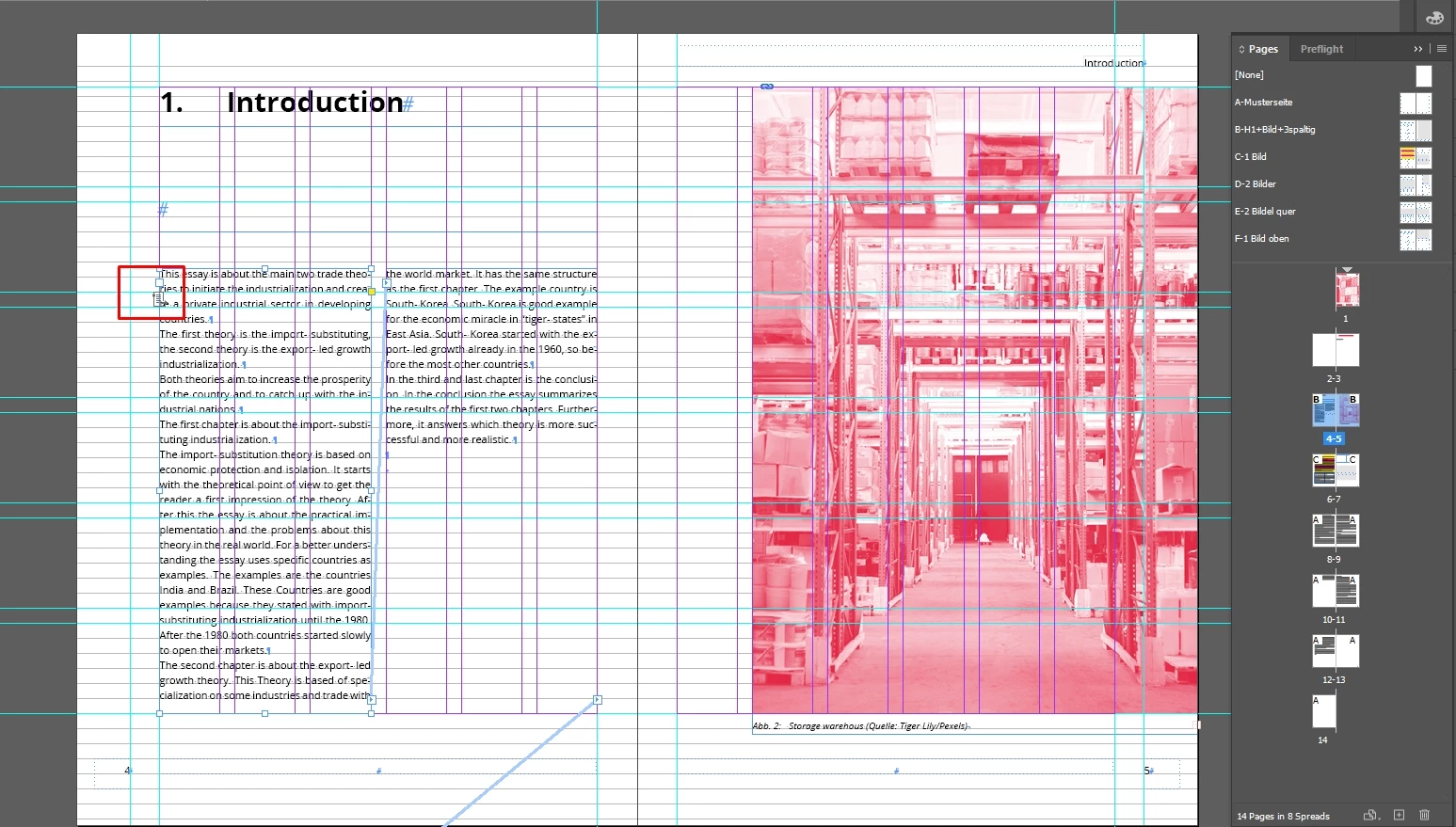


Please tell me how to activate this icon so that the sample pages apply to this text page. What am I doing wrong?

I really need your help. Thank you.


This topic has been closed for replies.
Correct answer Alexandre Becquet

I think this video will respond to your question 😉 Thanks to Anne Marie Concepcion!!!

https://youtu.be/jUP1kMsIYV0

4 replies

Alexandre Becquet
Community Expert
Alexandre BecquetCommunity ExpertCorrect answer
Community Expert
January 7, 2022

I think this video will respond to your question 😉 Thanks to Anne Marie Concepcion!!!

https://youtu.be/jUP1kMsIYV0

Willi Adelberger
Community Expert
Community Expert
January 7, 2022

It is difficult to follow you as you do not use common InDesign terms. It might indicate that you have learned by doing but never readt any manual. This is important to do once at the beginning.


I can only guess upon your screenshots what you are doing:

  1. You have multiple column guides but text accross them. That indicates that you are not using primary text frames. OR you spanned the frame accross everal colums. Why do you work with severalt columns on the master/parent page?
  2. How did you design the master/parent pages? Did you use primary text frames, text frame holders/with and without text? Or are they blanc?
  3. You have an overlay of several text frames? Why?
  4. The headline "Introduction" is in a different frame than the rest of text. Why? Is it linked to the text or a separate text frame? Why?
LeoekfwmfAuthor
Known Participant
January 7, 2022

Thank you for your message.
I first loaded the text from Word into the document. Then I created templates with the desired column layout for the text and images. Then I apply the templates to the text so that the text takes the look I want from the templates. But on one page, there is an error where there is no symbol (text with arrows) and therefore the templates are not accepted to it.

Randy Hagan
Community Expert
Community Expert
January 7, 2022

I don't think so much that what you're doing is wrong, so much as you've bumped up against a flaw within InDesign that's causing you problems.


Over the last three or four months I've seen a couple of instances where this has happened to other users. Generally, it's a matter of either odd Keep Options set for the type or text wrap problems causing odd issues with text flow. Sometimes, it just requires you to edit/move text frames to get around the odd threading through your document.


I addressed a similar issue, with others, a few weeks back. You may be able to get some insight through the forum thread attached to this link. If you don't find what you need there, feel free to come back here and sound the alarm. Hopefully we can help you past your issue.


Hope this helps,


Randy

LeoekfwmfAuthor
Known Participant
January 7, 2022

Video with information https://youtu.be/l_xg-qz89T0