
Transparency - no preview in Indd
Hello all, quick question;
I'm starting to get more & more documents which don't preview any transparency - though they export fine to PDF. It's not all documents, and ones that preview normally will have the transparent element stop previewing properly if brought into a non-previewing document. This seems to affect anything under transparency & effects, eg Gradient Feather, Drop Shadows, etc.
It does print and export correctly - so not a massive problem - but I have no idea why this is happening. Is there a setting I've been messing up occasionally?
Notes:
Mac Sierra 10.12.6 + Indesign CC 2018

Preview within Document (The Black Box is set to Multiply with 40% Opacity)

Preview out as a Low-Res PDF (Black box appears correctly)
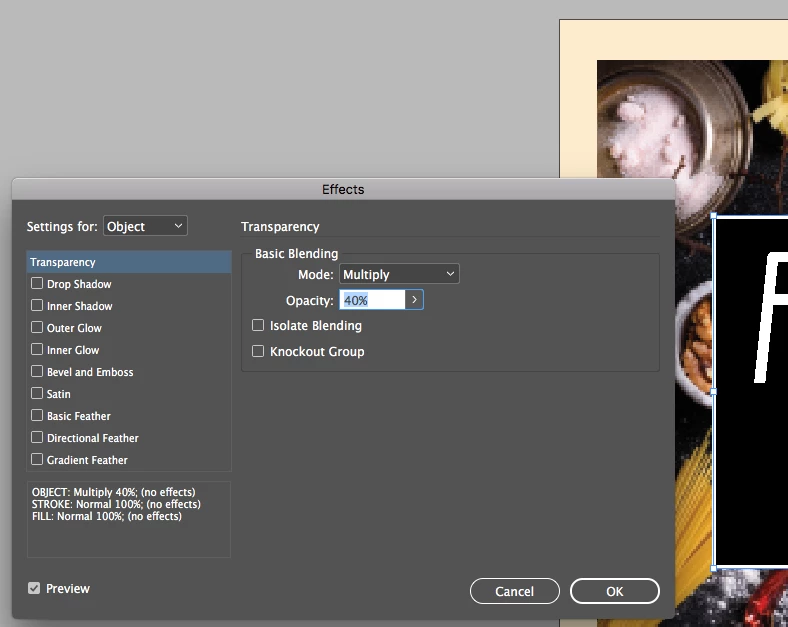
Settings for the effect - Preview is checked!
 AdChoices