
tricky text wrap situation / formatting from Word import
Is there a way to automate or simplify this?
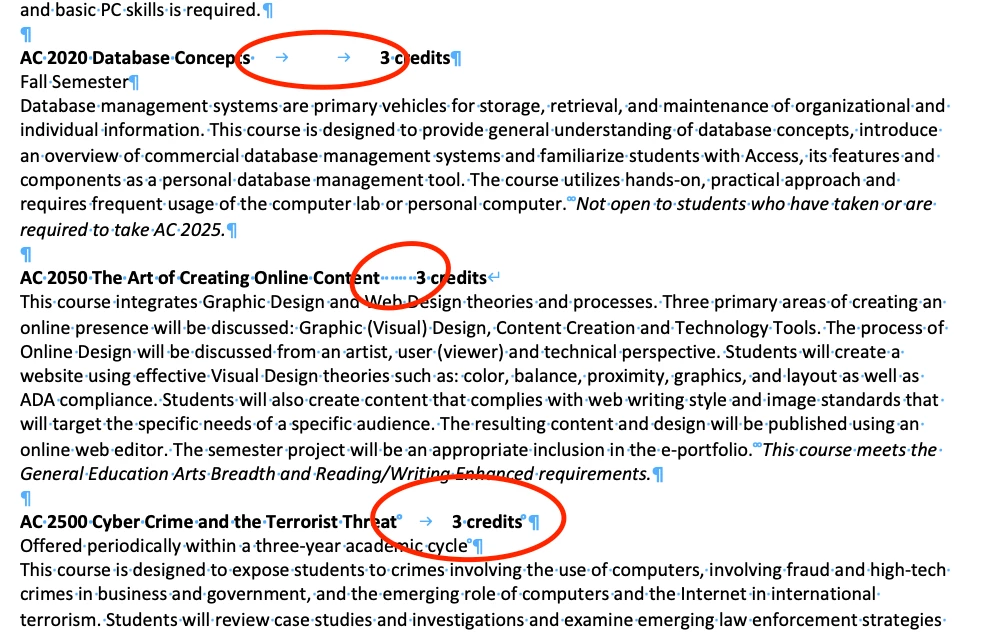
I have a very long, long Word doc filled with a thousand course descriptions titles (the bold part, below) composed of THREE elements: the course #, the course title, and the Credits. It looks like this:

The InDesign file, however, needs to look like this:
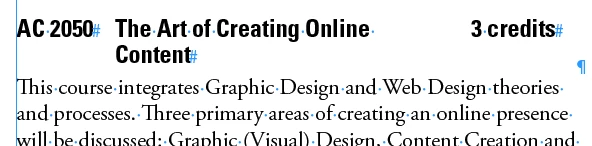
The trick is that half the Course Title is now AFTER the Credits. In effect, in InDesign, the type looks like: AC 2050 The Art of Creating Online 3 credits Content
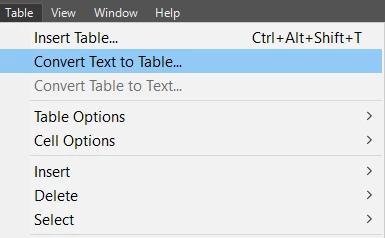
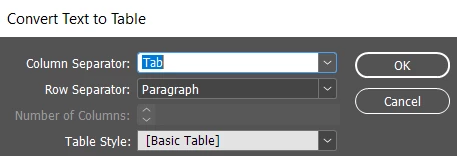
To get that effect, I have started pasting a table before each listing, and then cutting and paste the three elements into it like this:
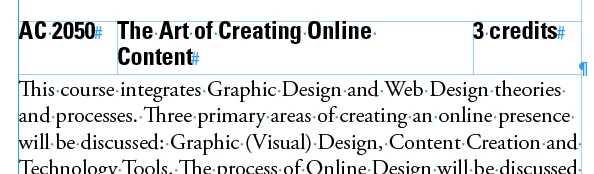
The obvious problem is that I am very likely to introduce errors doing it this way, and also it will take an extremely long time to do this manually.
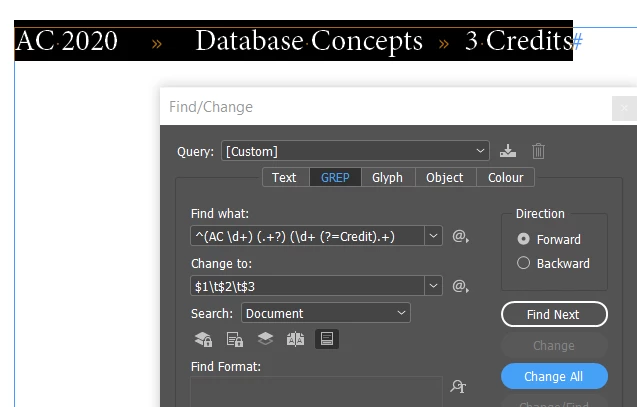
Is there a way to import this or style it somehow to simplify or automate this styling?
To make matters worse, the formatting in the Word doc is messy and inconsistent. There's no differentiation between the Course # and Course Title, and between the Title and Credits it's a messy mixtures of spaces and tabs (see below), so anything I import into InDesign is going to also be weird.
Help!

 AdChoices