Participating Frequently
Apr 27, 2019 12:19 AM UTC
Answered

Trouble copy pasting Sanskrit from Word

I am having trouble copy-pasting some Sanskrit text from a word document to my indesign file. Here's a screenshot from the word file. It is in the Nirmal UI typeface—
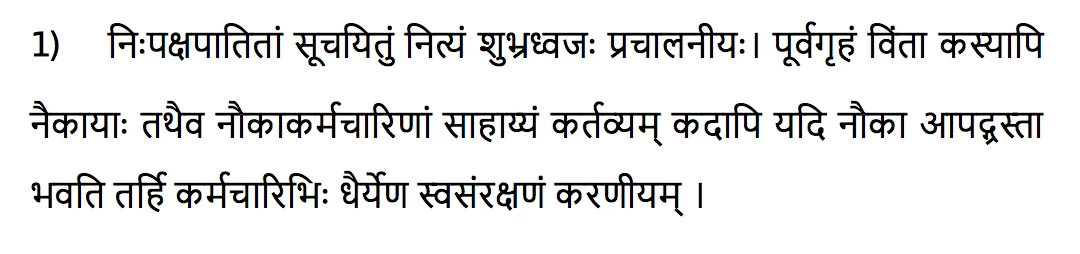
Here's what I get in indesign when I copy and paste it—
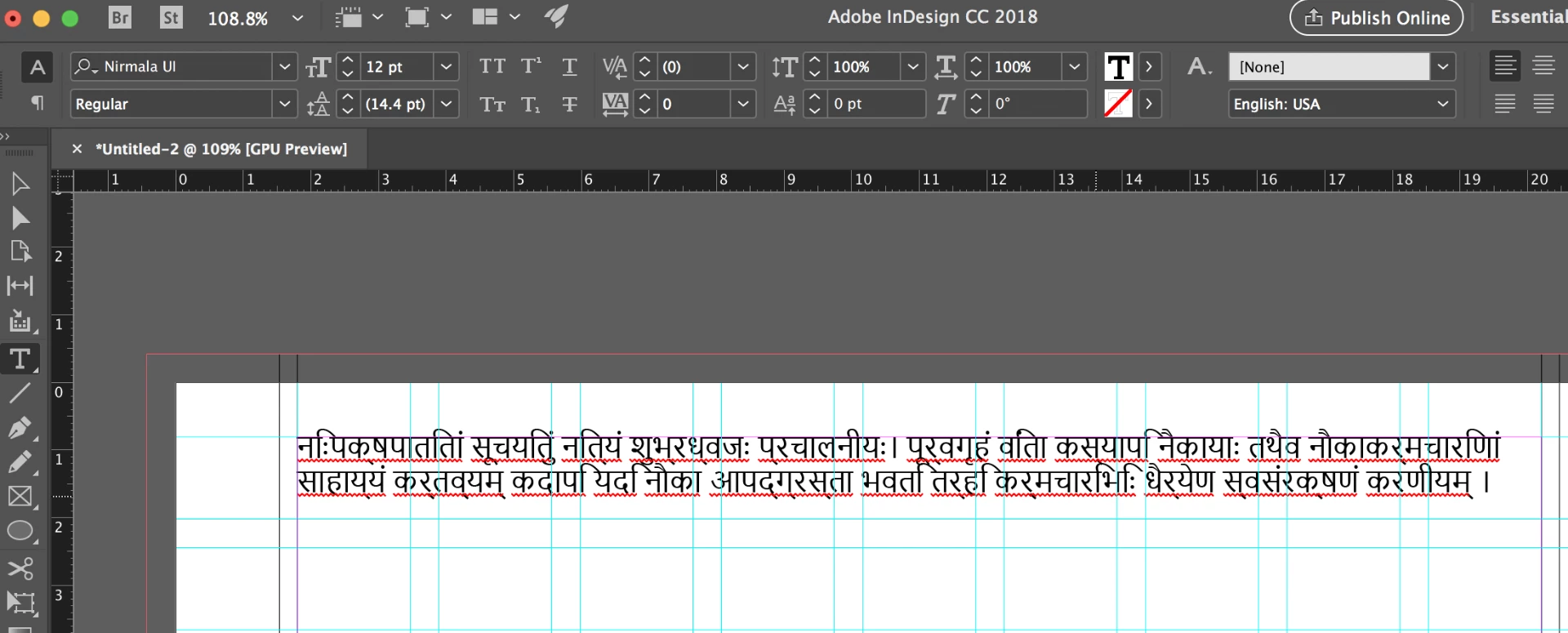
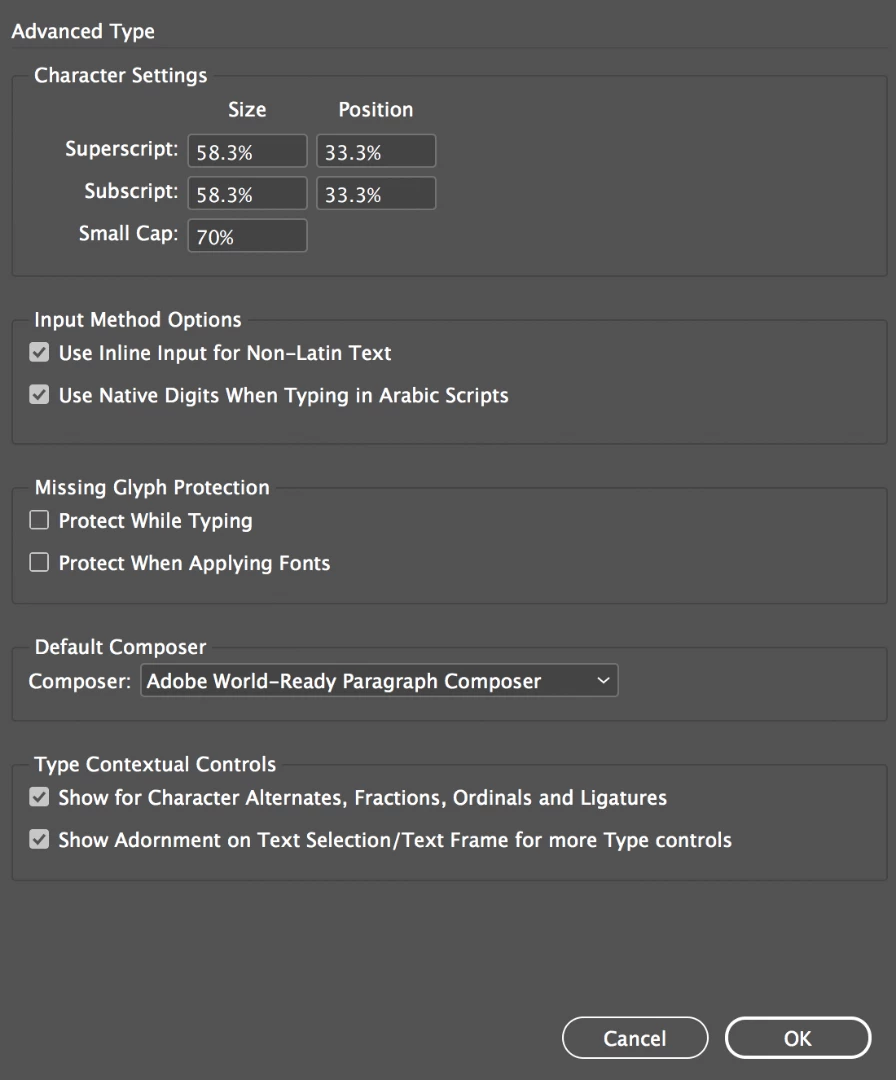
As you can see, indesign shifts some of the glyphs, especially the "ि" and " ी" by a few spaces. I have tried different typefaces for the word document as well as for the indesign document, but none of them work. I also tried placing the word file as well as a pdf version of the word document inside the indesign document, but it did not solve the issue. A solution which was suggested was to make sure I had the World Ready composer selected under preferences, but that did not help either.
This topic is closed to new replies. Start a new post to keep the conversation going.
Marvest
MarvestCorrect answer
Inspiring
Apr 30, 2019 12:19 AM UTC

I tried Adobe Devnagari, Mangal, and Nirmal ui. They work beautifully in word, but have the same problems in Indesign.

Here's the text:

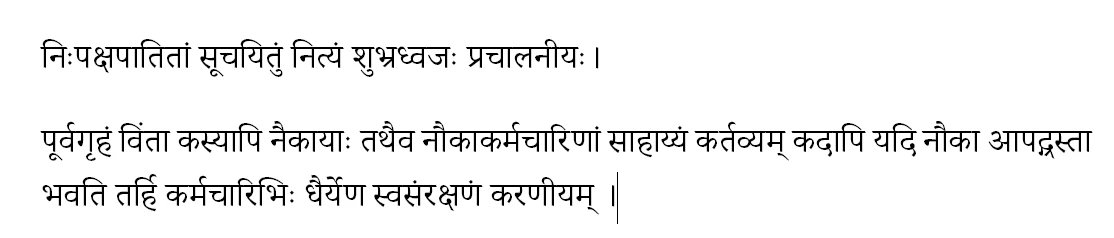
निःपक्षपातितां सूचयितुं नित्यं शुभ्रध्वजः प्रचालनीयः।

पूर्वगृहं विंता कस्यापि नैकायाः तथैव नौकाकर्मचारिणां साहाय्यं कर्तव्यम् कदापि यदि नौका आपद्ग्रस्ता भवति तर्हि कर्मचारिभिः धैर्येण स्वसंरक्षणं करणीयम् ।

Surprisingly chrome and google docs have no trouble with it.


This is what I get when I apply a paragraph style with Adobe Devanagari, Hindi language, Adobe World Ready Paragraph Composer:

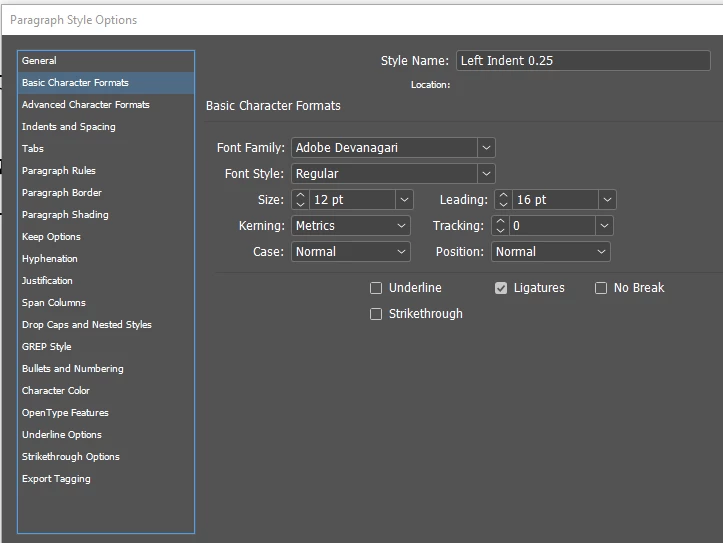
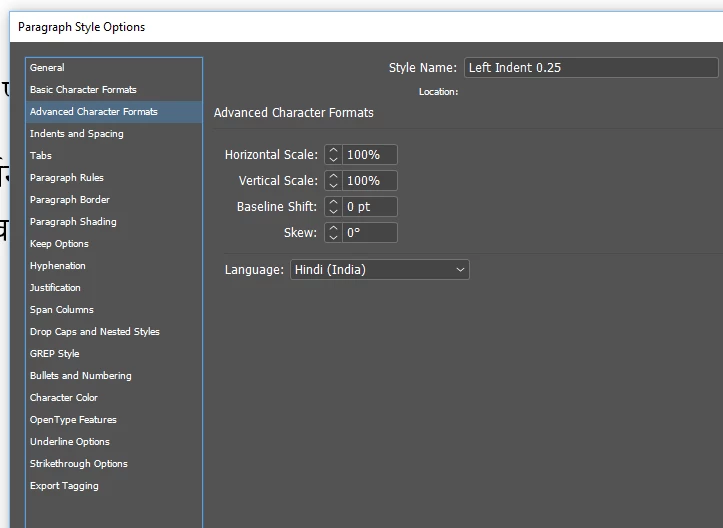
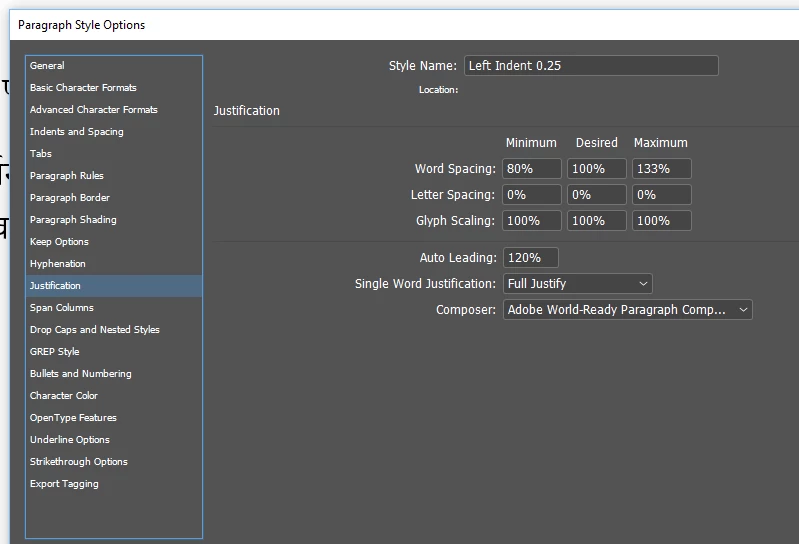
Please make sure you have a specific paragraph style with the above attributes to apply to your text. These are screenshots of the paragraph style I used:

14 replies

Legend
Apr 27, 2019 1:12 AM UTC

Have you tried placing the Word document into InDesign, rather than copying from Word and pasting into InDesign?

Translate
Steve Werner
Community Expert
Community Expert
Apr 27, 2019 2:40 AM UTC

I agree with Migintosh. It's much more likely to work with File > Place. Copying just doesn't cut it when there are different languages or encodings.

Translate
Marvest
Inspiring
Apr 27, 2019 12:53 AM UTC

Have you tried changing the language? Maybe Hindi because Indesign doesn't have Sanskrit.

Translate
Participating Frequently
Apr 28, 2019 5:59 PM UTC

Yes, I changed it to Hind as well as Marathi, but it's the same trouble.

Translate
Marvest
MarvestCorrect answer
Inspiring
Apr 30, 2019 12:19 AM UTC

I tried Adobe Devnagari, Mangal, and Nirmal ui. They work beautifully in word, but have the same problems in Indesign.

Here's the text:

निःपक्षपातितां सूचयितुं नित्यं शुभ्रध्वजः प्रचालनीयः।

पूर्वगृहं विंता कस्यापि नैकायाः तथैव नौकाकर्मचारिणां साहाय्यं कर्तव्यम् कदापि यदि नौका आपद्ग्रस्ता भवति तर्हि कर्मचारिभिः धैर्येण स्वसंरक्षणं करणीयम् ।

Surprisingly chrome and google docs have no trouble with it.


This is what I get when I apply a paragraph style with Adobe Devanagari, Hindi language, Adobe World Ready Paragraph Composer:

Please make sure you have a specific paragraph style with the above attributes to apply to your text. These are screenshots of the paragraph style I used:

Translate