
Participant
March 20, 2023
Answered

Trouble With Another Agency's InDesign Templates

  • March 20, 2023
  • 3 replies
  • 502 views

Took over a client from another agency and am working on some of the templates the other agency created. I'm mostly self-taught in InDesign, so am discovering lots of cool new tools thanks to this other agency's templates, and also encountering some road blocks.

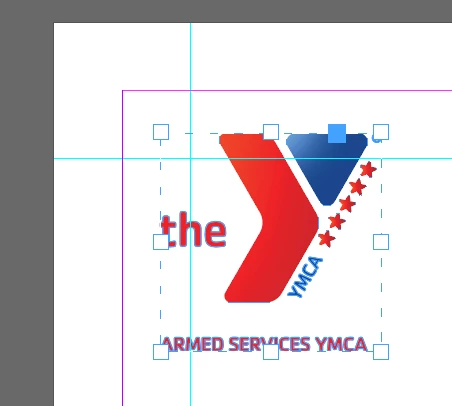
This image is not linked. How has it been inserted? What are the dotted lines around the image?


How is this underscore/line created? It's not underlined text, it's not _____, it's not a drawn line. It appears to be in the text box. However, I am unable to select it and when I try to delete that unnecessary space between the bounding box and the first line of text, the line disappears.

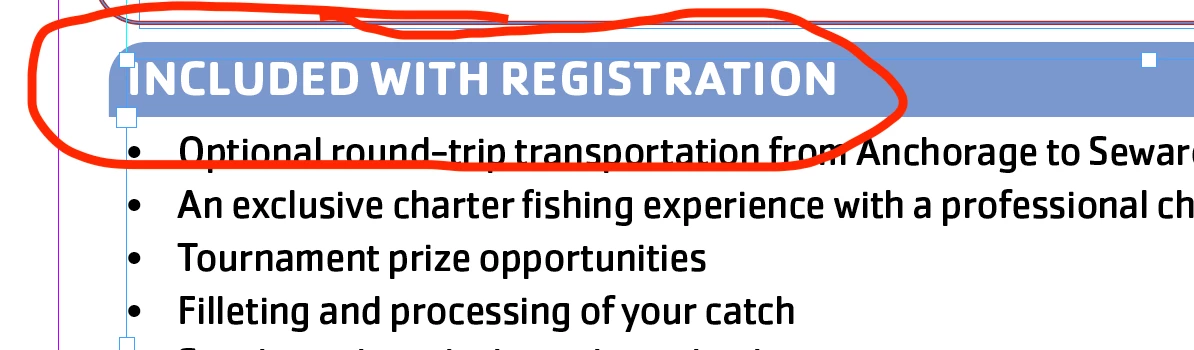
The box behind the header is connected with the textbox. How is this done? It's not grouped with the text; it seems to be a part of the text. I can't figure out how to access it (change the color, delete it, etc.).
 

Any insight on the above would be amazing! Thank you in advance.
This topic has been closed for replies.
Correct answer Brad @ Roaring Mouse

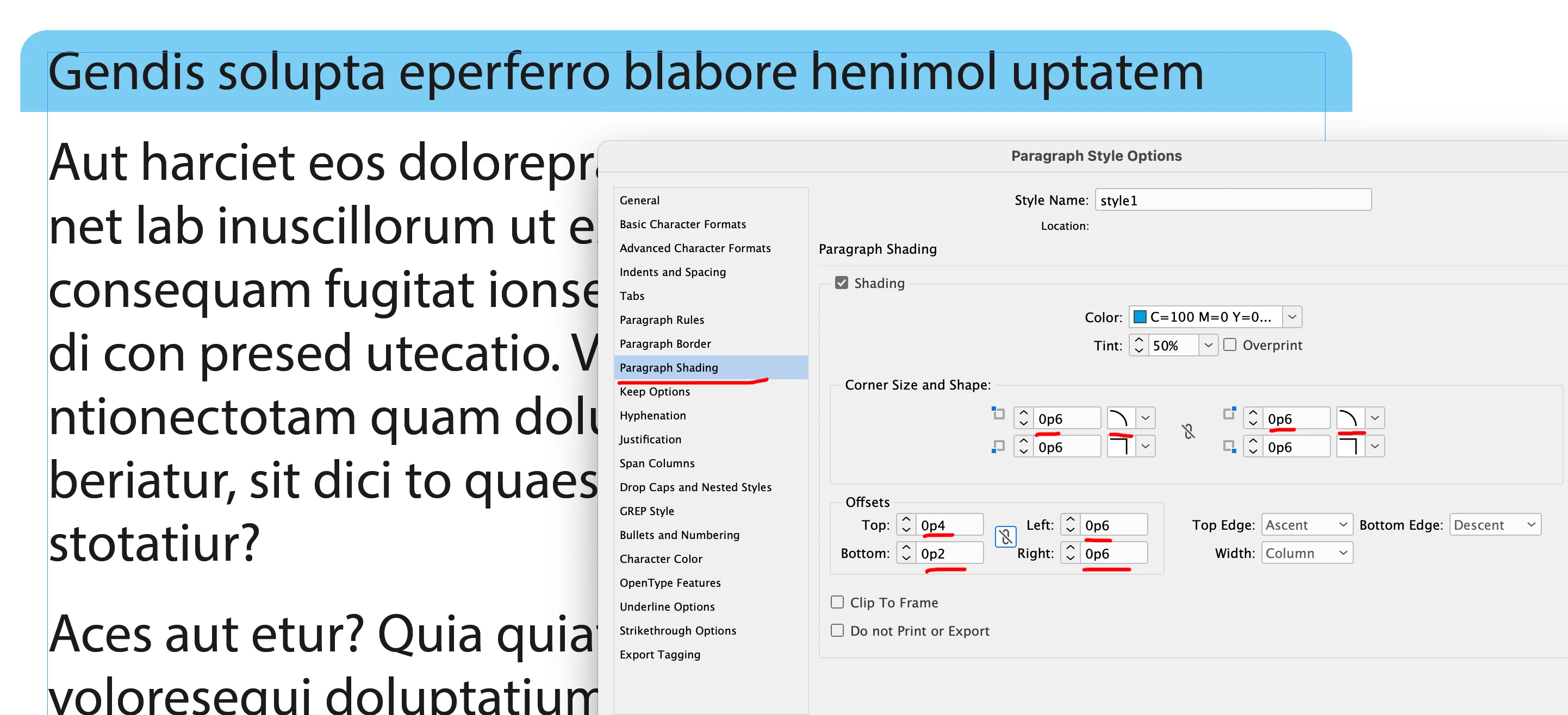
The "blue line" is Paragraph Shading; similar to this:

3 replies

James Gifford—NitroPress
Legend
March 20, 2023

As far as the last two items go, it looks like borders and rules are in play, either as part of the Paragraph Style, or as part of an Object Style applied to the frames. Look there for a clue on each.


Participant
March 20, 2023

Thanks!!!

Peter Spier
Community Expert
Community Expert
March 20, 2023

Most likely the logo was pasted. Not a big deal since it's small, but not considered as best practice.

The thin red line is a Paragraph Rule Below. The blue line is probably also be a Paragraph Rule, either above or below

Participant
March 20, 2023

Thanks!!

James Gifford—NitroPress
Legend
March 20, 2023

Templates are the bane of this field.


They're like code in other fields, but without any guiding priciples or standard practices, so every template developer uses completely oddball methods and convoluted tricks to get fairly simple results... and good luck to the next user who has to decipher what peculiar technique is used for a particular element.


Just wanted to say it's not 'just you,' and good luck.


Participant
March 20, 2023

Haha thanks! I'm constantly vascillating between struggling through whatever's in front of me and just recreating it on my own.