
Answered
Turning Typewriter Quotes into Curly Quotation Marks
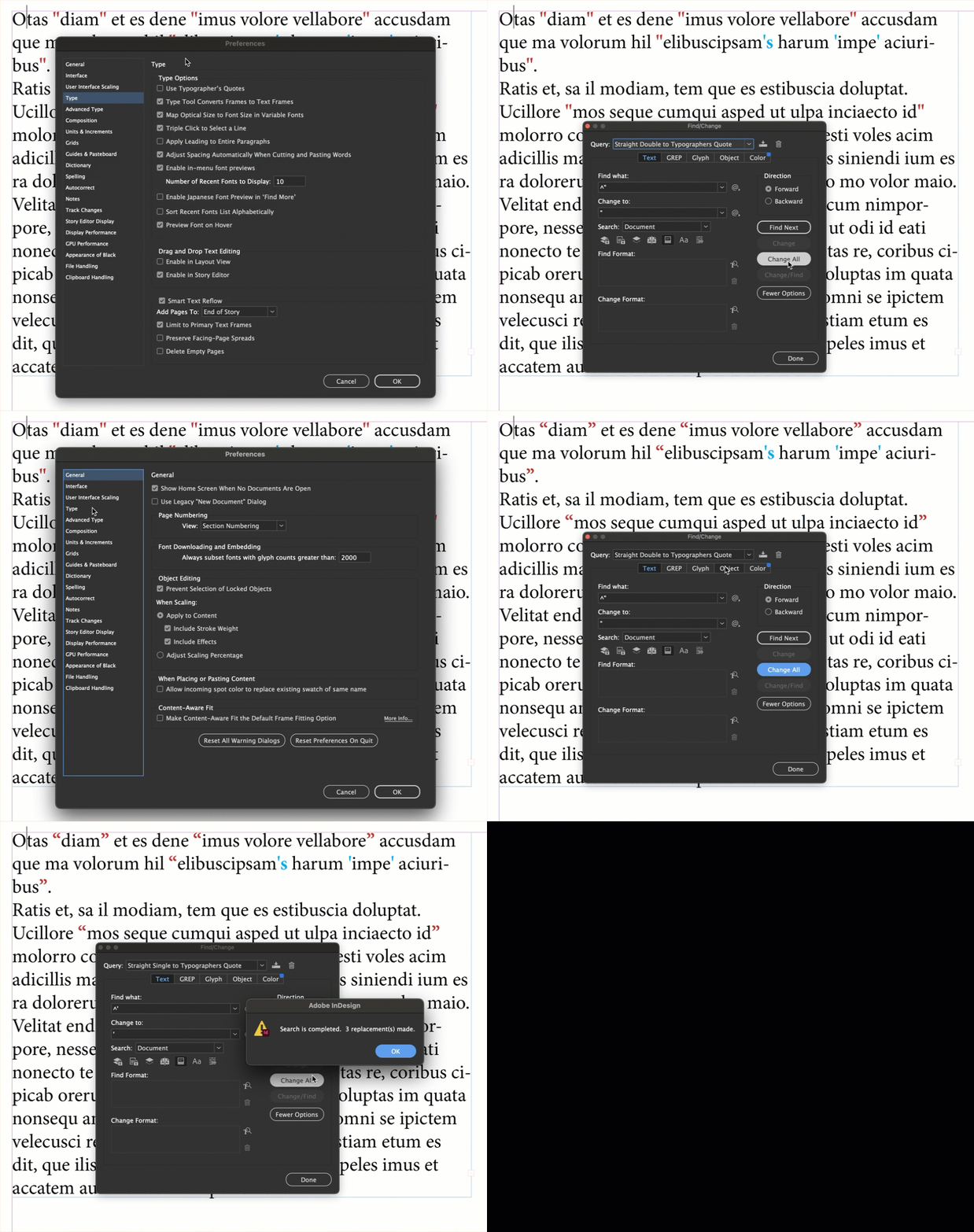
I am having an issue where I am trying to turn all of my quoatation marks from a typewriter quote (where the quotes look like two lines and arent different for either side of the quotation) to the curcly quotes marks that are two different glyphs. Trying to do find replace glyph doesnt work as the quote marks are only technically one glyph and not two, and find replace text doesnt work to specify the way I want it to look . How would I do this without manually going through my entire document, selecting each one and replace it with the correct glyph?
 AdChoices