
Participating Frequently
May 15, 2024
Question

Unable to convert indd file as indesign thinks I'm not signed in to CC

  • May 15, 2024
  • 2 replies
  • 1457 views

This happens on mulitple macs. When trying to convert a indesign 2024 file in indesign 2022 it errors with 
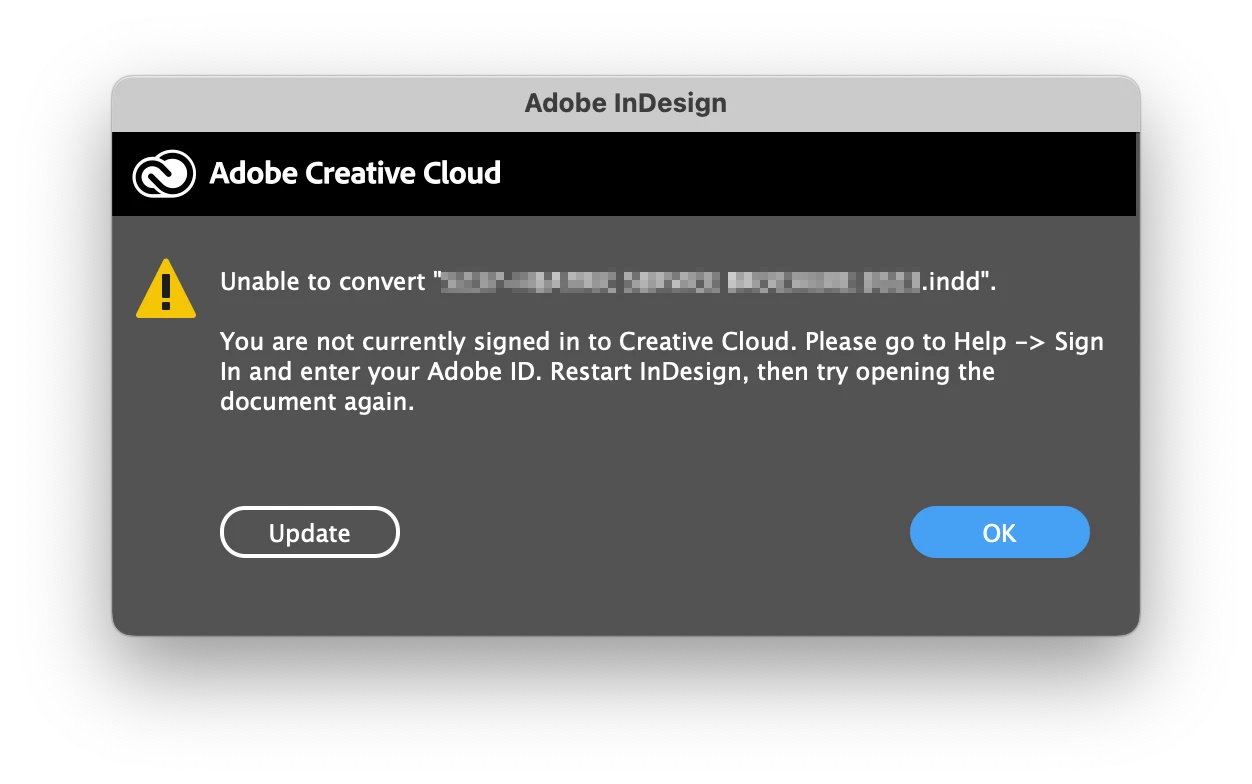
but when you go to the Help menu it shows that you ARE signed in:
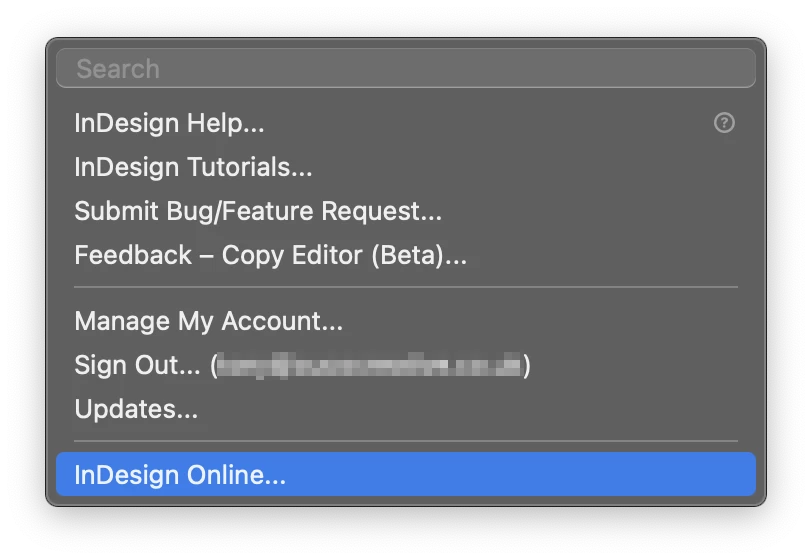
To get around this glitch we just quit and restart indesign 2022 and then it opens/converts the file just fine without any further errors.


The glitch is not the end of the world, just annoying. Anyone encountered this or has a solution?


Our studio has to maintain both indesign 2022 - for the postscript fonts - and the latest version.


2 replies

James Gifford—NitroPress
Legend
May 15, 2024

It is exceedingly rare for prior versions to convert later ones, or sometimes even open them. I suspect that's causign a chain of problems resulting in this (irrelevant) set of error/warnings.


As Steve says, that's what IDML is for. Export any 2024 file to IDML, and open that with your 2022 systems.

Participating Frequently
May 15, 2024

Quitting Indesign will fix the issue for a few days/weeks until it randomly hits the issue again.


Our studio uses the built-in file conversion feature multiple times daily. When it stops thinking we're not signed in to CC to converts the file flawlessly. There is no issue with converting the files.

Having IDML versions of every indesign file is not a practical workflow - as it quicker to just relaunch indesign when this error randomly occurs.

James Gifford—NitroPress
Legend
May 15, 2024

Then you're good, right?


Every once in a while, a combination of minor fault, often related to app/document version mismatches, will throw this kind of bizarre, left-field error. Hand-waving guess, ID/2022 is looking for something that's missing, changed or not in the right format in an ID/2024 document, and the fault translates as not having a valid CC connection. (I've seen weirder.)


I'd just suggest that even if this problem were to be addressed, Adobe's viewpoint is that you don't go backwards with document versions except through a validate process (IDML or the online conversion Bob notes). It's unlikely to be fixed while you are still using either version of ID. But you have a choice of workarounds to suit your workflow.

Steve Werner
Community Expert
Community Expert
May 15, 2024

You should be able to save your InDesign 2024 file to a file readable in InDesign 2022 by save it as an IDML file: File > Save As > InDesign CS4 or Later [IDML]. Then open the IDML file in InDesign 2022.

Participating Frequently
May 15, 2024

Yes I'm aware you can do that, although that's just as much as a pain as quiting and reopening indesign. Plus there are some uses on older mac's that will only run the older version of indesign so there are times when a secific doc needs to be opened by both 2022 & 2024 versions, so using idml would confuse things.

It would be better to have a fix rather then a workaround.

James Gifford—NitroPress
Legend
May 15, 2024

There is no "fix," on any regularly updated app I am aware of, that lets earlier releases open files from later ones flawlessly.


That's why a conversion/common format option is usually provided. I'd say the inconvenience is maintaining multiple, all-but-identical versions in your shop that are not entirely file-compatible; you're going to have to work around that choice.