Participant
March 9, 2019
Answered

Unable to Launch CS4 on MAC[Renamed]

  • March 9, 2019
  • 3 replies
  • 978 views

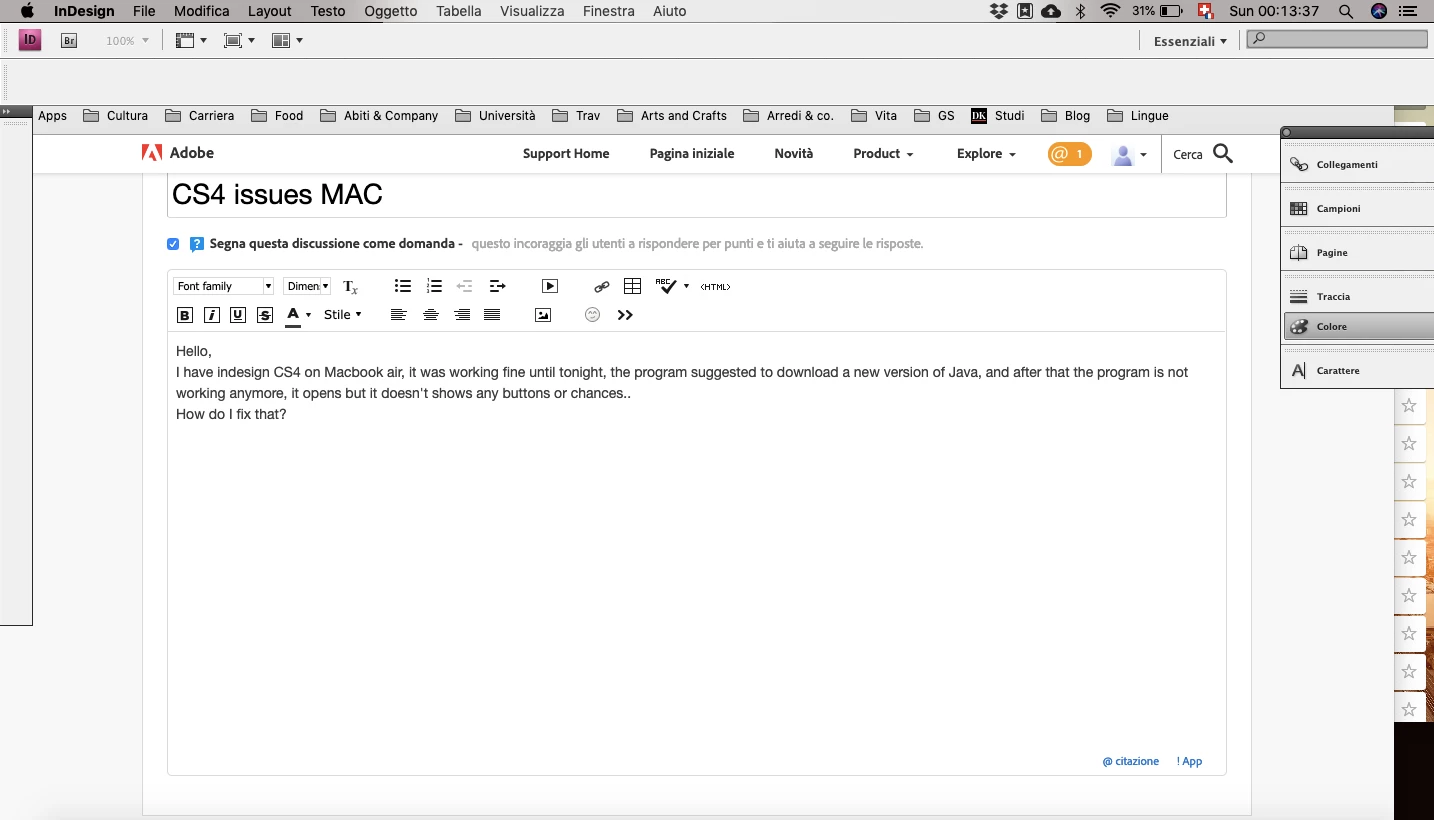
Hello,

I have indesign CS4 on Macbook air, it was working fine until tonight, the program suggested to download a new version of Java, and after that the program is not working anymore, it opens but it doesn't shows any buttons or chances..
How do I fix that?

This topic has been closed for replies.
Correct answer Bill Silbert

One other thing just occurred to me. If, in fact you are actually on a compatible version of the Mac OS then the problems you're having with missing elements on your panels could possibly be solved by deleting your InDesign cache files (this is different than deleting preferences).

To do so on a Mac:

The User Library folder in which InDesign’s cache files are stored is hidden by default on most Macintoshes. To access it make sure that InDesign is closed and click on the desktop to launch a Finder Window (Command-N).With this window in column view follow the path User>Home folder (it’s the folder with an icon that looks like a house—it may have the user’s name rather than “Home”) and click on the Home folder. With the Option Key pressed choose Library from the Finder Go Menu. “Library” will now appear within the Home folder. Within the Library folder find the “Caches” folder. Within the Caches folder find and delete the entire folder “Adobe InDesign”. I find that deleting the InDesign cache folder completely leads to a lasting change. 

3 replies

Bill Silbert
Community Expert
Community Expert
March 11, 2019

If you are working on any Mac operating system later than El Capitan with CS4 then you've been very lucky up until now. There is very little doubt that the new version of Java you installed was enough to make your luck run out. If you want to continue using CS4 then you will need to get an older Mac with an earlier operating system (through eBay, for instance). Otherwise, you will need to get a subscription to Creative Cloud and update to the latest version of InDesign.

Bill Silbert
Community Expert
Bill SilbertCommunity ExpertCorrect answer
Community Expert
March 11, 2019

One other thing just occurred to me. If, in fact you are actually on a compatible version of the Mac OS then the problems you're having with missing elements on your panels could possibly be solved by deleting your InDesign cache files (this is different than deleting preferences).

To do so on a Mac:

The User Library folder in which InDesign’s cache files are stored is hidden by default on most Macintoshes. To access it make sure that InDesign is closed and click on the desktop to launch a Finder Window (Command-N).With this window in column view follow the path User>Home folder (it’s the folder with an icon that looks like a house—it may have the user’s name rather than “Home”) and click on the Home folder. With the Option Key pressed choose Library from the Finder Go Menu. “Library” will now appear within the Home folder. Within the Library folder find the “Caches” folder. Within the Caches folder find and delete the entire folder “Adobe InDesign”. I find that deleting the InDesign cache folder completely leads to a lasting change. 
Willi Adelberger
Community Expert
Community Expert
March 11, 2019

CS4 is not compatible to current versions on Mac OS.