
Participant
October 17, 2020
Answered
Unable to move/paste images into placeholder frame
- October 17, 2020
- 1 reply
- 991 views
I have dozens of images on different pages that need to be transferred to a unified placeholder frame (from Master) on each page.
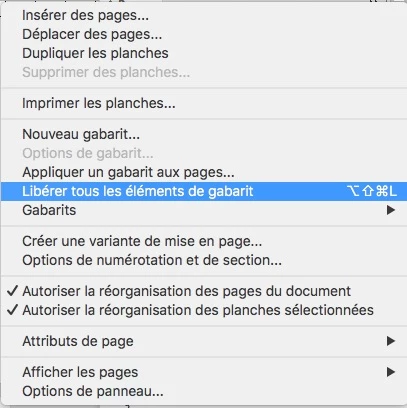
Simple copy and paste seems the easiest way - but there is no way to use the Paste Into command since the frame is not selectable. (The ony way to select it is in Master, which obviously is of no use.)
Disabling the "Prevent Selection of Locked Objects" preference does not work.
Dragging from the Links panel does not work.
Is there no way to do this? I want to avoid using Place, which would require re-locating and re-linking every image, spread across dozens of folders...
 AdChoices