sheidaa32856975
Participating Frequently
January 14, 2020
Question

Unable to open files with extension indd.icloud in InDesign on macOS

  • January 14, 2020
  • 2 replies
  • 9625 views

Hi Community,


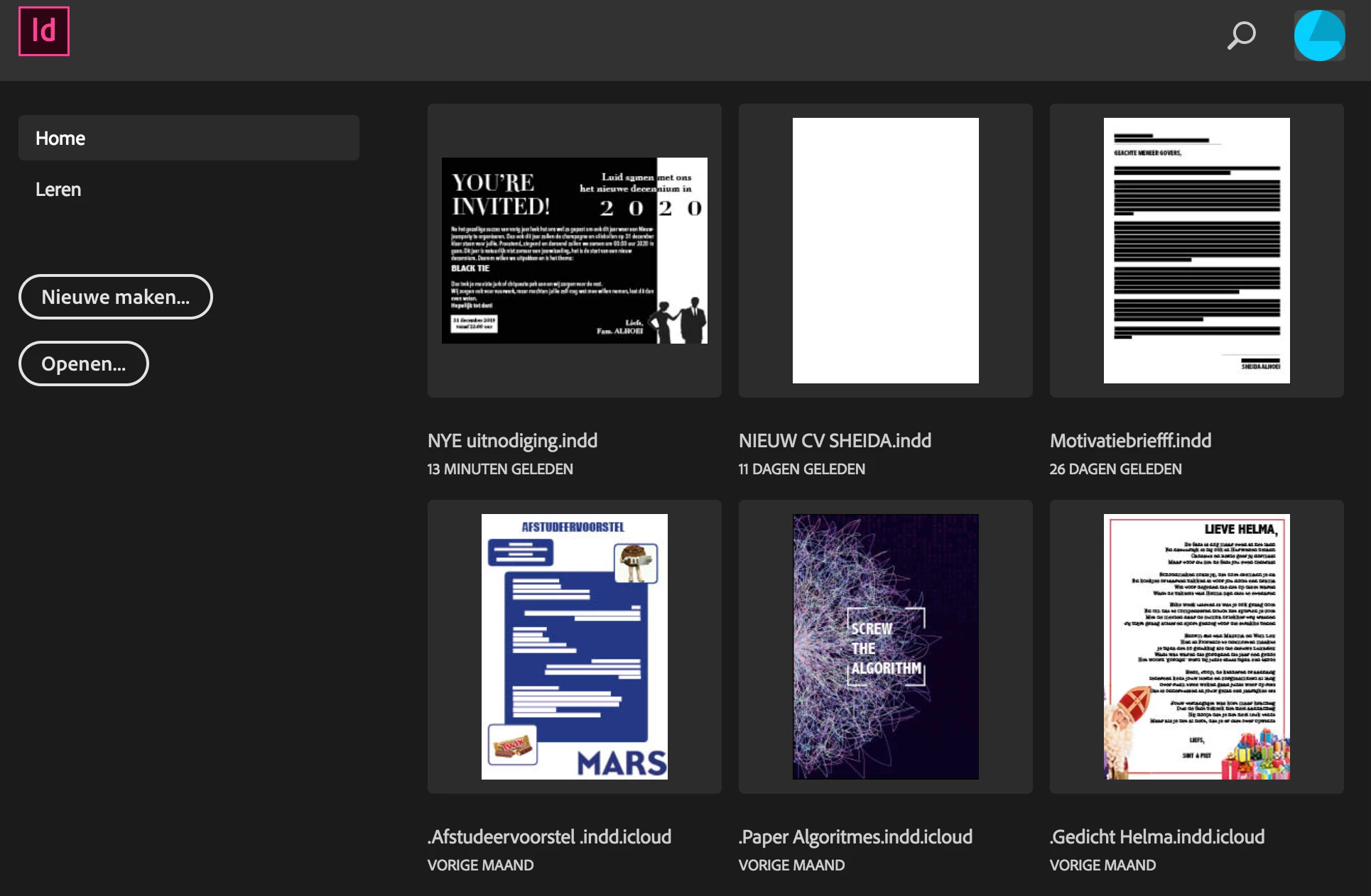
I really need help as I can't open my important InDesign file anymore. I tried it from the InDesign software and I tried from my Documents in Finder. The only strange this is that the document is named: ....indd.icloud and I don't understand why. But some of my documents have that and all of them won't open anymore. So for example name.indd works but name.indd.icloud doesn't work. But I can't change the name and I also don't know if that's really the problem. I added some screenshots but they are in dutch. Translation is something like:

Can't open the file. The file format may not be supported by Adobe Indesign, a plug-in for support is missing or the file is already opened in another application.


Can somebody help?



{Renamed By MOD}

This topic has been closed for replies.

2 replies

Participating Frequently
February 8, 2020

Hi there - here is what's happening:


1. You have enabled a feature on your Mac called "Optimise Mac Storage". When this feature is enabled your Mac will remove old/large files from your computer to free up space (or when space is needed) and store them on your iCloud account.

2. How this is achieved is that the original file is uploaded to iCloud and the original is quietly replaced with a "ghost" version with ".cloud". This ghost version simply instructs your computer to download the file when it is needed.

3. When you click on this file in the Finder (or open it in an application which is aware of this feature) - macOS will then download the file back to your computer.

4. Adobe's support of this feature is non-existent. So you will often find that some of your projects are broken, missing files or renamed with the ".icloud" extension.


There are two work-arounds:

1. Either disable the "Optimise Mac Storage" feature - your computer will then re-download all of the original files that were stored on your iCloud account, but note: your computer may not have sufficient capacity for all of your files. Which is why your computer offloaded them into  iCloud in the first place. Even on a fast connection this may take a very long time to complete.

2. Or you can re-download just this file manually: Visit the folder which contained the file (it should still look like the normal filename there) - then simply double-click it, your mac will redownload the original and the application will open as soon as the file is downloaded (depending on the Finder's view settings - you may see a small progress bar as the file downloads back to your computer.) As above, just downloading this file may take several minutes to download (based on your internet speed and how large the file is.)


Participant
April 9, 2023

This just happened to me...now all of my files have mysteriously developed the indd.icloud extension and I can't take it of...any answer on this???

Rishabh_Tiwari
Legend
January 14, 2020

Hi Sheida,


Sorry to hear about the trouble you are facing with InDesign. I would request if you can share a few more details like:


  1. The exact version of InDesign and the macOS.
  2. Where are these files saved which you are trying to open? Are they saved locally or on cloud storage or network drive?
  3. Is this happening with all the files or only with the files ending with .indd.icloud?


Regards

Rishabh

sheidaa32856975
Participating Frequently
January 14, 2020

Hi Rishabh,


I use the 14.0.3 version of InDesign and the MacOS 10.12.6.

The file I'm trying to open is on my desktop, so on the laptop not on any cloud. 

All the files that have .indd.icloud don't open anymore.

I don't know why some of them are named with icloud, because I didn't save them there (at least as far as I know an can find now) It's not in my ICloud Drive anywhere. 


Do you know any solutions?

jmlevy
Community Expert
Community Expert
January 14, 2020

Hi,

Why don't you remove .icloud from the file name?