Participant
July 1, 2022
Answered

Unable to relink to new, but similar file on Mac

  • July 1, 2022
  • 5 replies
  • 1958 views

I have created an InDesign template file for recurring projects that have placeholder images (specifiaclly, PSBs). When I start a new project, I relink all instances of the placeholder media to the specific project media.

I've been doing this on PC with no problems, however, I can't seem to use this method on a Mac.  When I choose the option to "relink all instances" the PSB files are greyed out and I cannot select them. I CAN select other file types (PDFs, JEPGs, PNGs, etc).  I CAN also drag PSBs onto the placeholder media, but this is not ideal as my template has many instances. 


Any help would be appreciated. Thanks!
This topic has been closed for replies.
Correct answer Laubender

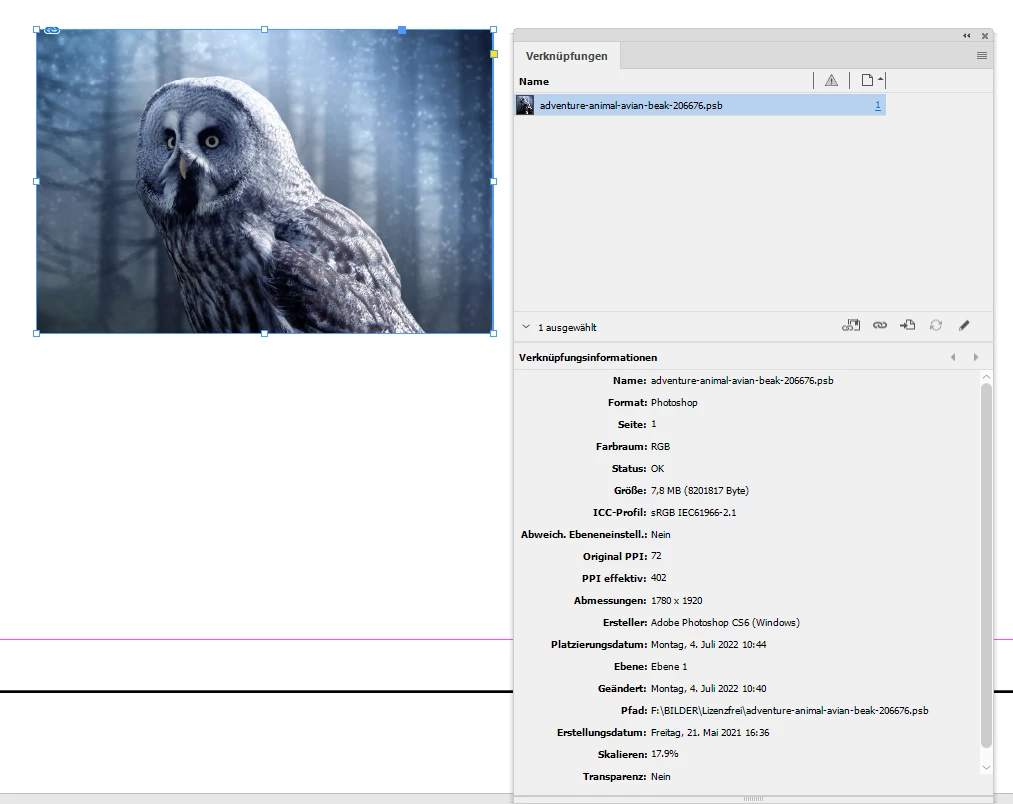
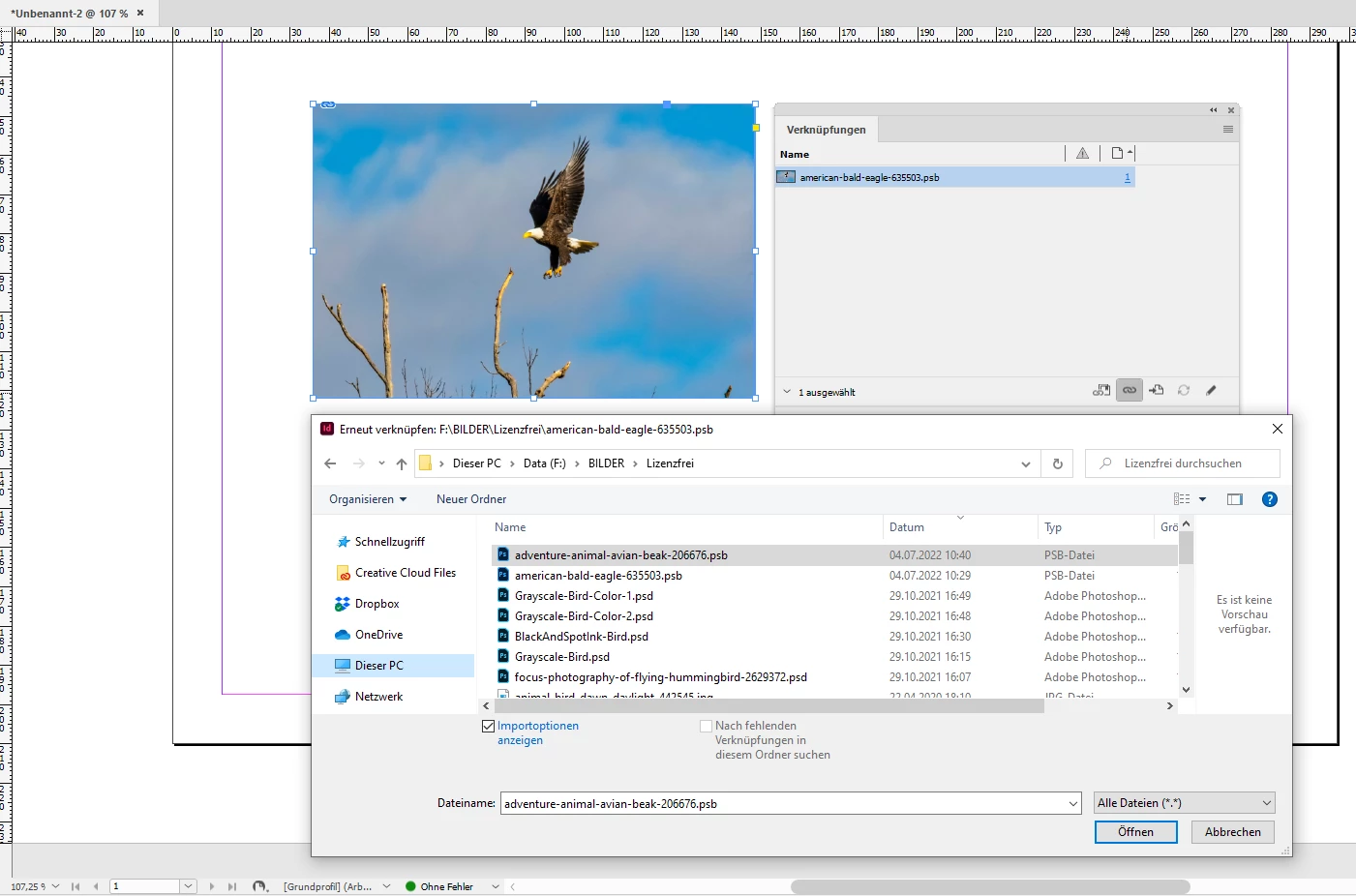
Oh. And of course I can relink that placed PSB file with a different one with InDesign on Windows:


Result:


Regards,
Uwe Laubender
( Adobe Community Professional )

5 replies

Community Expert
July 4, 2022

@Sean Sandifer said; " I CAN also drag PSBs onto the placeholder media, but this is not ideal as my template has many instances. "


Exactly. On a Mac one could drag the psb file to the open document to populate the place cursor. Then hover over the already placed image, hold the alt key and click to replace the image.


Regards,
Uwe Laubender
( Adobe Community Professional )

Community Expert
July 4, 2022

@Bill Silbert said: "PSB files are not actually compatible with InDesign. That is why they are greyed out when you try and link them. I'm not sure how you were able to work with them on a PC"


Hi Bill,

on Windows you can place PSB files with the normal place dialog of InDesign ( drag and drop from the file system is also possible, of course ) . One simply has to use "All Files (*.*)" as filter option in the place dialog. No issue at all…


Regards,
Uwe Laubender
( Adobe Community Professional )

LaubenderCommunity ExpertCorrect answer
Community Expert
July 4, 2022

Oh. And of course I can relink that placed PSB file with a different one with InDesign on Windows:


Result:


Regards,
Uwe Laubender
( Adobe Community Professional )

Dan Rodney
Community Expert
Community Expert
July 3, 2022

Keep in mind that PSB files are only required when a Photoshop file is larger than 2GB. If the files are smaller, I'd recommend using a PSD file instead of PSB.


If your files are over 2GB each have you tried using a TIFF file instead? I believe they support up to 4Gb and sometimes TIFFs can be smaller than Photoshop files, especially if you LZW compress them (which does not affect quality and works in many workflows, although not all).

— Adobe Certified Expert & Instructor at Noble Desktop | Web Developer, Designer, InDesign Scriptor
Bill Silbert
Community Expert
Community Expert
July 2, 2022

PSB files are not actually compatible with InDesign. That is why they are greyed out when you try and link them. I'm not sure how you were able to work with them on a PC but it seems possible that the InDesign files may have been created using a workaround such as the ones found at https://creativepro.com/how-to-work-with-psb-files-in-indesign/ . If that was the case then it's probably a case of whatever workaround worked on the PC needs to be redone on the Mac.

Inspiring
July 3, 2022

Hmm, if it is possible drag & drop PSB from Finder/File explorer to InDesign (and it works, also will export without a problem), than it IS supported. Just (mysteriously) not suppored in Place and Relink dialogs (on mac, do not know how on win). 


Also discussed here:

https://indesign.uservoice.com/forums/601021-adobe-indesign-feature-requests/suggestions/31004860-add-psb-file-format-to-standard-importable-files

Willi Adelberger
Community Expert
Community Expert
July 1, 2022

Select the colector line of a graphic with several instances and click on the relink button (chain) and select the replacement file.