Answered
Unable to save documents in InDesign
Hello Adobe Community, sometimes a bug does not allow me to save or save as documents in InDesign.
What to do?
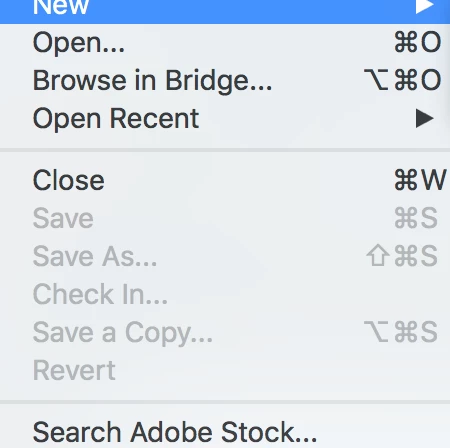

Hello Adobe Community, sometimes a bug does not allow me to save or save as documents in InDesign.
What to do?
To reset your InDesign preferences:
1) Close InDesign
2) Double click on the Adobe InDesign icon to launch it
3) QUICKLY hold down Ctrl+Alt+Shift. (for Windows) or CTL+OPT+CMD+Shift (for Mac OS X)
4) When a dialogue appears, ask you “Delete InDesign Preference Files?” Click Yes.
(If you don't see the question do it again.)
Already have an account? Login
Enter your E-mail address. We'll send you an e-mail with instructions to reset your password.
 AdChoices