
Hosun
Inspiring
December 25, 2019
Answered

Unable to see baseline grid in control pannel on macOS

  • December 25, 2019
  • 1 reply
  • 1609 views

Hi,


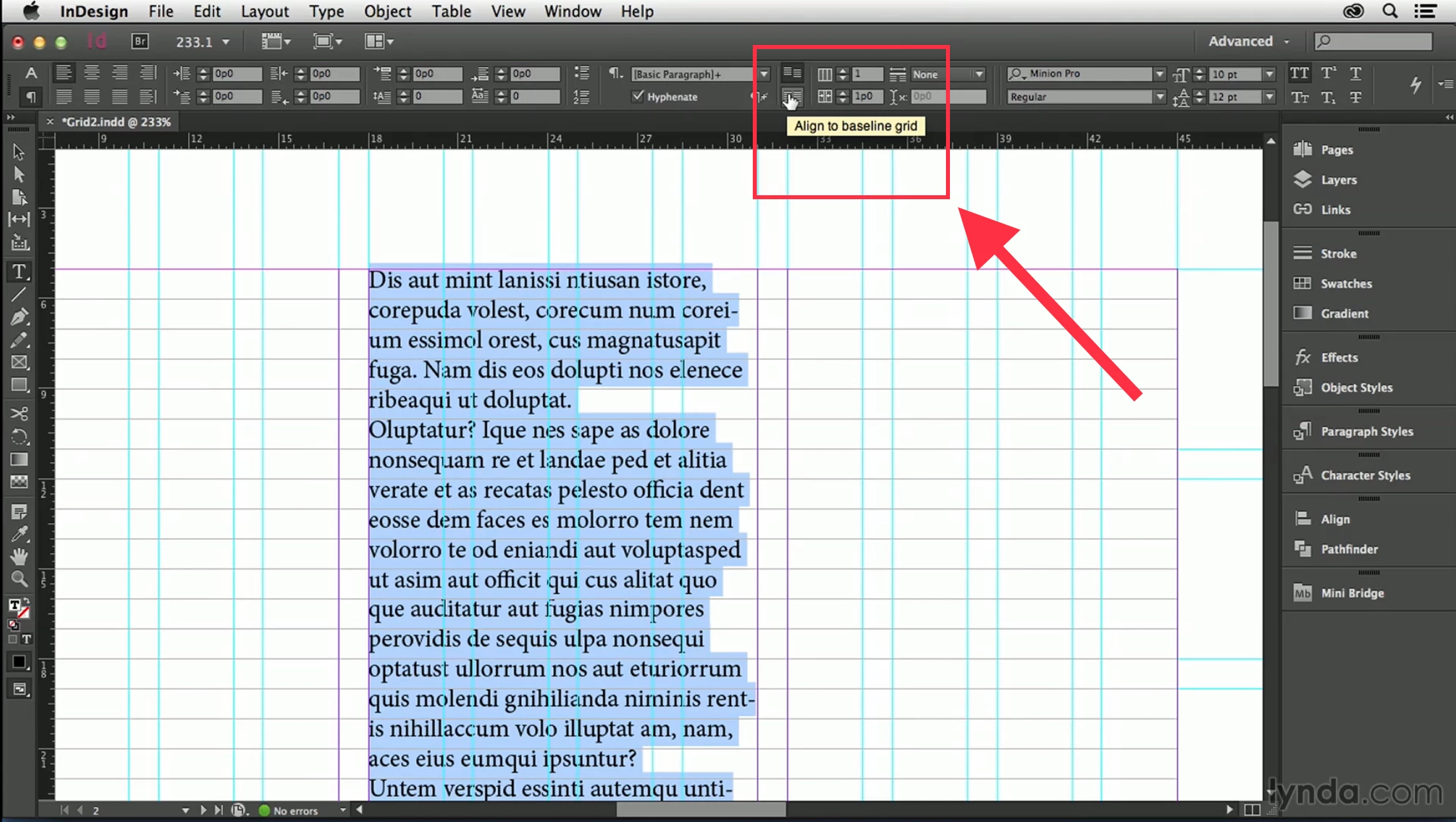
I can't see the icons for baseline grid on my control panel.


Is there any way to make it happen?


Hosun Kang
 

This topic has been closed for replies.
Correct answer Steve Werner

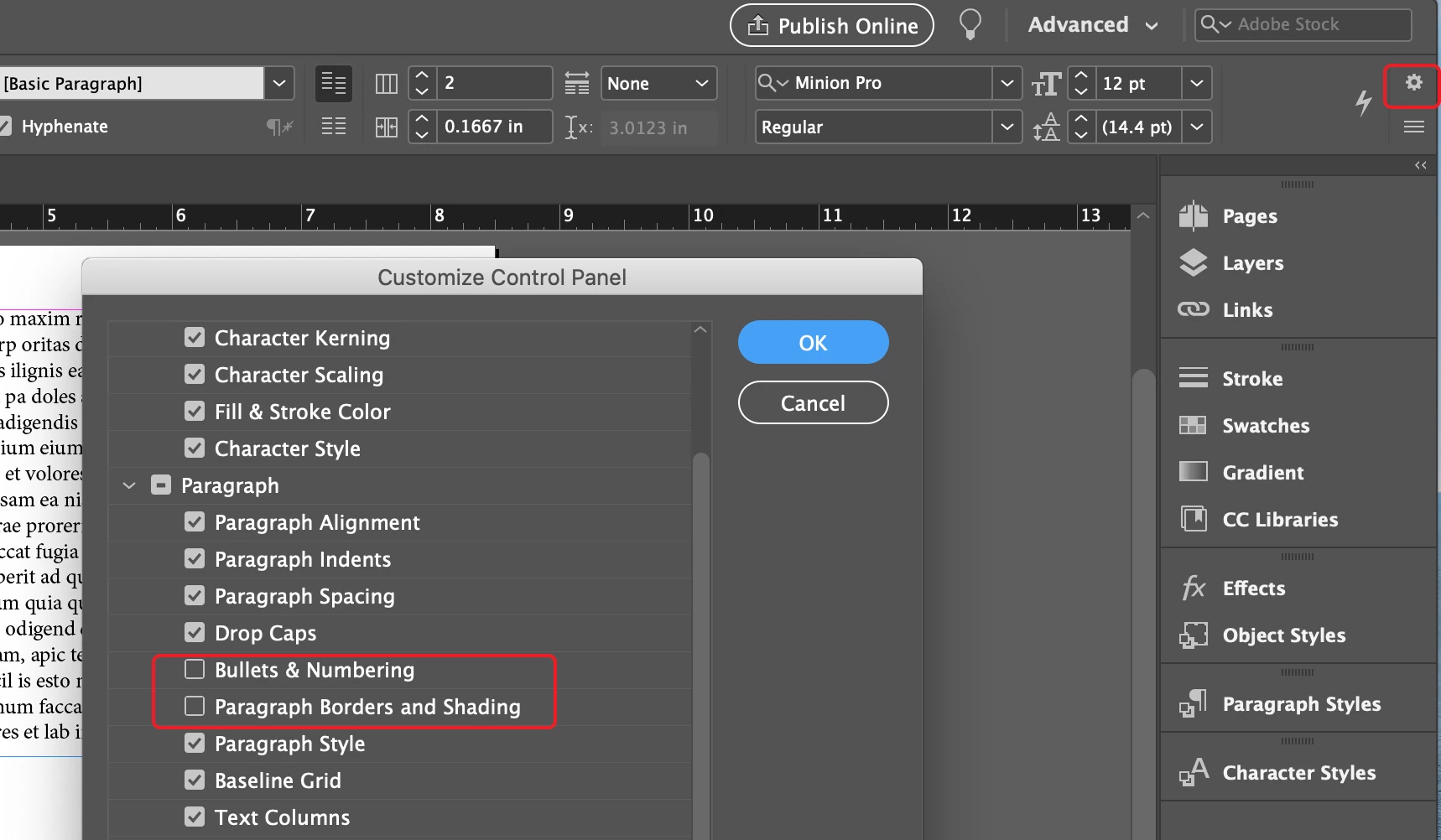
It appears that because of the size and resolution of your monitor, there is not room to display the Baseline Grid settings in the Control Panel unless you turn off some of the controls to the left of it on the panel (Baseline Grid is to the right side of the display).


You can click on the gear icon (circled below) and choose Customize Control Panel. Then turn off controls which you are not using like the ones circled below. That will give you enough room to display the controls you need:
 

1 reply

Rishabh_Tiwari
Legend
December 25, 2019

Hi there,


Thanks for reaching out. I would request if you can share a few more details like:


  1. The exact version of InDesign and the macOS.
  2. You can also try resetting the preferences for InDesign by following the steps below:
  • Close all Adobe applications 
  • Go to Locations:  
  • ~/Library/Caches 
  • ~/Library/Preferences 
  • Rename Adobe InDesign and com.adobe.indesign to Adobe InDesign.old and com.adobe.indesign.old 
  • Launch InDesign from the CC 


Regards

Rishabh

Hosun
HosunAuthor
Inspiring
December 25, 2019

Hi,


Thank you very much for your reply.


My InDesign's version is 15.0.1.

My OS is Windows 10.


I attached a screenshot of my monitor.


Hosun Kang


Steve Werner
Community Expert
Steve WernerCommunity ExpertCorrect answer
Community Expert
December 25, 2019

It appears that because of the size and resolution of your monitor, there is not room to display the Baseline Grid settings in the Control Panel unless you turn off some of the controls to the left of it on the panel (Baseline Grid is to the right side of the display).


You can click on the gear icon (circled below) and choose Customize Control Panel. Then turn off controls which you are not using like the ones circled below. That will give you enough room to display the controls you need:
