Inspiring
November 16, 2019
Answered

Ungroup object moves it down a layer

  • November 16, 2019
  • 3 replies
  • 916 views

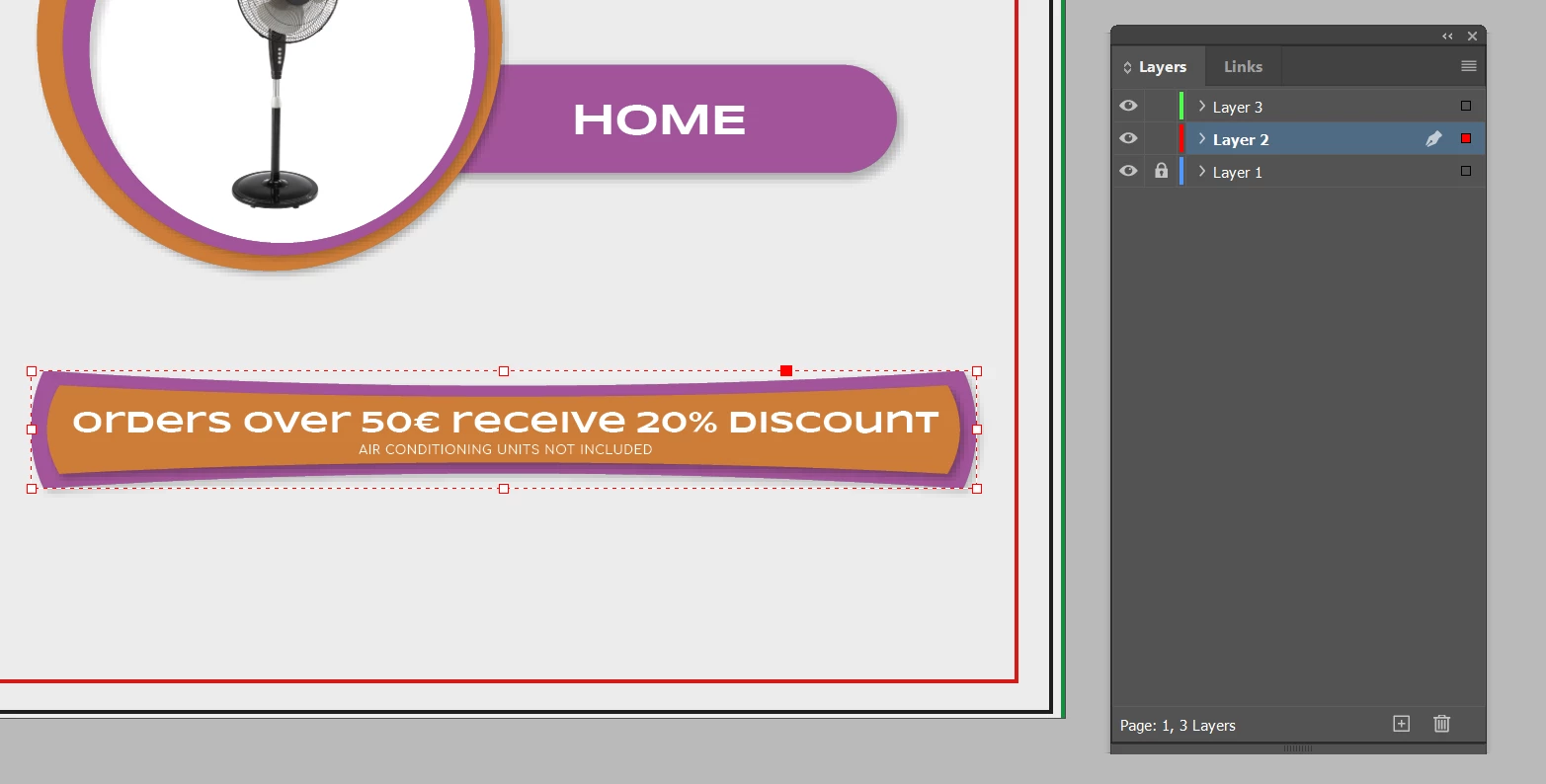
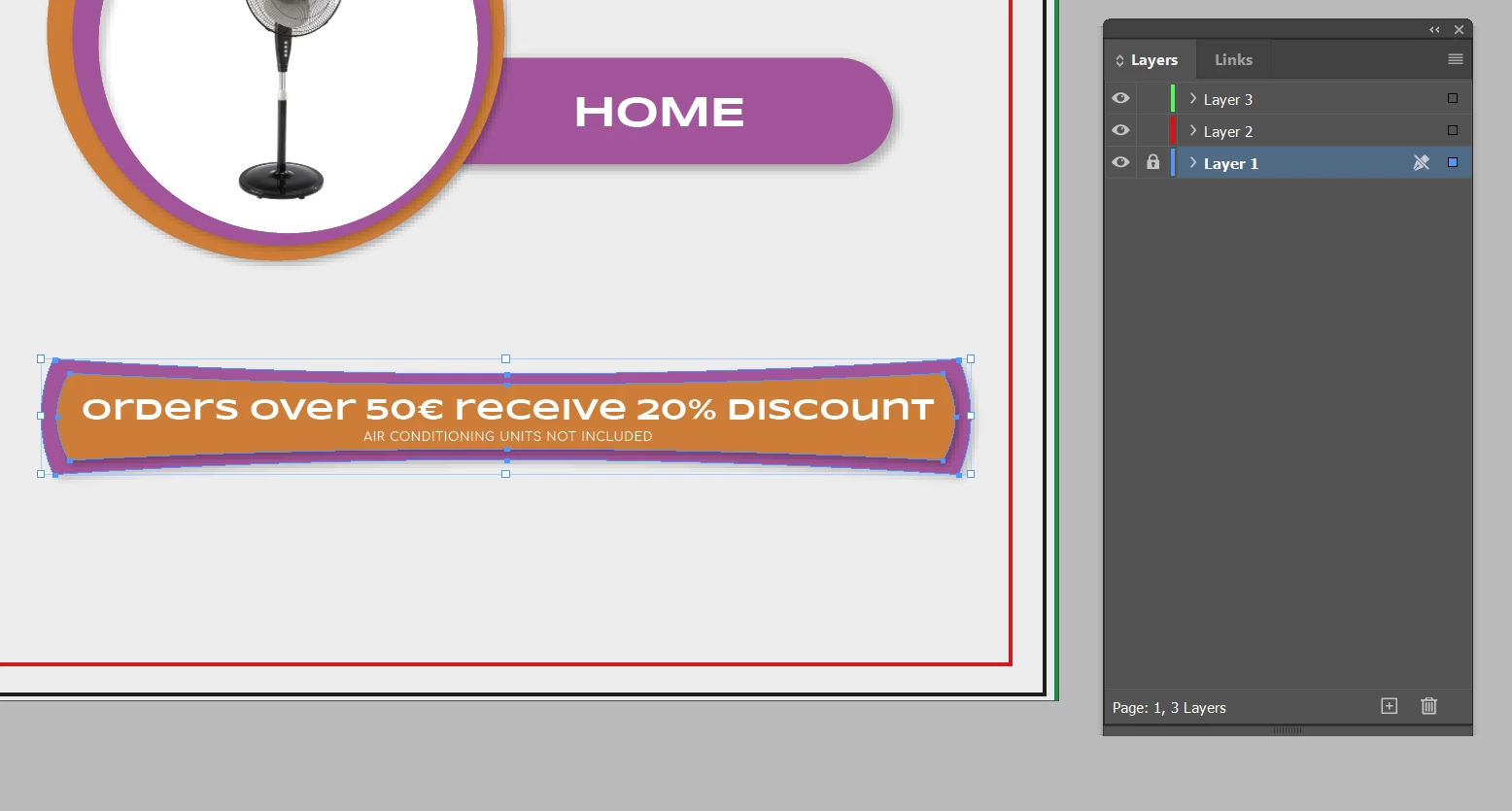
When you ungroup a layer in design moves it down a layer even when this layer is locked,
This topic has been closed for replies.
Correct answer BobLevine

You probably have ungroup remembers layers enabled.

3 replies

Mike Witherell
Community Expert
Community Expert
November 17, 2019

Look to uncheck it in the Layers Panel menu button (upper right button in Layers Panel)

Mike Witherell
BobLevine
Community Expert
BobLevineCommunity ExpertCorrect answer
Community Expert
November 17, 2019

You probably have ungroup remembers layers enabled.

Participant
July 23, 2021

That worked for me. Why is that even a thing?

BobLevine
Community Expert
Community Expert
July 23, 2021

Because it was a highly requested feature.

Participating Frequently
November 17, 2019

I also have the same issue with new photoshop. You select a layer, and it moves down another layer. extremely annoying!


Barb Binder
Community Expert
Community Expert
November 17, 2019

Hi Heather, this is the InDesign forum. If you have a Photoshop issue, please ask it here:

https://community.adobe.com/t5/photoshop/bd-p/photoshop


~Barb

~Barb at Rocky Mountain Training
Participating Frequently
November 17, 2019

thank you Barb, I'm a newbie to this community....  : )
