
Answered
Unwanted black page borders
I am trying to make a B5 sized book, which I am printing the pages out for onto A4 paper (2 pages per sheet) InDesign has put a black borders around all of my pages so when I export it as a pdf and I print the document, each B5 page has a black frame around it. I don't know how this has happened and I want to get rid of the frame so I can just print my spreads out onto A4 without these lines in the middle where I am going to bind. How do I change this so the document isn't set up like that?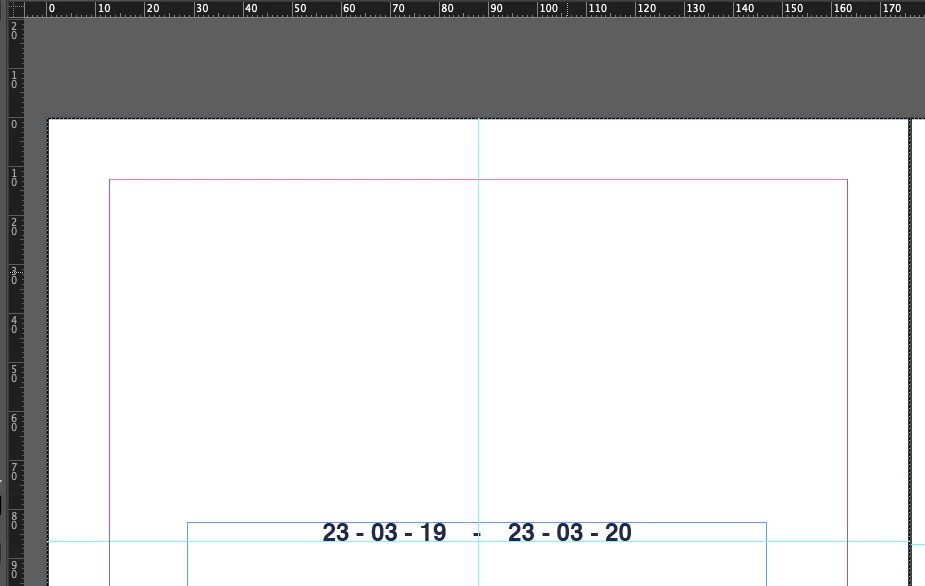

 AdChoices