
Participant
February 26, 2020
Answered

Unwanted black page borders

  • February 26, 2020
  • 2 replies
  • 11003 views

I am trying to make a B5 sized book, which I am printing the pages out for onto A4 paper (2 pages per sheet) InDesign has put a black borders around all of my pages so when I export it as a pdf and I print the document, each B5 page has a black frame around it. I don't know how this has happened and I want to get rid of the frame so I can just print my spreads out onto A4 without these lines in the middle where I am going to bind. How do I change this so the document isn't set up like that?
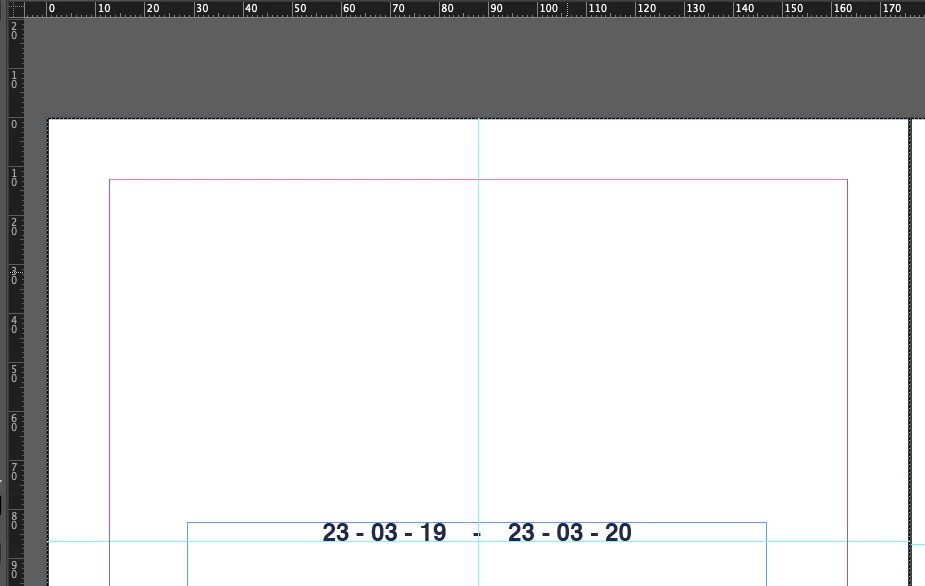

This topic has been closed for replies.
Correct answer Jongware

Do you see that the frame edge is dotted? That means your border is on your master pages. Somebody (it might not have been you – but InDesign does not do this on its own!) has added a rectangle to the master pages with the exact size of each page, and it got the default no fill and black border.

The solution is to select this rectangle on your master pages, then delete it.

2 replies

Jongware
Community Expert
JongwareCommunity ExpertCorrect answer
Community Expert
February 26, 2020

Do you see that the frame edge is dotted? That means your border is on your master pages. Somebody (it might not have been you – but InDesign does not do this on its own!) has added a rectangle to the master pages with the exact size of each page, and it got the default no fill and black border.

The solution is to select this rectangle on your master pages, then delete it.

EllisTAuthor
Participant
February 26, 2020

Thanks so much ! Just managed to delete them - I don't know how that happened ahaha!

Known Participant
August 25, 2021

InDesign shows a drop shadow (that black border on the right and bottom of the page that you described) on pages in normal view. It will disappear if you shift into one of the preview modes.


I'm not sure what the other thing you described is, Can you post a screnn capture, please?


Thank you so much for your reply. This morning I screen shared with an Adobe person who confirmed what you have written about the black border, saying it's called a "slandered" edge. I swear I had not noticed it at first, until the other matter arosez 

The other matter, regarding weird appearance of facing pages Master spread, in which pages underneath were poking out at the bottom,  was a technical glitch in that file, apparently. 

I am brand new to InDesign, and the glitch drove me crazy, coz I assumed I must have (and might well have, given all the blimd clicking about I was doing) made it and should figure out how to solve it.  Also, the menu across the top (Control) was not showing at first, until I found a Youtube vid which explained that you need to to activate it and showed how. I had even cleaned Adobe from my computer and then dowloaded it again.  But glitch was still there.  All teething problems. Happily, Adobe screenshare with a tech helpdesk person put me out of my misery! 

Community Expert
February 26, 2020

Have you selected Print Page Border shown here at the bottom.