Copy link to clipboard
Copied
I'm getting odd results when using the fit to content command with my script. It shrinks down my text frame to almost nothing. My script places a graphics, then creates a text frame below the graphics for a caption. It pulls the caption info from my file using bridgetalk. Here's the section of the script:
bt.onResult = function(msg){
var capArray = msg.body.split('zzzz');
capFrame.contents = (capArray[0] + ' ' + capArray[1] + '. '+ capArray[2].split('.')[0])}
capFrame.fit(FitOptions.FRAME_TO_CONTENT);
If I comment out line 4, I get this:
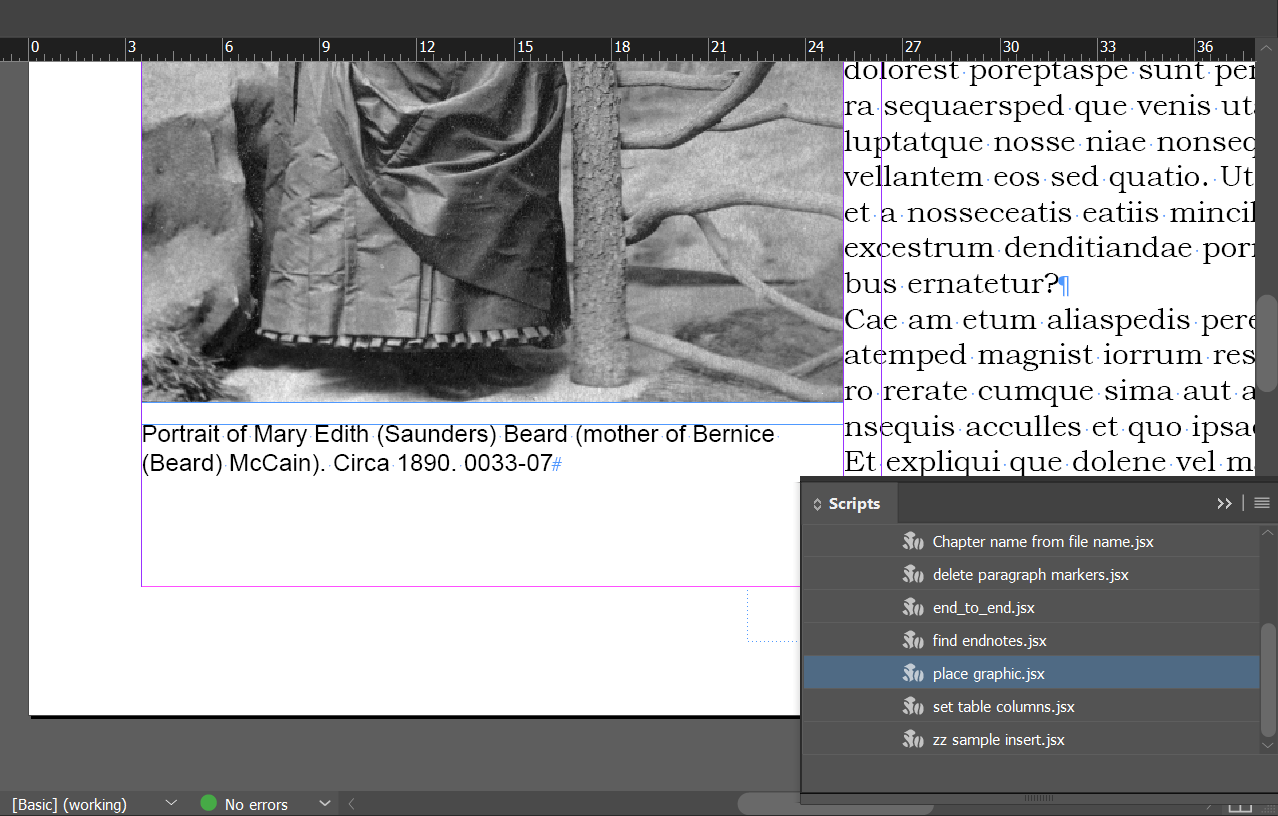
However, when I try and use the fit code in line 4, I get this:


Hi chuck,
First of all, you try to do this.
If then your textFrame in behaving fine then you can script,
capFrame.textFramePreferences.autoSizingReferencePoint = AutoSizingReferenceEnum.TOP_LEFT_POINT;
capFrame.textFramePreferences.autoSizingType = AutoSizingTypeEnum.HEIGHT_AND_WIDTH;
capFrame.fit(FitOptions.FRAME_TO_CONTENT);
Copy link to clipboard
Copied
Hi chuck,
First of all, you try to do this.
If then your textFrame in behaving fine then you can script,
capFrame.textFramePreferences.autoSizingReferencePoint = AutoSizingReferenceEnum.TOP_LEFT_POINT;
capFrame.textFramePreferences.autoSizingType = AutoSizingTypeEnum.HEIGHT_AND_WIDTH;
capFrame.fit(FitOptions.FRAME_TO_CONTENT);
Copy link to clipboard
Copied
No. It's either lines 1 and 2, or line 3. Not both.
Copy link to clipboard
Copied
The above example didn't really work the way I wanted. I had to change HEIGHT_AND_WIDTH to HEIGHT_ONLY. Peter, you were right that I only needed 1 or 2, but I did have line 3 originally, and that was not working for some reason. Thanks to both of you for your help!
Get ready! An upgraded Adobe Community experience is coming in January.
Learn more

