

Question
View multi-page spreads on pasteboard with gap between each page
Hello! I feel this should be a simple answer, but I've been trying to find a solution for almost an hour now and I'm at a wall.
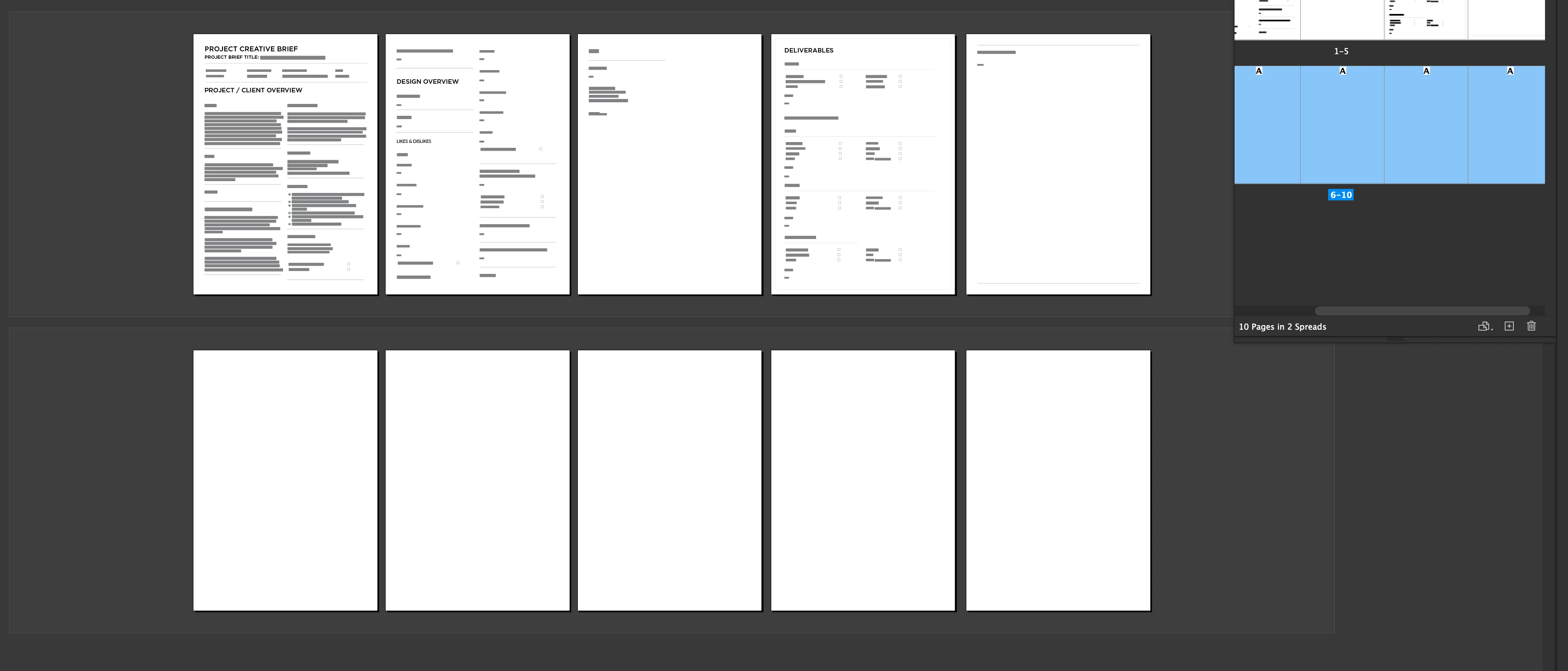
I'm trying to understand how to set up a multiple-page spread on a pasteboard with gaps between the pages, so I can bleed off the edges without spilling into the page beside it. These are all going to be printed as single-page sell sheets, and I just want to see them side-by-side with bleeds.
I know this is possible, because of a downloaded a creative brief template that is set up to view this way (screenshot attached). I'm trying to reverse-engineer the initial document setup, but I can't figure it out. 😛 ::sigh::
Many thanks to any who reply!
 AdChoices