Inspiring
November 28, 2022
Answered

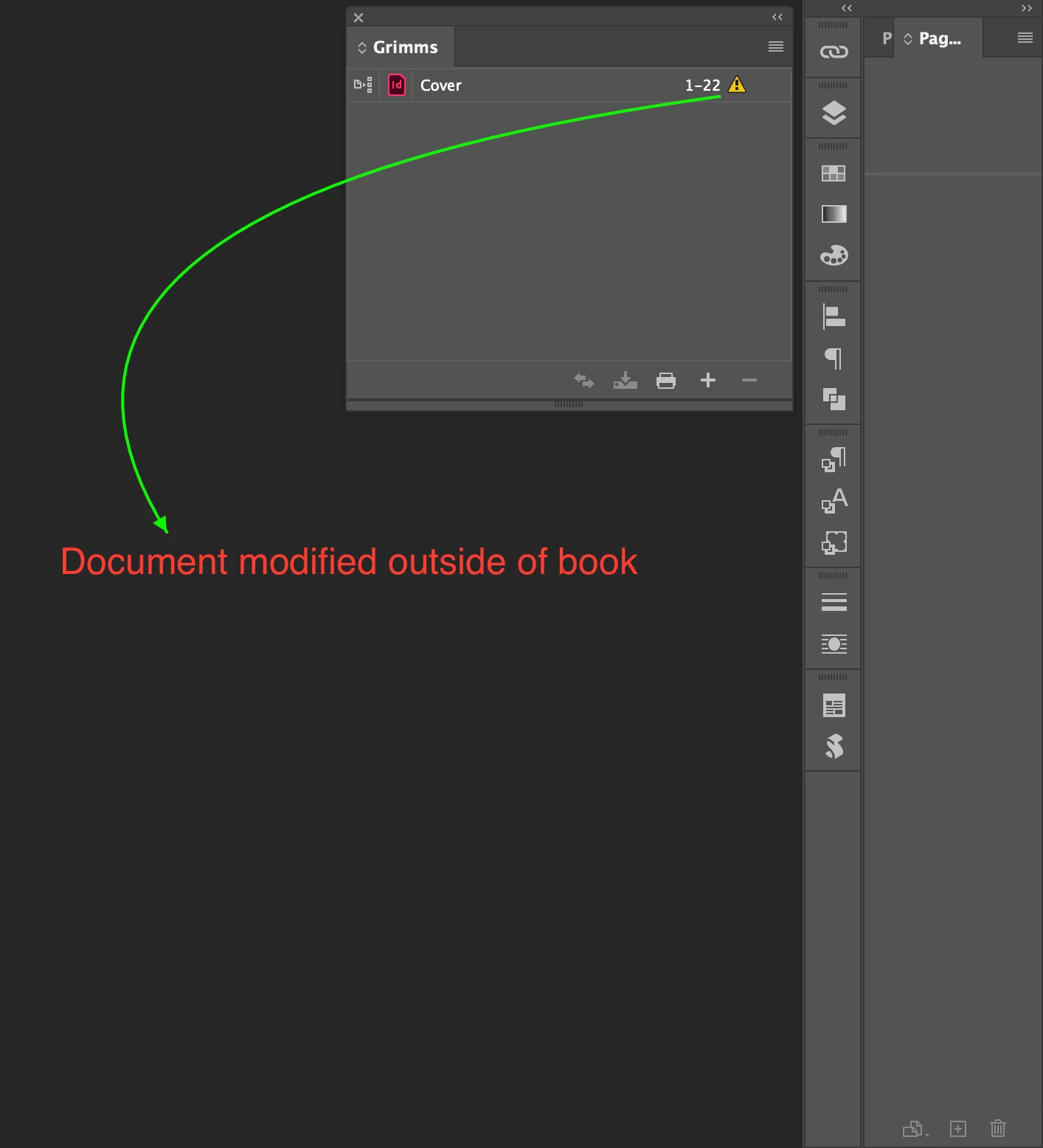
warning sign in book panel

  • November 28, 2022
  • 2 replies
  • 2100 views

Hi,


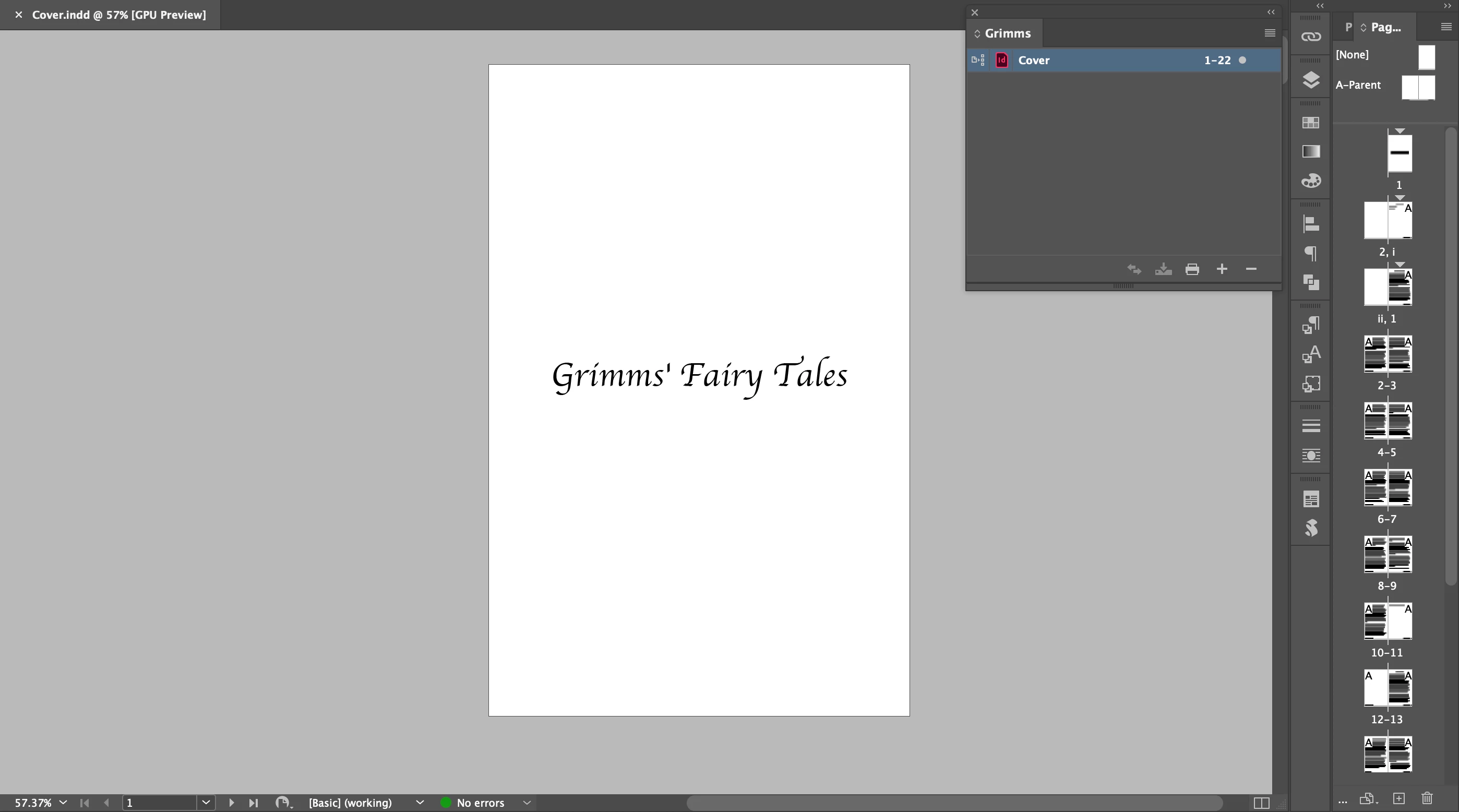
After combining three INDD files into Cover.indd, I reponed Grimms.indb.

I see a warning sign.

After I open Cover.indd, it looks fine.


What's going on?


Hosun
 

This topic has been closed for replies.
Correct answer Scott Falkner

When a book file is open and you modify a file in that book the book file will note the change (number of pages, starting page number, styles, swatches, etc.). This is needed to make sure the book file can keep everything up to date, for example if the second document is supposed to continue page numbering then the book file needs to know how many pages are in the first file and what page number it ends with. If you modify the InDesign document while the book file is not open InDesign will not know what has changed and how that affects the rest of the book, even if nothing significant changed. Open the book file and then double-click on any documents with warning flags. This will open them and update the Book file.

2 replies

James Gifford—NitroPress
Legend
November 28, 2022

Just in case it's not clear, you do not need to use a Book file. A single INDD document is completely standalone for all development, design and export purposes. It does not need to be "enclosed" in an INDB file at all.


Inspiring
November 29, 2022

Hi,


I reduced INDD files into one single file and exported to EPUB.

But the links on the Table of Contents are missing and the EPUB still starts with page 3.


I think I'd rather do over from a single file.


Hosun


James Gifford—NitroPress
Legend
November 30, 2022

Hi,


I placed Table of Contents on page 3 and achored it to Title on page 1.

It looks not OK.


What did I do wrong?


Hosun


It can be a little bit tricky to get anchored objects to go and stay where you want them. In this case, create a style that breaks to the next page (use the body style, and make a variant with the break). Then anchor the TOC to that style and adjust the TOC frame size and position to stay on that page.


Scott Falkner
Community Expert
Scott FalknerCommunity ExpertCorrect answer
Community Expert
November 28, 2022

When a book file is open and you modify a file in that book the book file will note the change (number of pages, starting page number, styles, swatches, etc.). This is needed to make sure the book file can keep everything up to date, for example if the second document is supposed to continue page numbering then the book file needs to know how many pages are in the first file and what page number it ends with. If you modify the InDesign document while the book file is not open InDesign will not know what has changed and how that affects the rest of the book, even if nothing significant changed. Open the book file and then double-click on any documents with warning flags. This will open them and update the Book file.