Answered
WHAT ARE THESE LOCKED FILESALL ABOUT?
What are these locked files all about?
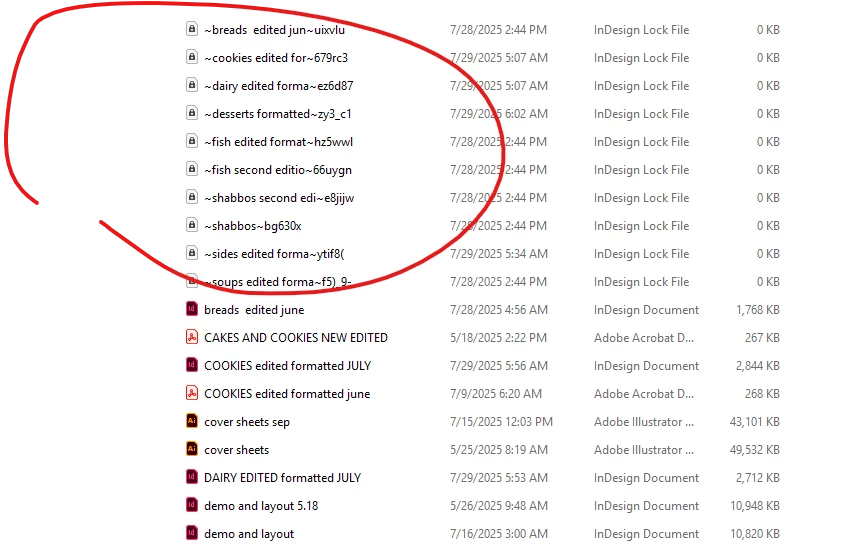

What are these locked files all about?
Hi @hendy_5450,
Those are InDesign's temporary lock files. They get created every time you open an INDD file to prevent two people from editing the same file at once. Normally, they disappear automatically when you close the document.
If they stick around, it usually means InDesign didn't close properly or the file was on a shared/network drive and didn't release the lock. You can go ahead and delete the leftover .idlk files after making sure the actual INDD file isn't open anywhere. It won't harm your document.
Once you do that, everything should be back to normal.
If they keep showing up even after that, let me know.
Abhishek
Already have an account? Login
Enter your E-mail address. We'll send you an e-mail with instructions to reset your password.
 AdChoices