
jodie-asks
Participant
August 8, 2018
Answered

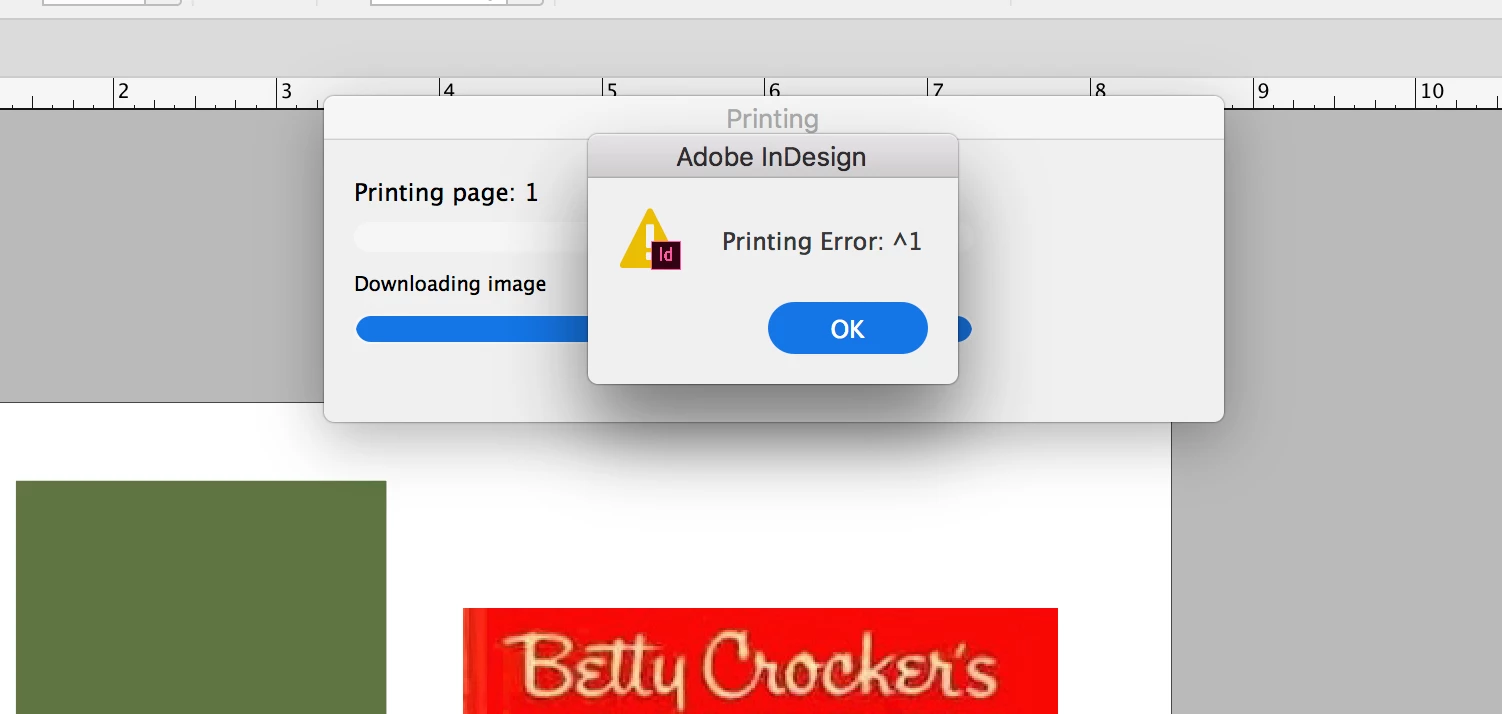
What is Printing Error: ^1

  • August 8, 2018
  • 5 replies
  • 4526 views

Every so often a document refuses to print. I am on Mac High Sierra. InDesign CC. All have latest updates as of July 2018.

I have tried trashing the preferences; restarting the program; clearing missing fonts and font conflicts. I'm almost positive this is a document-level issue since other documents will print. Since it appears to have stopped during "Downloading image" could this be a link issue? Any insights are appreciated. The last person to post about this issue a few years ago didn't bother to post the resolution.
This topic has been closed for replies.
Correct answer wrodrigo

Hi, Jodie and others getting this error message,

I got this error message with a 32 page InDesign document, for which I was attempting to print the first two pages. I quickly discovered that other pages would print without giving the error message. I narrowed it down to page 1 as having the problem. As the page was made up of various text frames, I made a fresh page, and then started moving text frames over to the new page one by one, attempting to print the page after each new element was added. In this way I was able to narrow the problem to one particular text frame. Although InDesign was not indicating a font problem in Preflight, changing the font in that one text frame solved the problem.

I hope this will help the next person who encounters Printing Error: ^1

Roderick Graciano

Timothy Ministries

5 replies

Participant
April 12, 2024

100% a font error for me. just ouline fonts and it worked.

Participant
January 2, 2021

I have this same problem as Jodie.  Just purchased Creative Suite at end of 2020. Any file with the Caslon540SwaD font will not print and I get Printer Error: ^1. If I change the font, it will print but I need this particular font to print.


barbarat83622946
Participant
October 9, 2019

OK after preflighting, find font etc. etc. I also had a large document, I sent small batches to the printer and when the error popped up I isolated the font until the document printed with a new printable font then deleted those problem childs from my font book. This error was driving us CRAZY!!!

wrodrigoCorrect answer
Participant
June 8, 2019

Hi, Jodie and others getting this error message,

I got this error message with a 32 page InDesign document, for which I was attempting to print the first two pages. I quickly discovered that other pages would print without giving the error message. I narrowed it down to page 1 as having the problem. As the page was made up of various text frames, I made a fresh page, and then started moving text frames over to the new page one by one, attempting to print the page after each new element was added. In this way I was able to narrow the problem to one particular text frame. Although InDesign was not indicating a font problem in Preflight, changing the font in that one text frame solved the problem.

I hope this will help the next person who encounters Printing Error: ^1

Roderick Graciano

Timothy Ministries

Community Expert
June 9, 2019

Hi Roderick,

can you give more details?

Exact InDesign version?

Operating system version?

Font used, version of font etc.pp.

( as you can see the info in Type > Find Font… menu of InDesign )

Thanks,
Uwe

Participant
June 9, 2019

Uwe,

I'm using InDesign CC 14.0.1 on an iMac with OS Mojave, version 10.14.5.

The problem font, in this case, was BlacklightD Regular, version 001.005.

Any number of other fonts would have solved the problem, but I replaced the bad font with Comic Sans MS Regular, version 5.00x.

Happy publishing,

Roderick

Srishti Bali
Community Manager
Community Manager
August 23, 2018

Hi Jodie,

We are sorry that you ran into this issue. As you mentioned above that other documents are printing fine, this looks like a file specific issue. Would you mind sharing your file? If not, please upload it to Creative Cloud/ Google Drive/ Dropbox and share direct download link.

Regards,

Srishti

Participant
October 19, 2018

We're having this problem with nearly all of our files since the 2019 update! Please help!