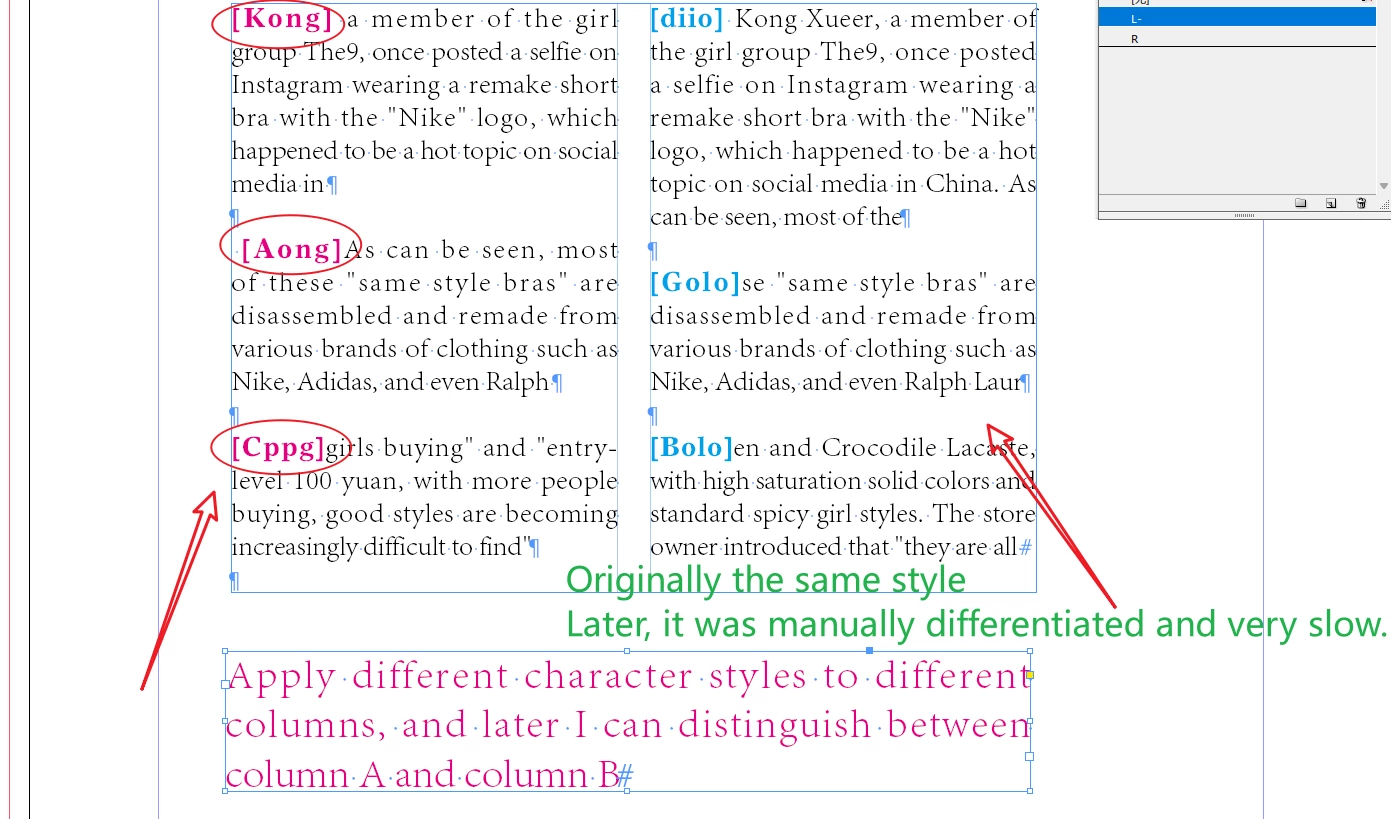
Determining the column index of some text is something that comes back regularly. In this case, to apply a character style to some text based on its column index can be done as follows:
cstyles = [
  app.activeDocument.characterStyles.item('A'),
  app.activeDocument.characterStyles.item('B'),
  app.activeDocument.characterStyles.item('C'),
];

app.findGrepPreferences = null;
app.findGrepPreferences.appliedCharacterStyle
  = app.activeDocument.characterStyles.item ('AAA');

instances = app.activeDocument.findGrep();

for (i = 0; i < instances.length; i++) {
  columnIndex = instances[i].parentStory.insertionPoints.itemByRange (
    instances[i].parentTextFrames[0].insertionPoints[0].index,
    instances[i].index
  ).textColumns.length-1;
  instances[i].appliedCharacterStyle = cstyles[columnIndex];
}
In other words, you count the number of columns between the parent frame's first insertion point and the text's first insertion point. (The script can be made more efficient by working story by story, but that doesn't change the basic principle of getting a column index.)


 AdChoices