
Participating Frequently
March 29, 2025
Question

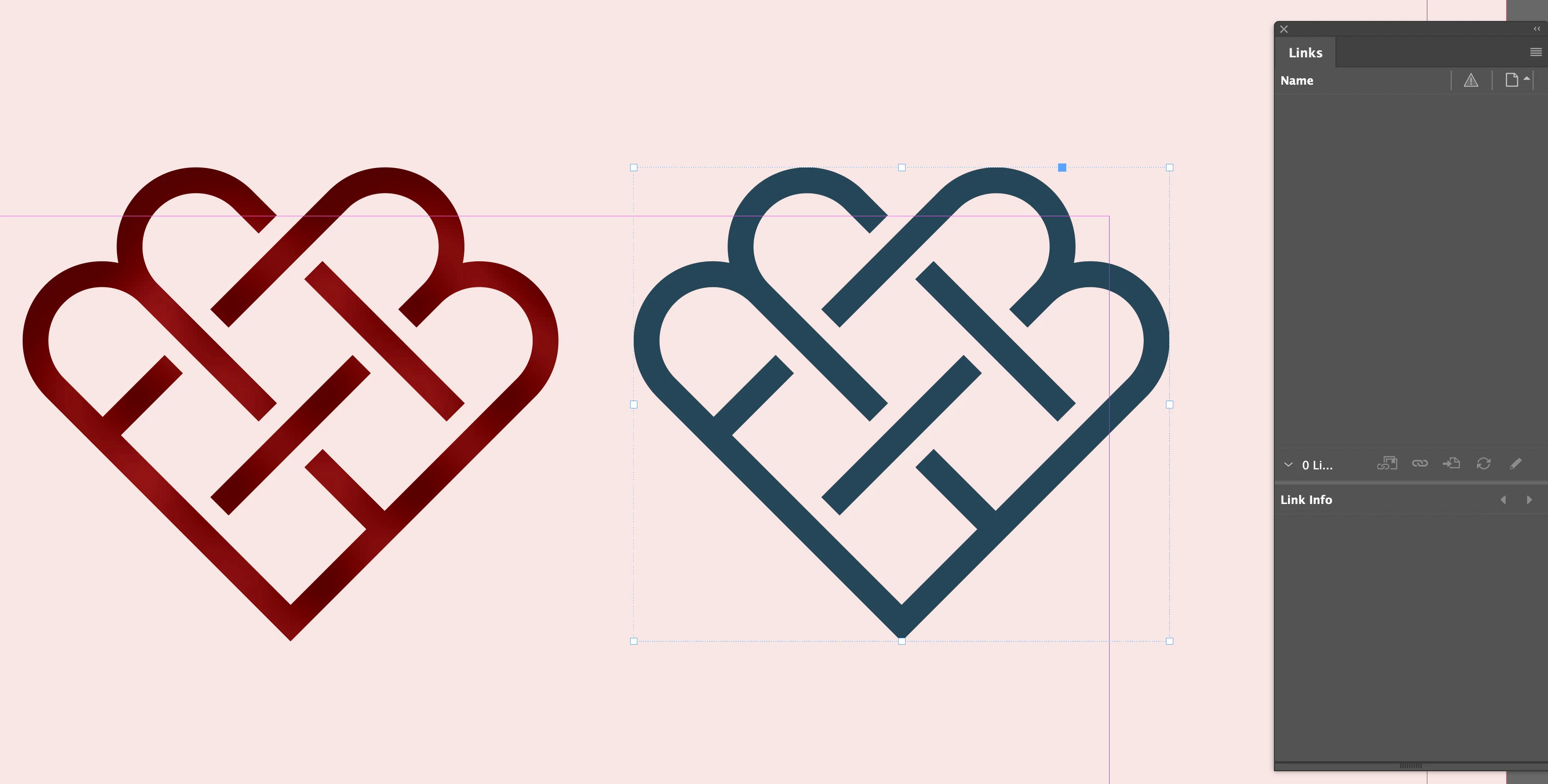
What is this object> Looks like a graphic....

  • March 29, 2025
  • 4 replies
  • 462 views

Hi all!


What is this object? It looks like a graphic, but as you can see, when the object is selected it does not show up in the LINKS panel. I can change the colour as you can see, it's a mottled colour, but still can be changed. When I export, it does not show up in the links folder.


Any ideas?
4 replies

Robert at ID-Tasker
Legend
March 29, 2025

@marekw80645926


Try clicking on the object with the Direct Selection Tool. 


Participating Frequently
March 29, 2025

I did. I athink the previous designer created this in In InDesign, so it's not a seperate file. Why they did that I have no idea, makes no send to me if I was to re-use that asset in different platforms!

Robert at ID-Tasker
Legend
March 29, 2025
quote

I did. I athink the previous designer created this in In InDesign, so it's not a seperate file. Why they did that I have no idea, makes no send to me if I was to re-use that asset in different platforms!


By @marekw80645926


You can always select this object and export it - as a selection and as JPEG / PNG / PDF - then use it somewhere else. 


Mike Witherell
Community Expert
Community Expert
March 29, 2025

Vector shapes copy n pasted from Illustrator to InDesign do not create a link in the Links panel. Better to name and save an AI file and File > Place the .ai graphic so that you can have a Link and so that you can Edit > Original and be able to manage the graphic separately.

Mike Witherell
Participating Frequently
March 29, 2025

thanks! Tried that but when I clicked on the object, EDIT WITH... was not avilable. Ended up copying it and then pasting in Illustrator. Ended up creating a font with the icons so I have a lot of creative choices, like colour, that I can easily do in Indeosgn and not having to go back to Illustrator to change.


Willi Adelberger
Community Expert
Community Expert
March 29, 2025

It can either be drawn in InDesign or it can be drawn in Illustrator and copied from there and pasted into InDesign. 

Participating Frequently
March 29, 2025

Thanks, I know this but all my Illustrotr files show up in the links panel, so this must have been created directly in InDesign, am I right in assuming this? Thanks again!


Participating Frequently
March 29, 2025

Here's another screen grab, same thing.