

When re-opening my project, lost image resolution on all 'Placed' images.
Cannot figure out how to correct this, even after reading strings-and-strings of conversations, here. Also, reviewed InDesign Guides/Help. If anyone can steer me in the right direction will be greatly appreciated!
Am working on an instuctional guide and have several images 'Placed' throughout the layout. The originals look great - pixel-perfect, and were fine when I first Placed them (cmd-D) on the layout.
After testing Exporting a pdf file, some (but not all) of the images are suffering from loss of detail. (Each was created & handled exactly the same way but some have more detail than others.) Also, now that I have closed and re-opened the file, the images have lost the detail, again, ... . ( big sigh, ... .) I probably changed some preference or setting but have lost track of what, ... .
This project needs to be sent out for review/proof as a PDF and the details in all the images need to be crisp. It is easy to re-do the Placing of the images before trying another Export but it would be nice if I could successfully export the file as a PDF.
What is the first thing to look for?
Is it something I need to correct in the Exporting Dialogue?
Are there any Preferences to be careful using for ?? Compression, File Handling, or Clipboard?
I do not yet have a lot of experience with InDesign but am learning, ... .
Thank-you!
started with an InDesign document template from Adobe ...
macOSCatalina v10.15.7; InDesign 16.0 - Essentials workspace - (currently not using Bridge or InCopy) Do use Photoshop & Lightroom, if that helps.
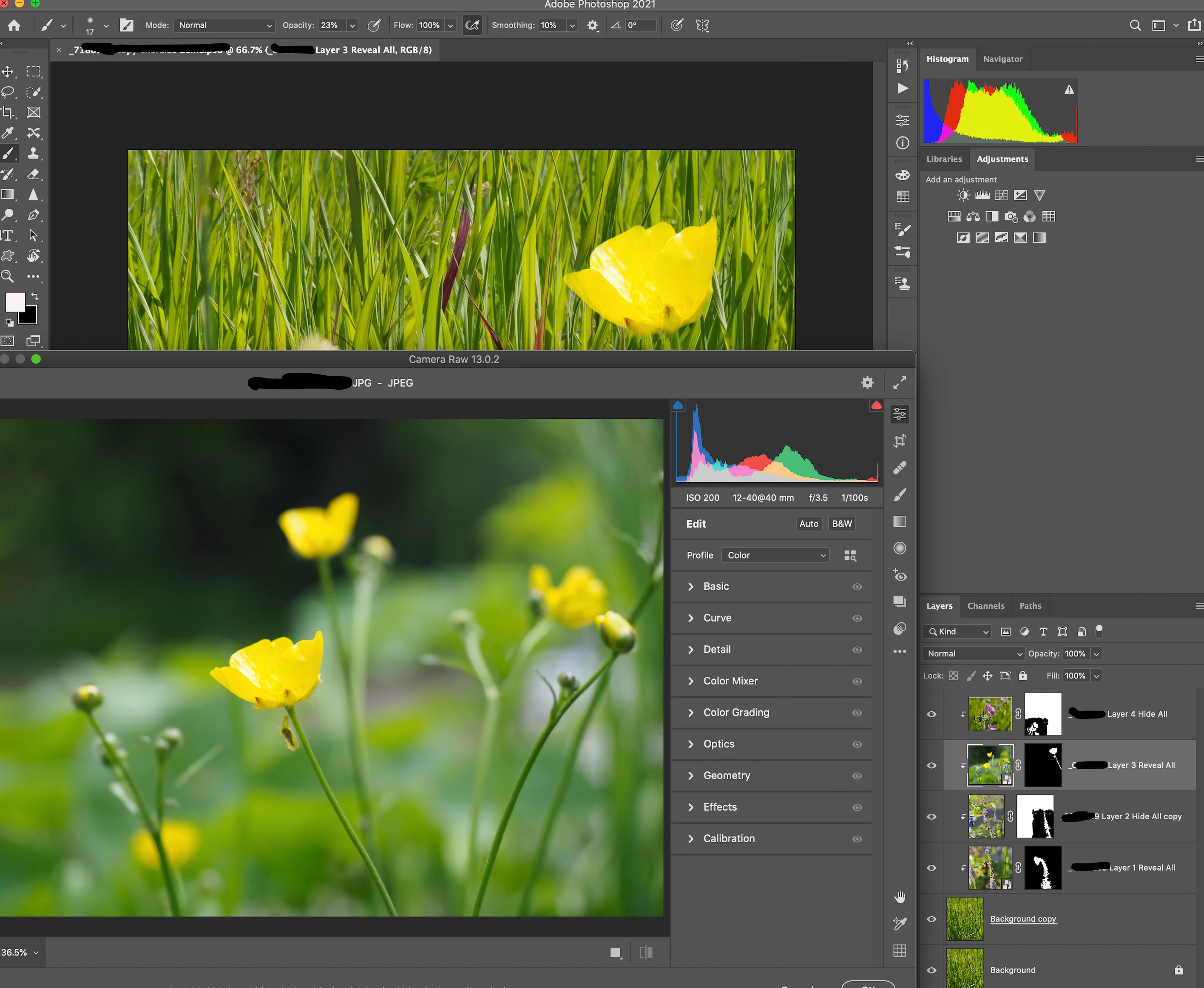
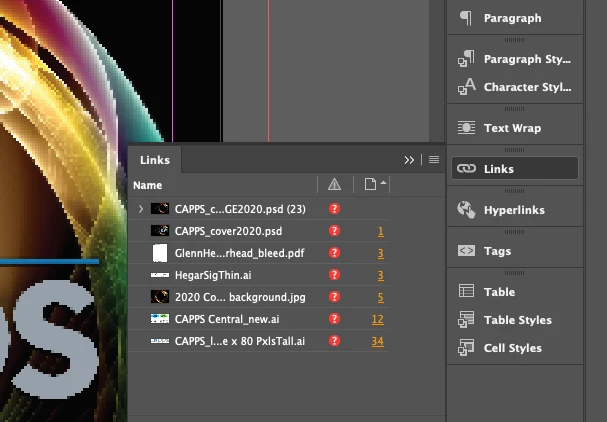
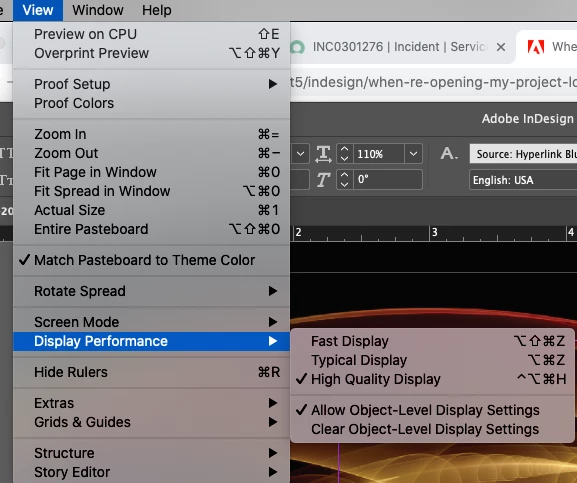
Not sure if this helps, either but two files below: ScreenShot of the original file Place in the InDesign project and screenshot of the sad result now showing in the InDesign workspace which is bitmapped into oblivion.
 AdChoices