
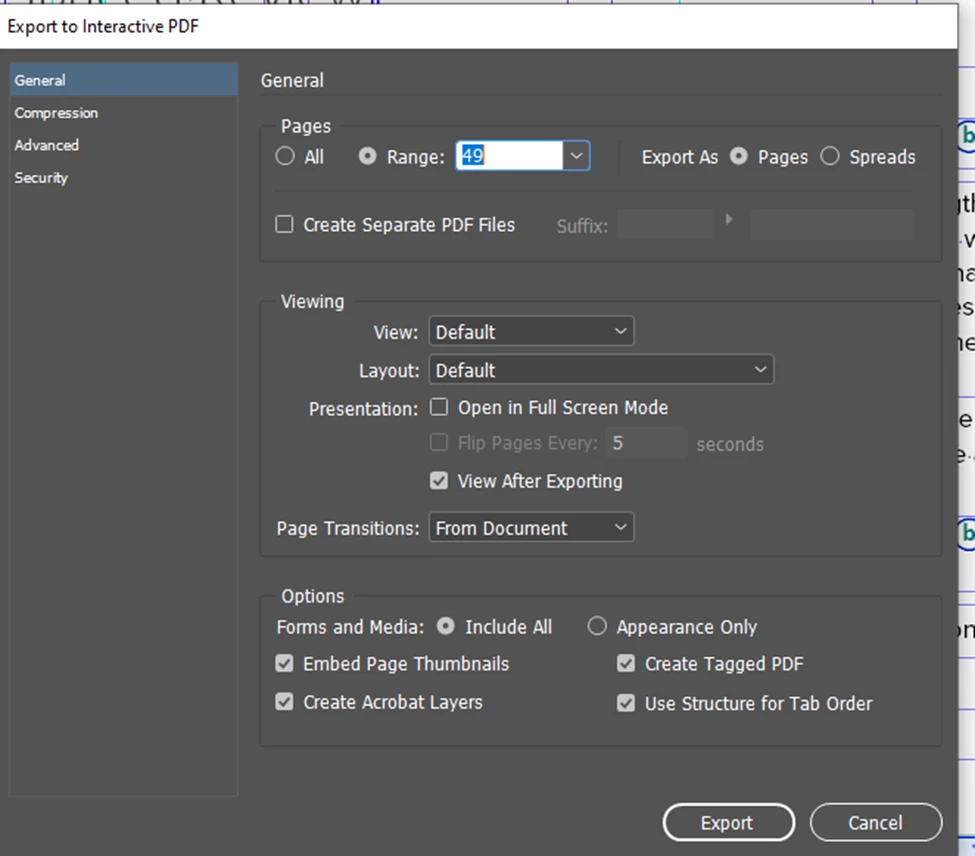
I am exporting Interactive PDF from InDesign as per below setting.
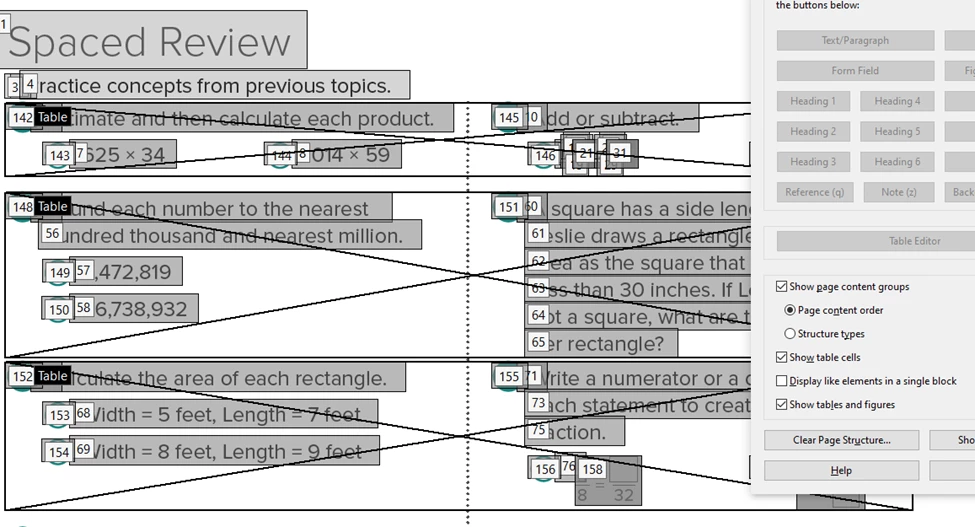
All the reading order is fine excpet the Number list and Alpha list. Instead of reading order number 5 it shows and 142. I also tried using Article option but it does not work. Please refer the below screen shot. We need to manually change the reading order.
Herewith I attached InDesign file and PDF for reference.
First: how is the Tag-order? Is that oke? The logical/reading order you show here is determined bij the Layer order in InDesign. So check the layer order, it 'reads' bottom to top.
Thanks for you quick reply. I have the layers from Bottom to top only, but still I have the same issue. Tag order also I checked I attached the screenshot.
Those are XML tags, nothing to do with Accessibility tags. Those you set in the Paragraph Styles. Check in the tags tree in Adobe Acrobat Pro. Open your layers to show what is in the layer (open the little trangle before the layers name).
But to be honest, and no offence, from your question and answers I can read that you know to little about the subject... You need some proper training on this subject...