New Participant
November 29, 2018
Answered

White space around indesign document

  • November 29, 2018
  • 1 reply
  • 10325 views

Hello everyone,

Since i've updated my indesign, I have a white space around my document and i don't know how to delete this....
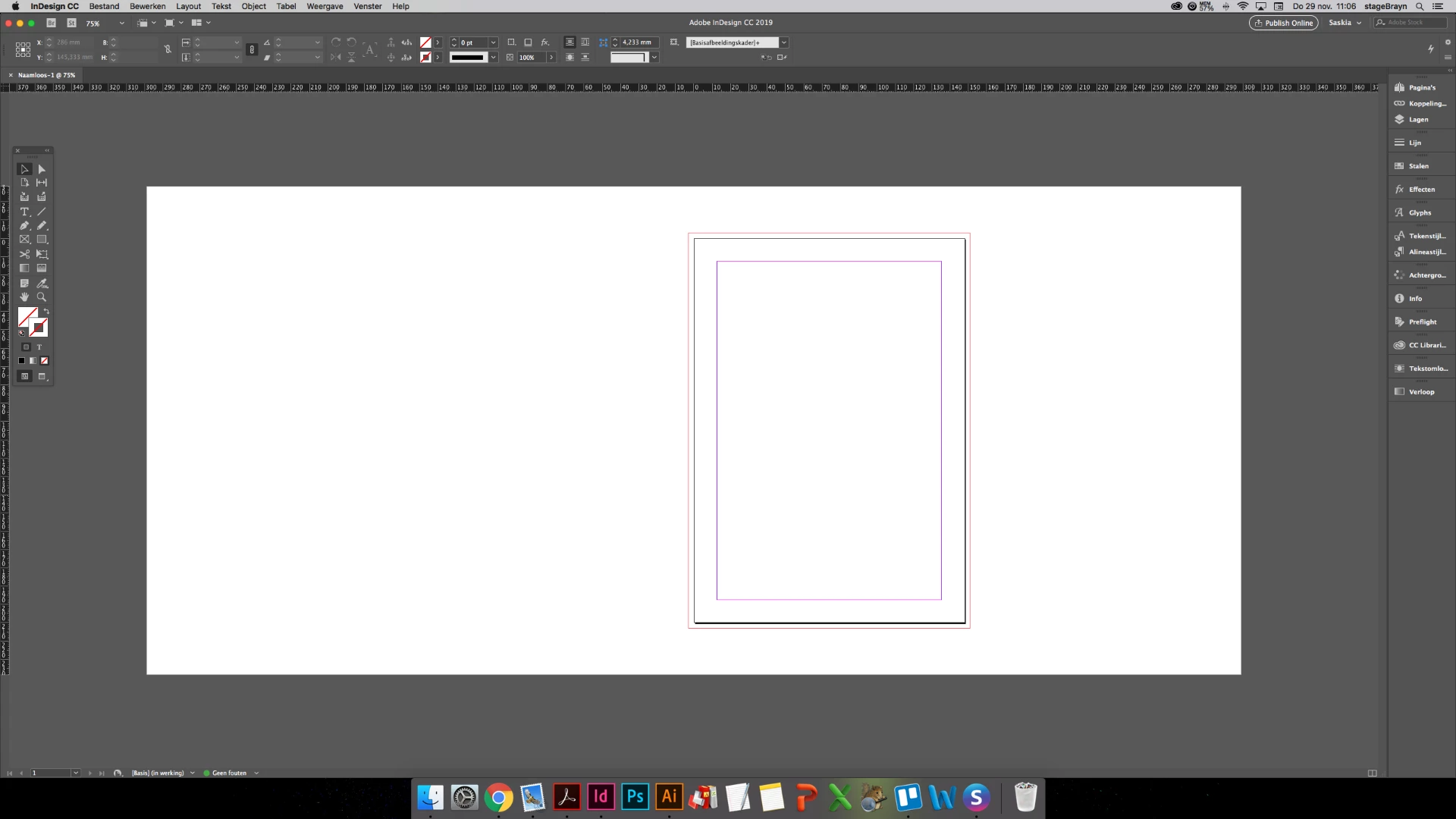
Can someone help me?

Correct answer Laubender

Hi BraynStage ,

look into InDesign's preferences.

User Interface > Appearance

Match Pasteboard to Theme Color

Currently this checkbox is not checked in your preferences…

Regards,
Uwe

1 reply

Jongware
Community Expert
November 29, 2018

You mean the pasteboard? The bleed lines? The space between page edge and margins? These are all interface objects and markers -- you cannot "delete" any, just as you cannot delete one of the tools in the toolbox.

But I guess you are used to work without any of these guides and helpers. Press the 'w' key to toggle to a distraction-free preview workspace.

New Participant
November 29, 2018

Hey,

Thank for the answer but that's not what i mean...

Before the update, there was no white space. I just want to see the levels and layers in my document when i'm in the normal workspace mode. Like this:

But then i want the white part around the document in the same gray collour that's arround the white part...

New Participant
November 29, 2018

Hi BraynStage ,

look into InDesign's preferences.

User Interface > Appearance

Match Pasteboard to Theme Color

Currently this checkbox is not checked in your preferences…

Regards,
Uwe


Yes, it's fixed. Thank you so much!